You are currently viewing documentation for CompuTec ProcessForce 2.0, which will be supported only until December 31, 2026. After this date, the product will no longer receive regular support or maintenance updates.
We recommend upgrading to CompuTec ProcessForce 3.0, which is a plugin installed and managed through CompuTec AppEngine 3.0, built on .NET 8.
However, please note that CompuTec AppEngine 3.0 has a different architecture, and all CompuTec components, including the CompuTec ProcessForce 3.0 plugin, need to be updated together to ensure full compatibility.
Before starting your installation or upgrade process, we strongly recommend reviewing the CompuTec AppEngine 3.0 and CompuTec ProcessForce 3.0 documentation.
Yield – Time calculation
In certain production processes, yield can impact production time.
- The yield value from the Bill of Materials (BOM) header is automatically factored into the planned resource quantity calculation.
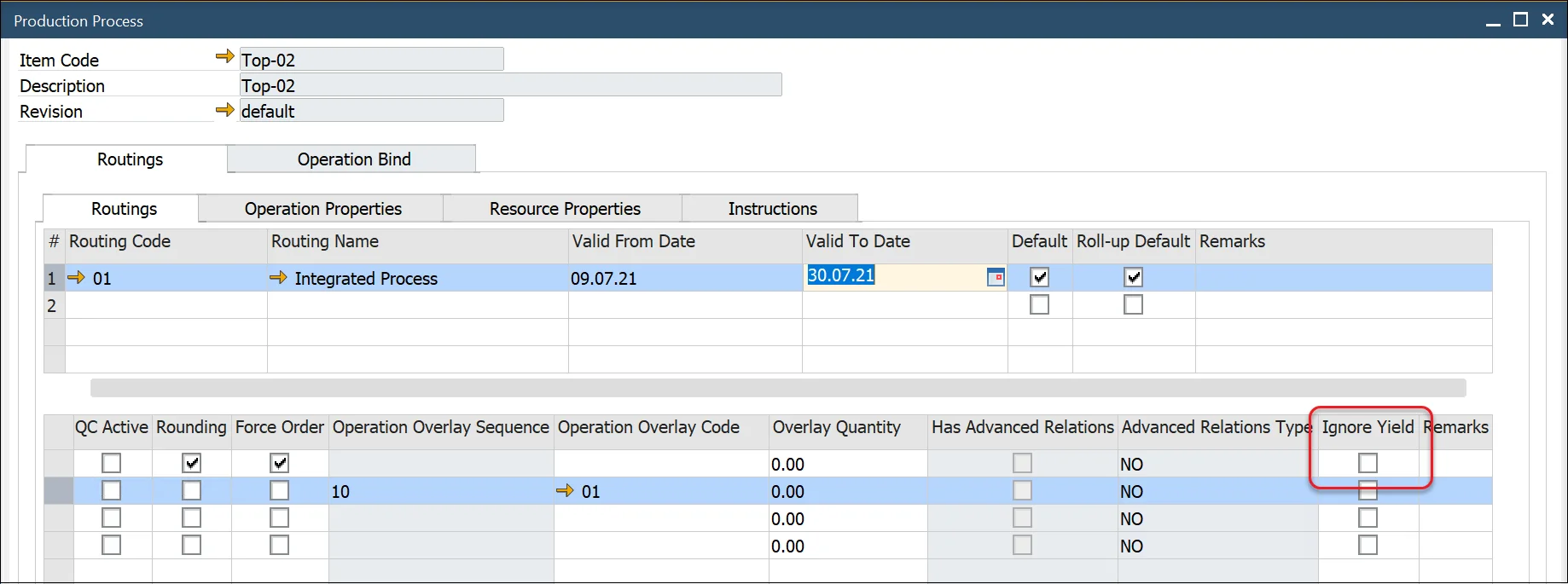
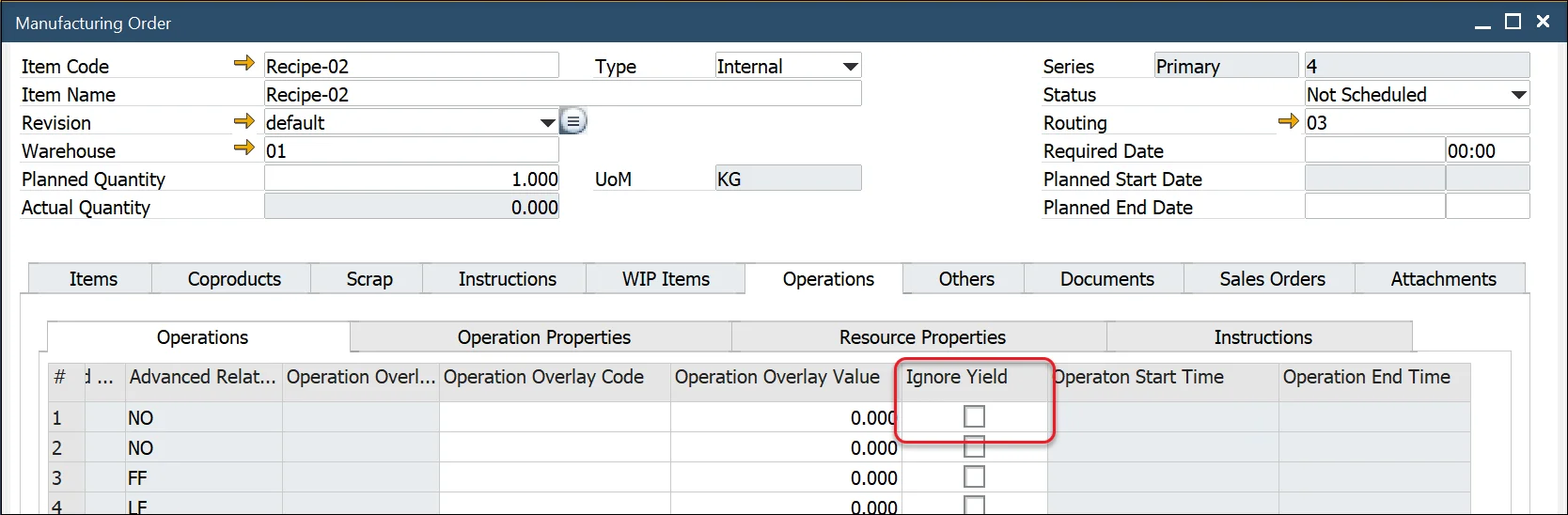
- If the Ignore Yield checkbox is selected, CompuTec ProcessForce will assume a default yield of 100%, ignoring the actual yield value.
Example Calculation:
If Yield = 80%, the system adjusts the planned resource quantity by 1.25 to meet the required output: (1/Yield% = 1/0.8 = 1.25). This ensures that additional resources are allocated to compensate for yield loss.
The default yield setting is copied to the manufacturing order.