You are viewing documentation for CompuTec WMS 2.0, which is supported until December 31, 2026. After this date, it will no longer receive regular support or maintenance updates.
We recommend upgrading to CompuTec WMS 3.0, which runs on CompuTec AppEngine 3.0 (.NET 8).
When upgrading, update all required CompuTec components together to ensure compatibility. Read more
TLS Connection
CompuTec WMS supports the TLS protocol, which ensures secure, encrypted data transfer between clients and servers. TLS operates in a server-client architecture and is designed to verify the server to which the client is connecting, safeguarding the communication channel.
Requirements
To use TLS with CompuTec WMS, the following are required:
- CompuTec License Server - Version 5.10.2.9
- SAP Business One Versions - 9.3 (MS SQL and HANA), 10 (MS SQL and HANA)
- Clients Supported - Windows WMS Client and Windows CE Client
- Port Addresses - TLS and non-TLS connections (The default port for non-TLS usage is 30002)
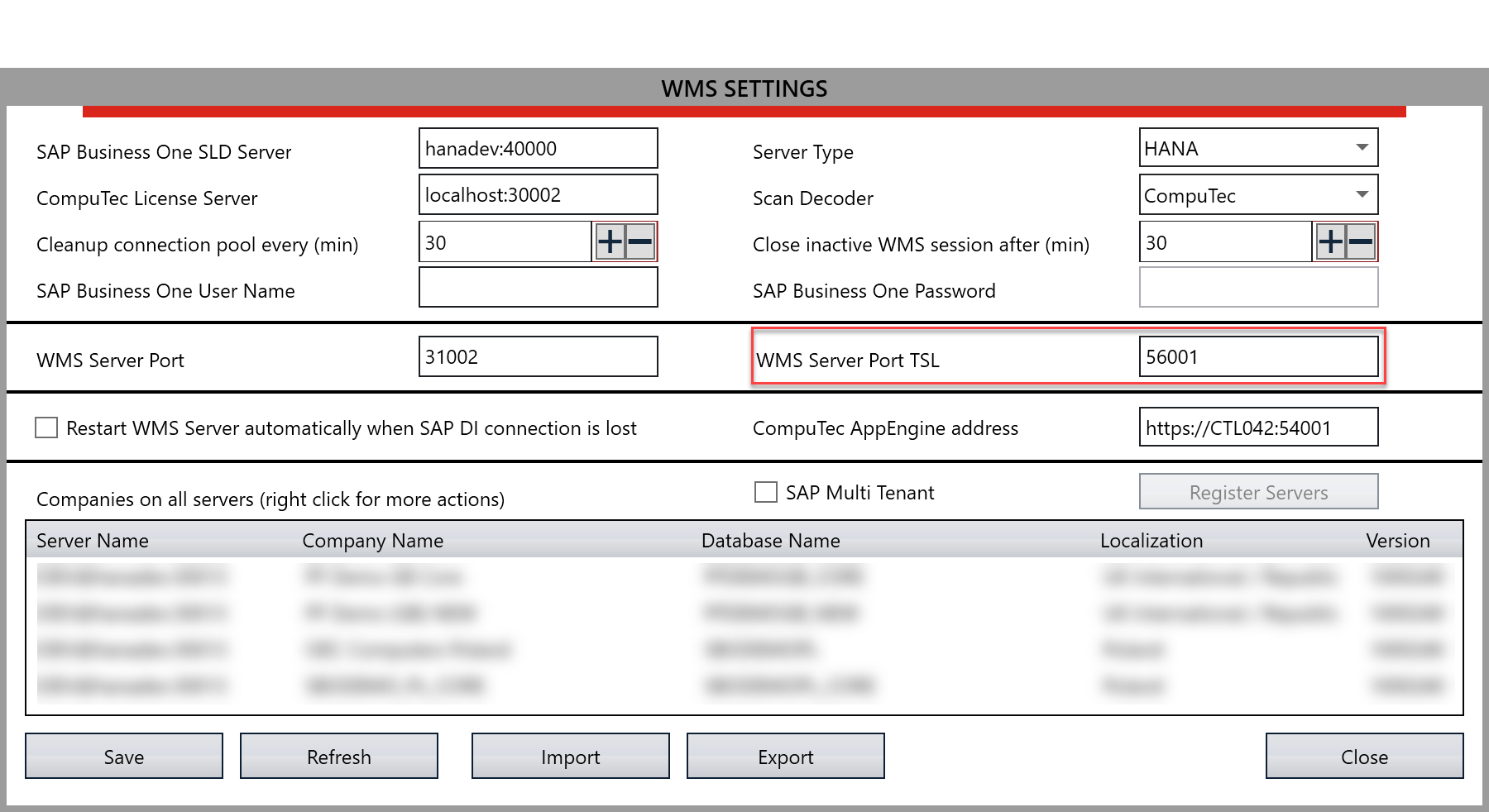
Usage
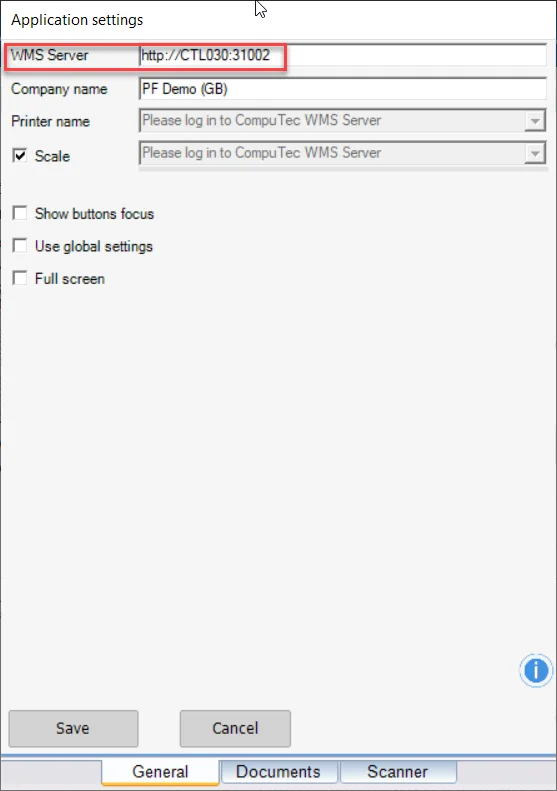
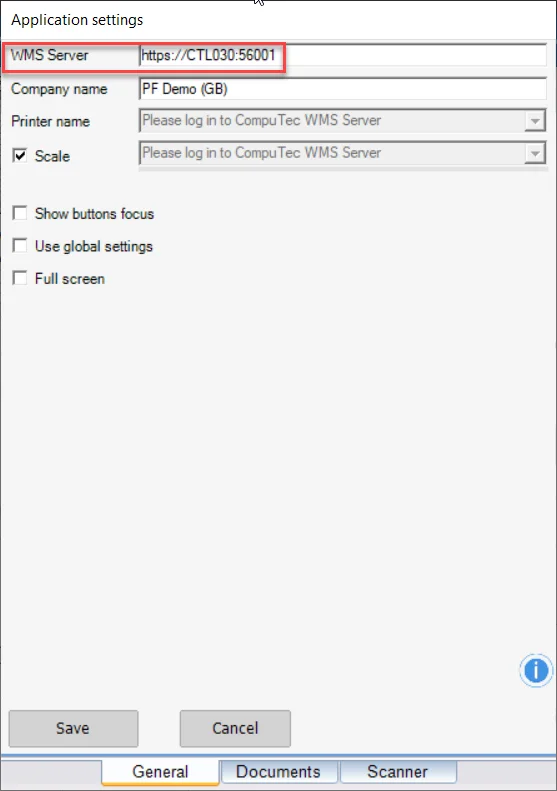
In CompuTec WMS Client settings, choose the required port:
-
Without TLS, use the default HTTP settings, with no changes required.
-
With TLS, Add 'HTTPS' to the connection and change the port accordingly.
-
Ensure that TLS or non-TLS settings are correctly configured on the server. Make the same TLS or non-TLS settings on the mobile device to ensure consistency across devices.