Configure an Email Account
Configure an email account in CompuTec Labels Printing Manager to enable CompuTec Labels to use the account for sending emails.
Before you start
Make sure you have the email account details required for your configuration.
Configure an email account
To configure a new email account, follow these steps:
-
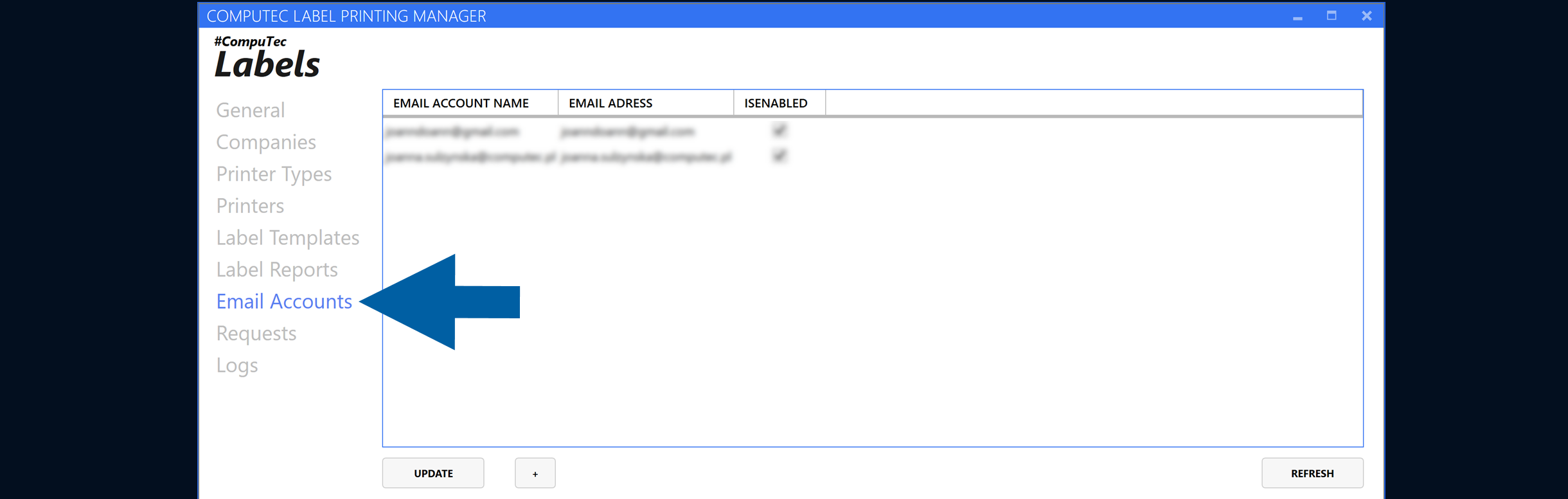
In CompuTec Labels Printing Manager, go to Email Accounts.
-
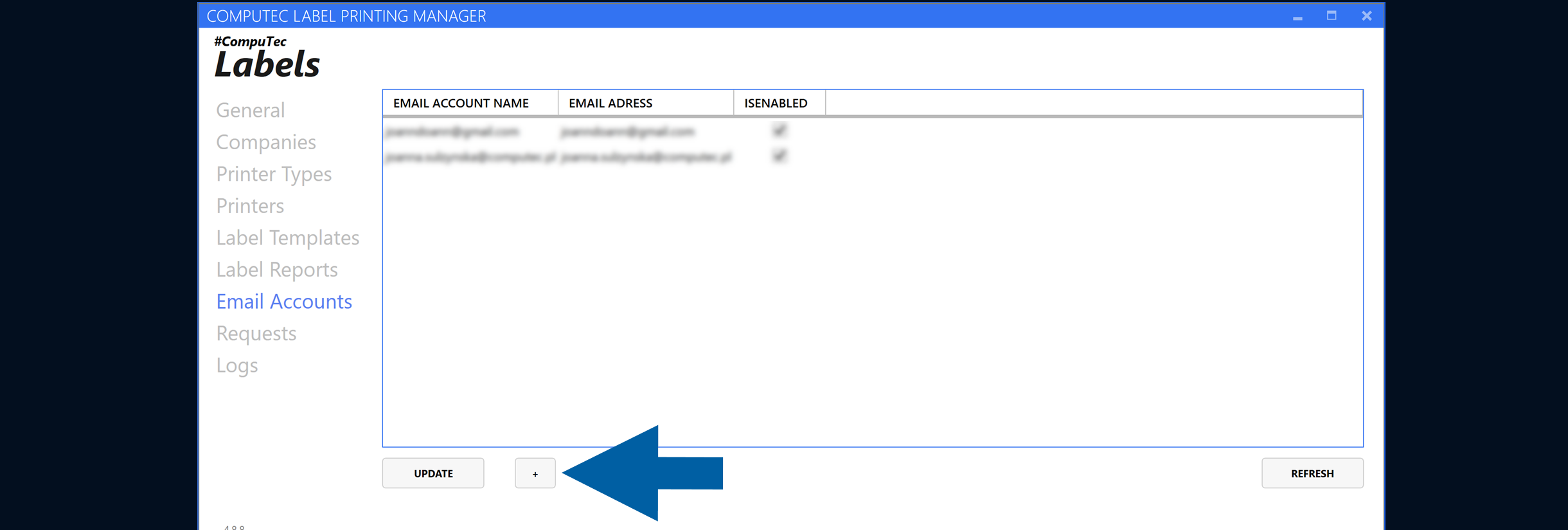
Click the plus (+) icon.
-
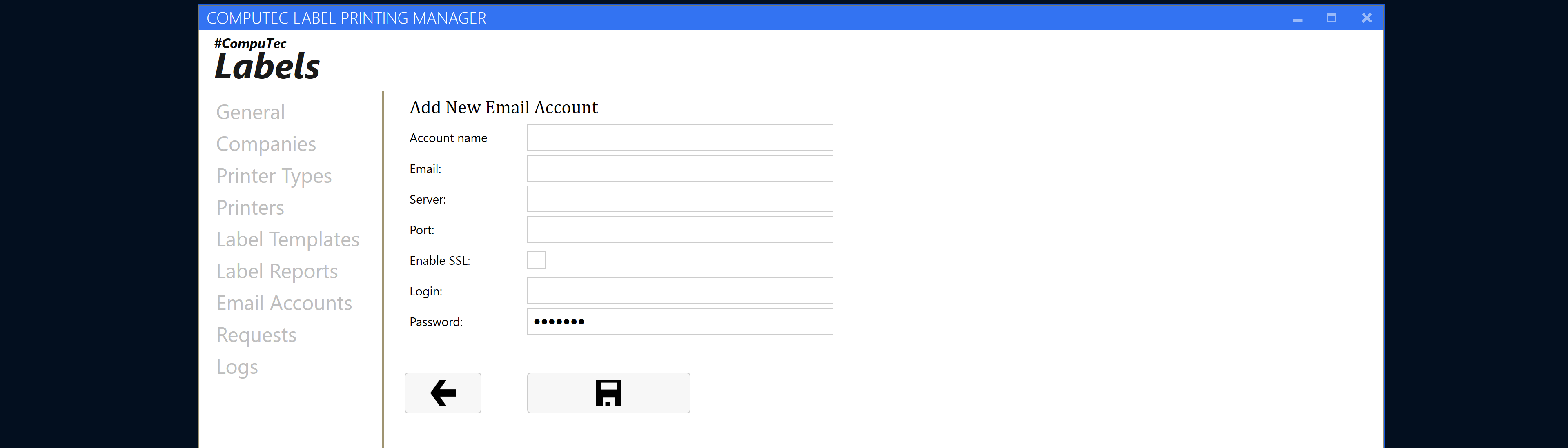
Add the email account details.
-
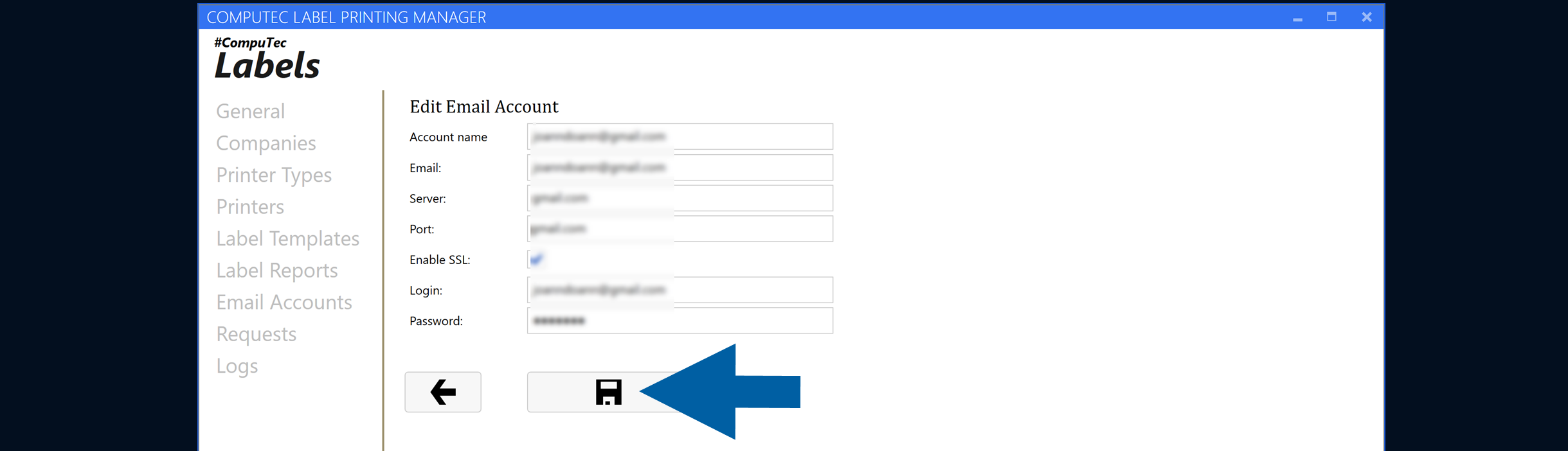
Click the save icon.
Result
The email account is configured and can be selected when you configure email sending in CompuTec Labels.