Attach PDF Reports to Requested Documents
CompuTec Labels can attach a generated PDF report to the document associated with a request.
Use this option when you want to keep the generated report together with the corresponding document.
Before you start
Before enabling PDF attachments:
- Configure the required report.
- Configure the rule that will process the request. Read more
Attach a PDF report to a requested document
To attach a PDF report to a document, follow these steps:
-
Open CompuTec Labels Printing Manager.
-
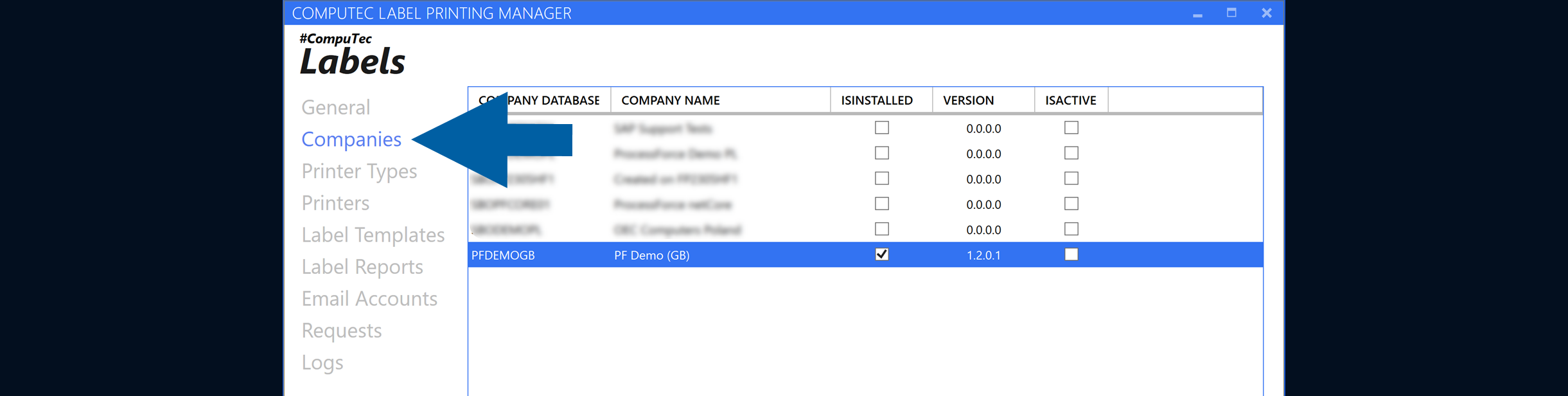
Go to Companies.
-
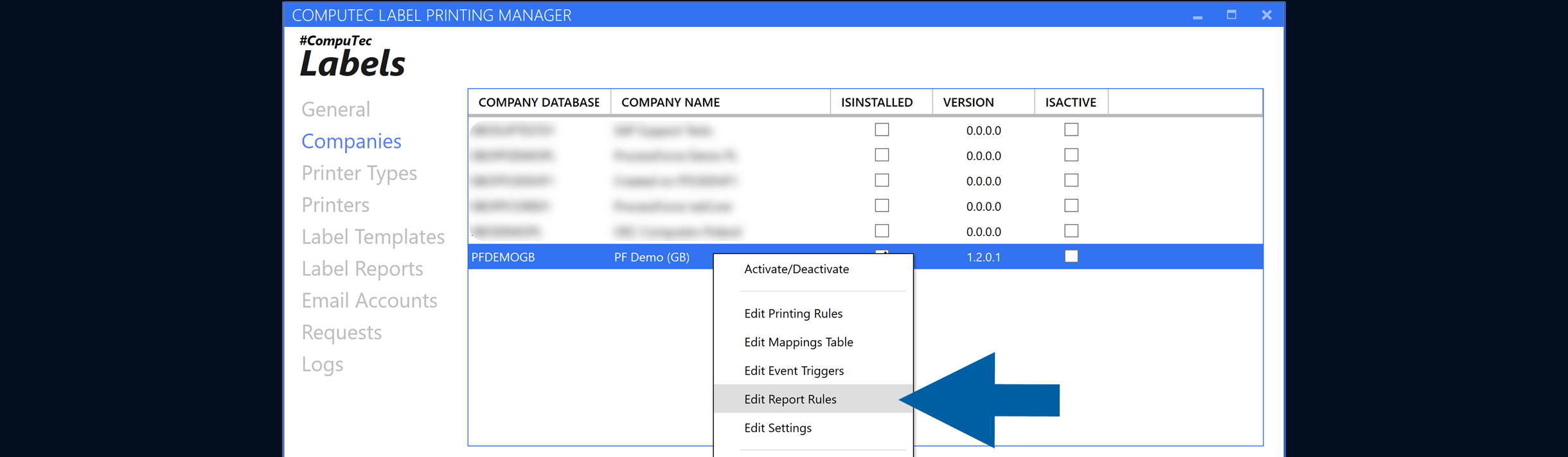
Right-click the company and select Edit Report Rules.
-
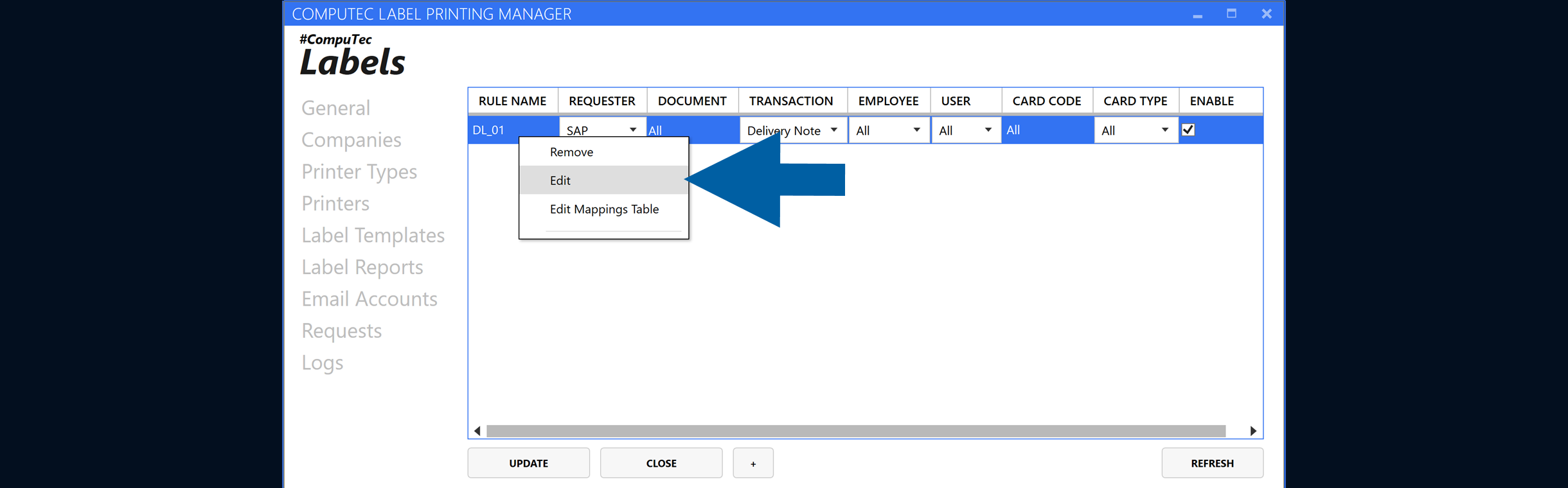
Add a new rule, or right-click an existing rule and select Edit.
-
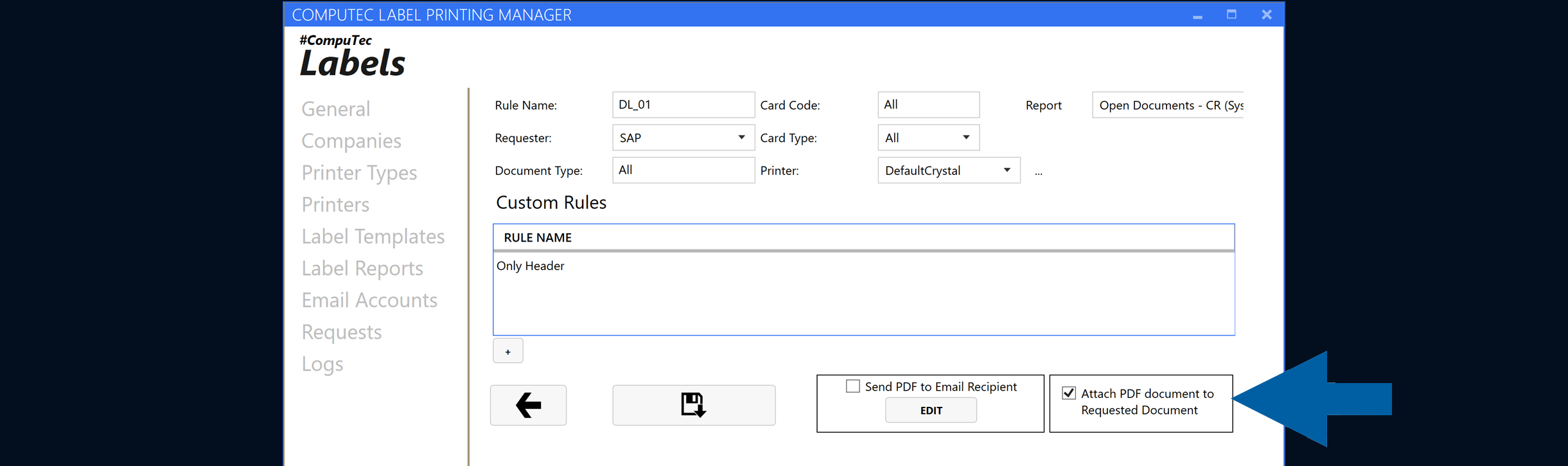
Enable Attach PDF document to Requested Document.
-
Save the rule.
-
Done. Now you can process a request that meets the configured rule conditions.
Result
CompuTec Labels generates the PDF during request processing and attaches it to the requested document.
Additional information
Attaching a PDF to a document and sending a report by email are separate options.
You can enable both options when you want to attach the generated PDF to the requested document and send the report by email.
For email configuration, see Send reports by email.