Review the Requests
The Requests section in CompuTec Labels provides information about label requests and their processing.
Use this section to find a request and review the information associated with it.
Before you start
A request must have been submitted to CompuTec Labels before you can review it in Requests.
Review label requests
To review the requests, follow these steps:
-
Open CompuTec Labels Printer Manager.
-
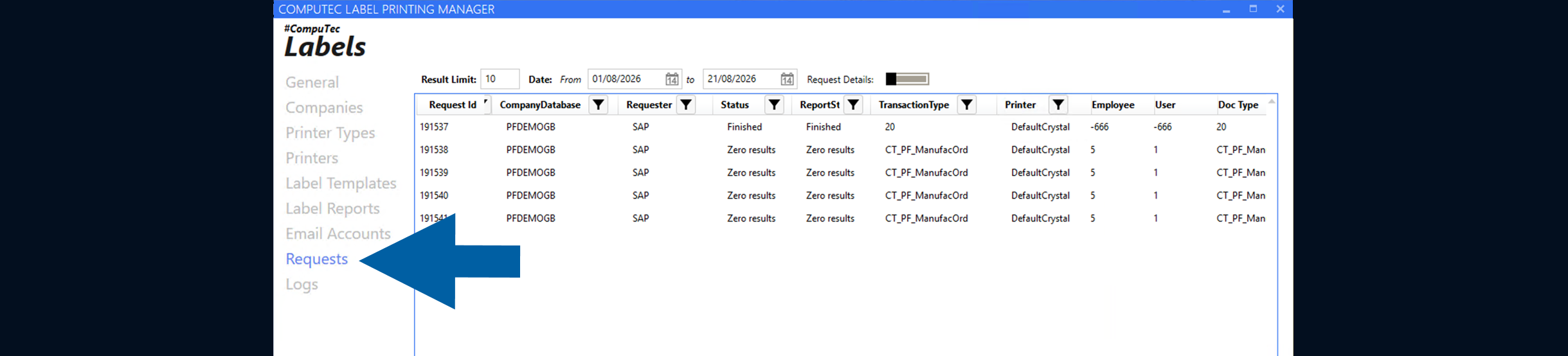
Go to Requests.
-
Find the request that you want to review.
You can use the available filters to narrow down the displayed requests.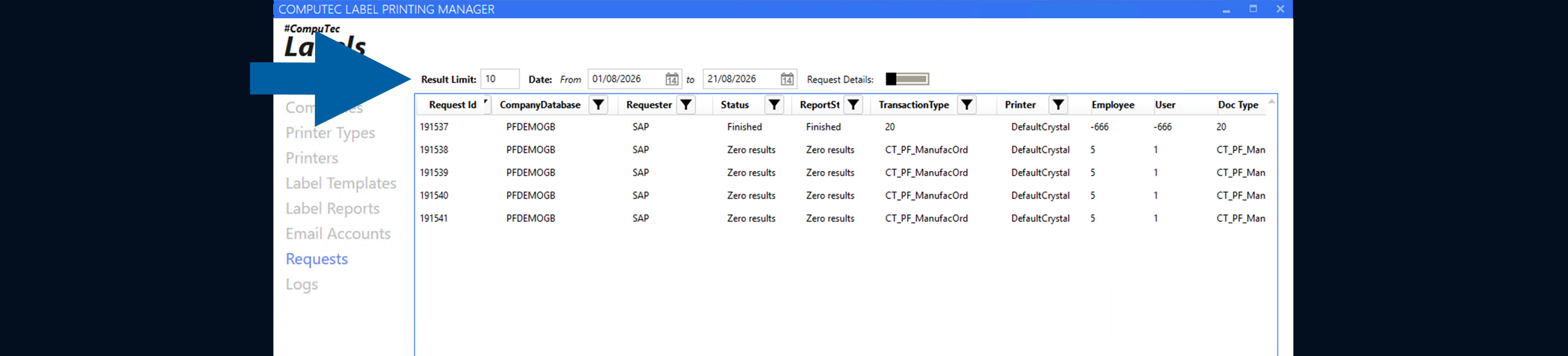
-
Review the information available for the request.
Result
You can review the request and the information recorded for it in CompuTec Labels.
If you need more information about request processing, review the related logs.
Additional information
If you need to investigate how a request was processed, see Troubleshoot request processing with logs.
To permanently remove old requests and their related data from the CTLABEL database, use the Request Cleanup Wizard. For more information, see Clean up old requests in CompuTec Labels.