You are viewing documentation for CompuTec WMS 2.0, which is supported until December 31, 2026. After this date, it will no longer receive regular support or maintenance updates.
We recommend upgrading to CompuTec WMS 3.0, which runs on CompuTec AppEngine 3.0 (.NET 8).
When upgrading, update all required CompuTec components together to ensure compatibility. Read more
Overview
Custom Configuration allows adjusting each transaction's workflow to specific needs. It is the primary customization tool of CompuTec WMS, covering a broad range of additional options.
How to run Custom Config
-
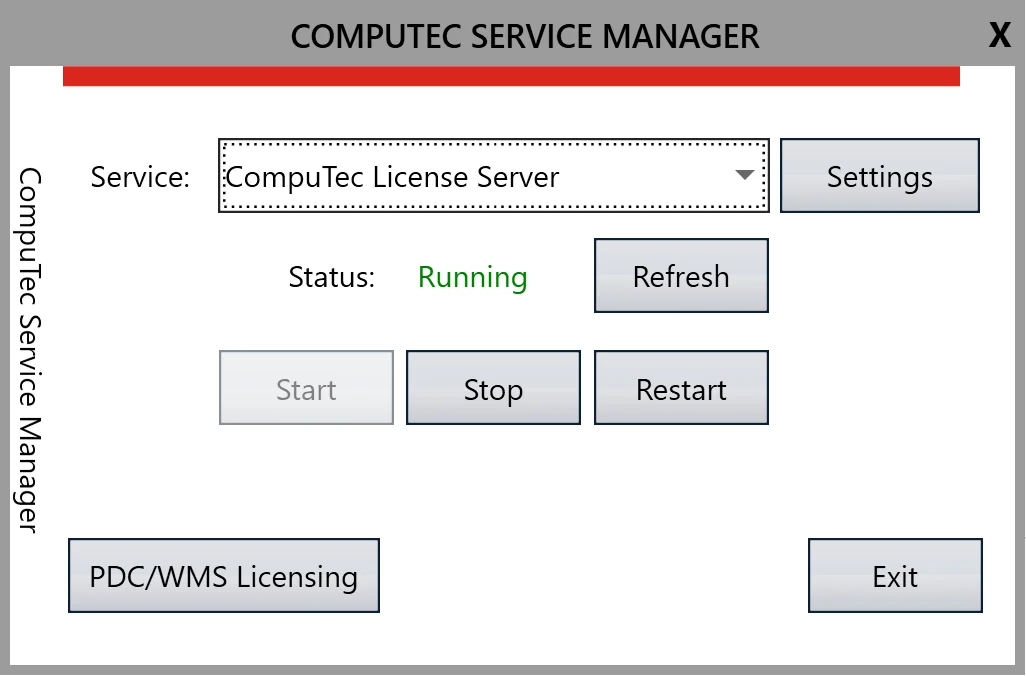
Run CompuTec Service Manager:
-
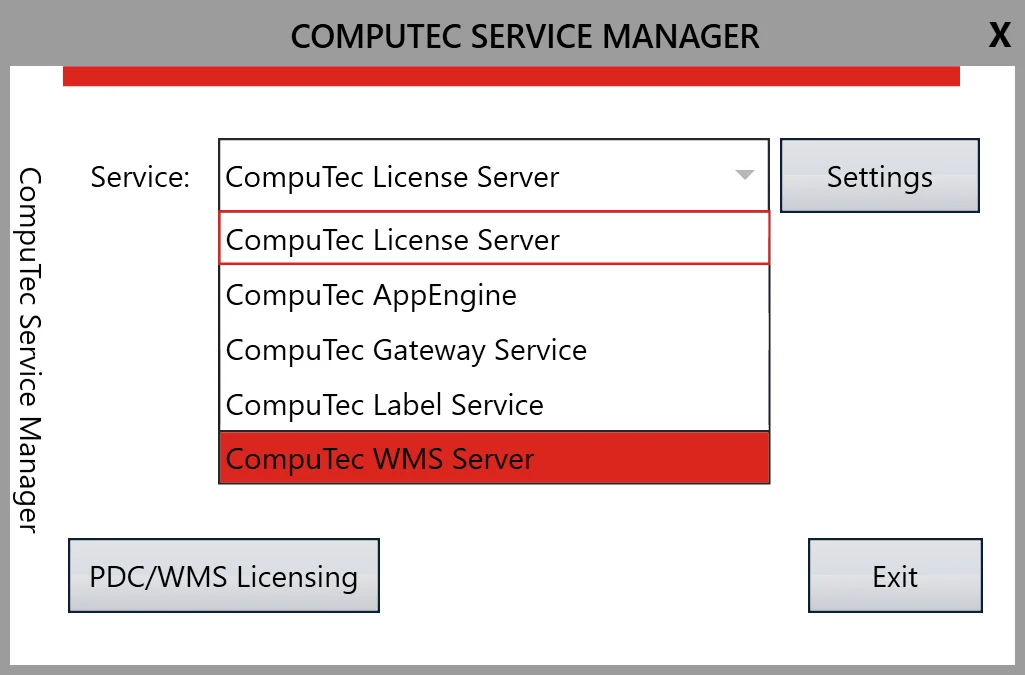
Choose CompuTec WMS Server from the drop-down list:
-
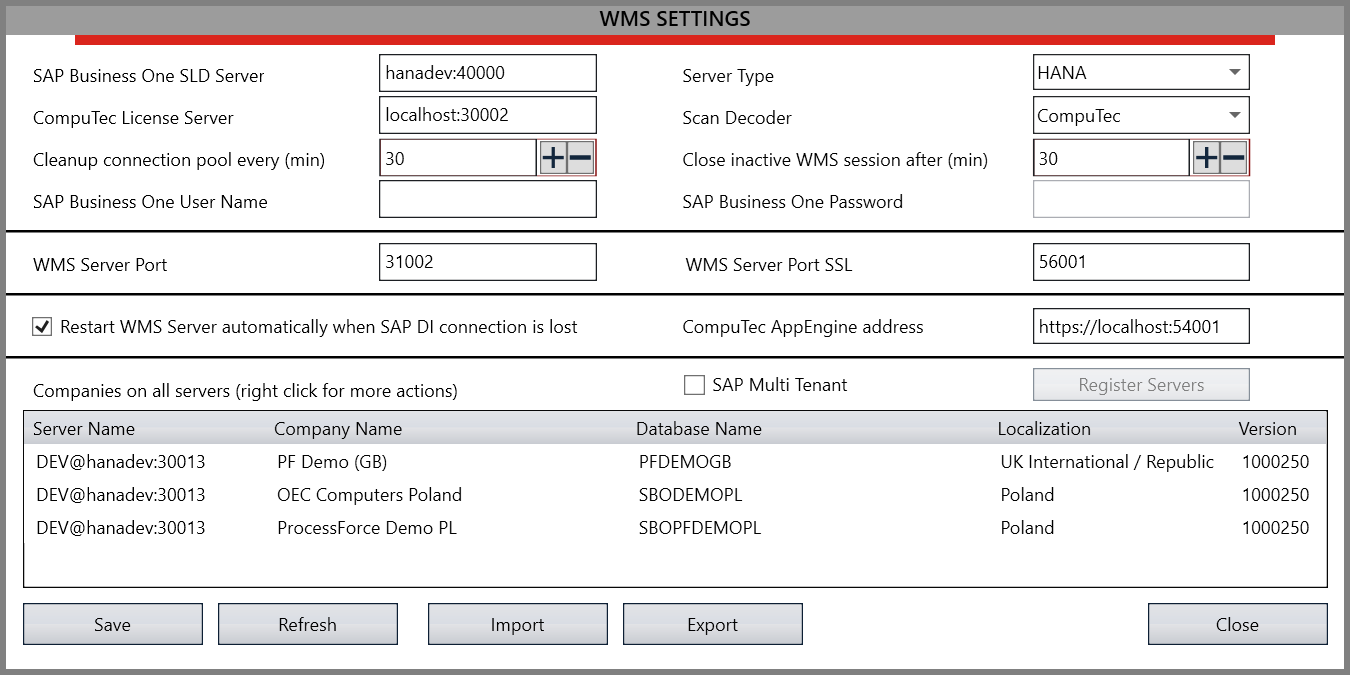
Click the Settings button to go to the configuration panel:
-
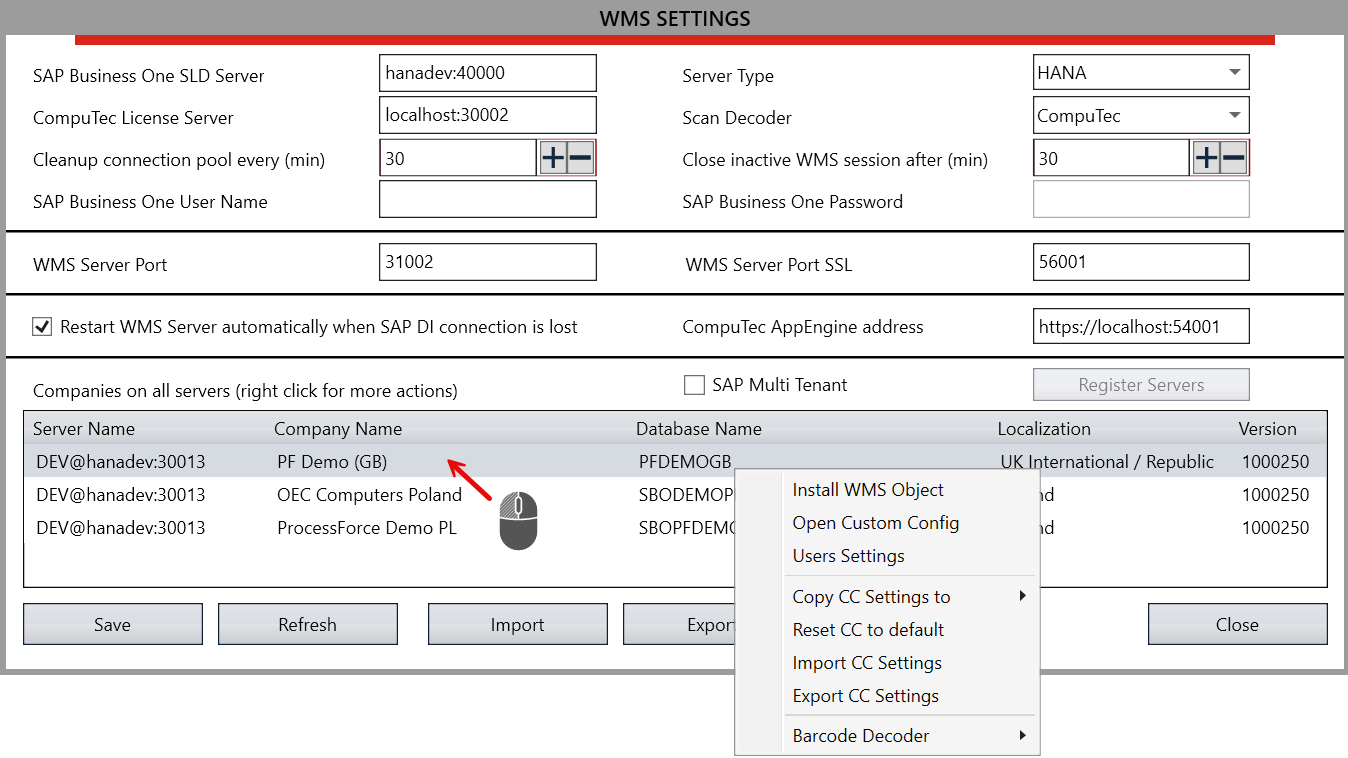
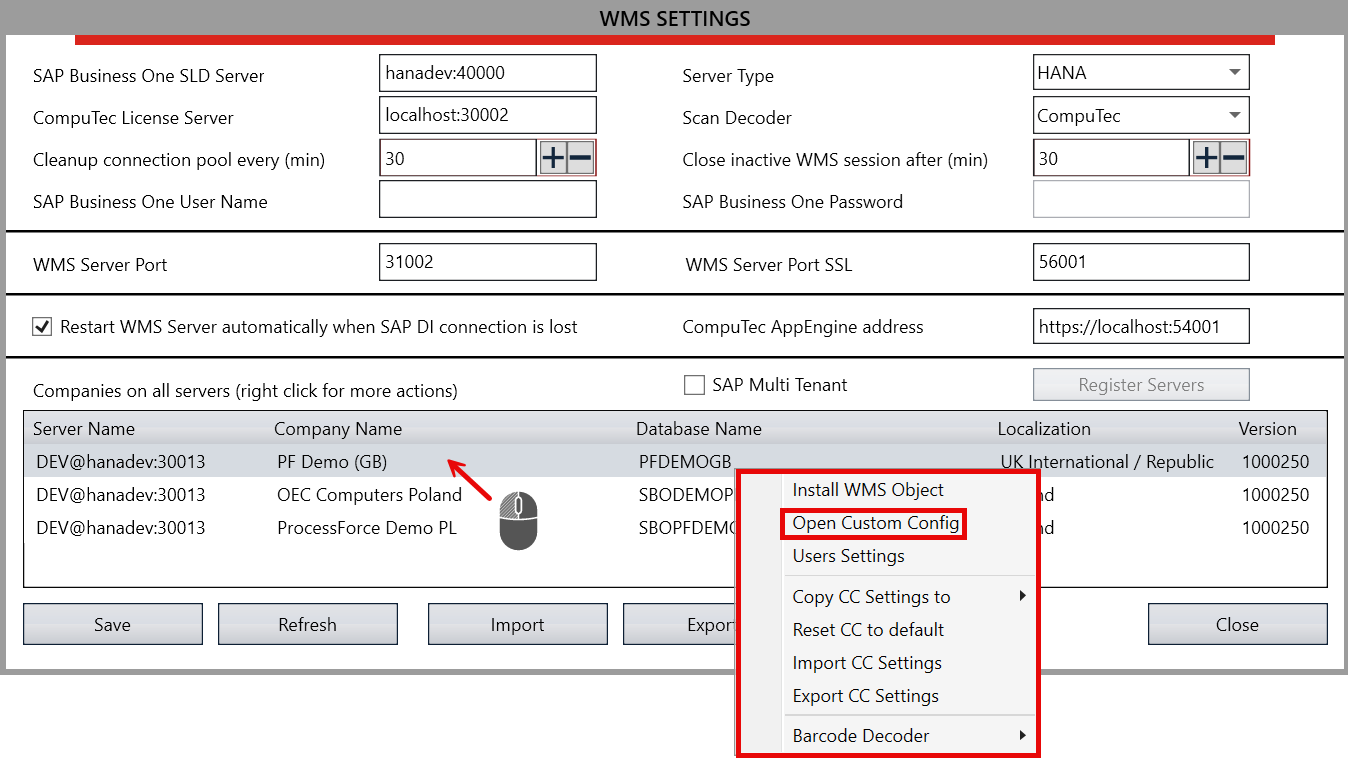
Choose a database for which changes are going to be applied:
-
Choose Open Custom Config from the context menu:
-
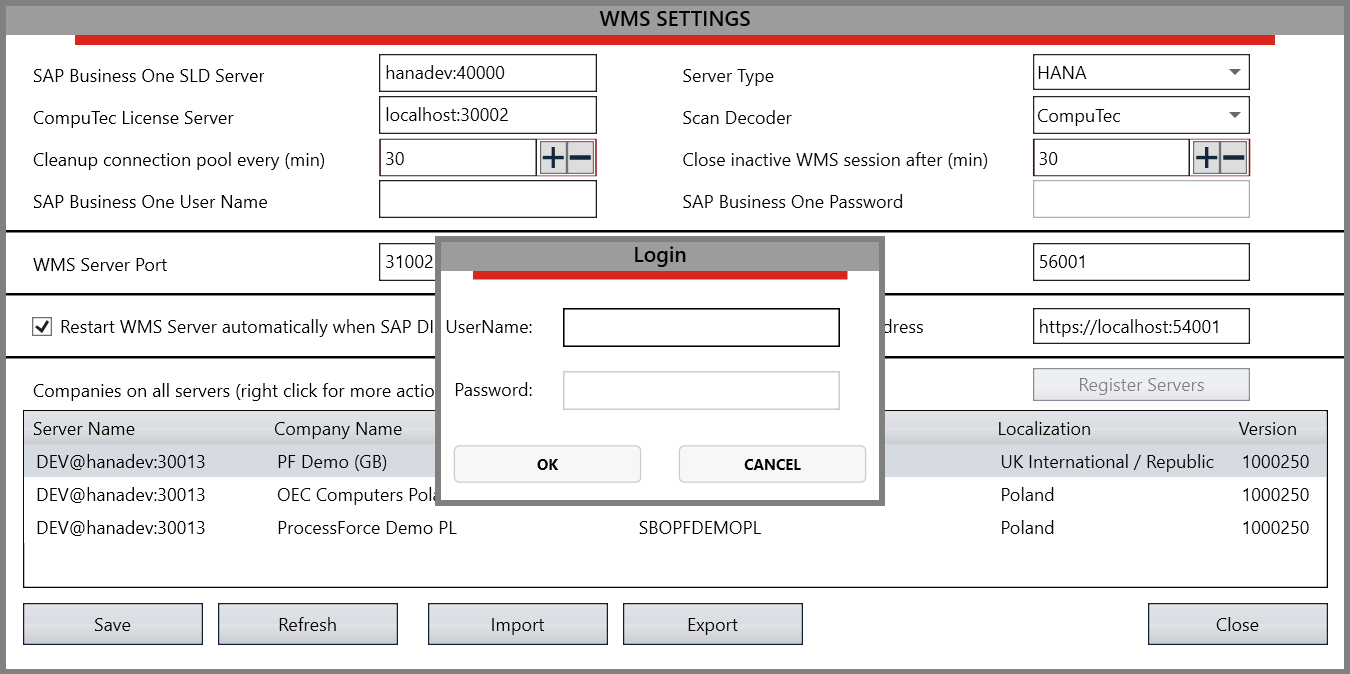
Log in using SAP Business One database credentials (of SAP Business One users with superuser privileges).
-
Logging in opens the Custom Configuration window:
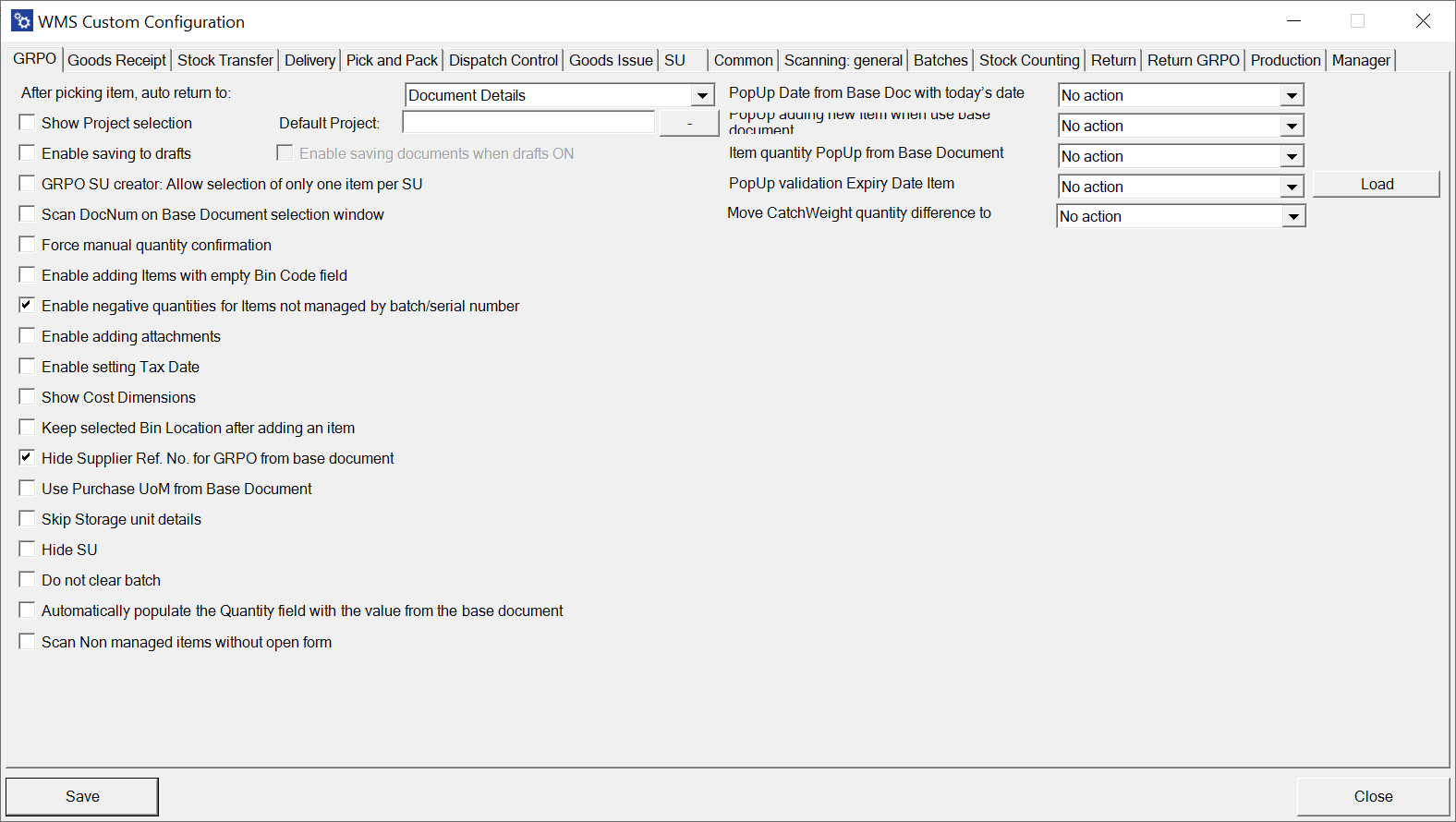
Click here to check a description of each option.