You are currently viewing documentation for CompuTec AppEngine 3.0 (.NET 8).
If you are working with older environments, you may need the documentation for CompuTec AppEngine 2.0 based on .NET Framework, which is still supported: https://learn.computec.one/docs/appengine/2.0/.
As CompuTec AppEngine 3.0 introduces a new architecture, all CompuTec components must be updated together to ensure full compatibility.
Please review the CompuTec AppEngine 3.0 documentation before starting your installation or upgrade process.
Plugin Installation and Configuration
Prerequisites
Ensure that CompuTec ProcessForce and CompuTec Licence Server is installed and configured.
CompuTec AppEngine and plugin installation and configuration
For CompuTec AppEngine installation and configuration, follow the step-by-step instructions provided in our manual.
Two plugins need to be installed: MO360 and PPF.
CompuTec ProcessForce
The MO360 plugin can optionally be accessed directly from the CompuTec ProcessForce level.
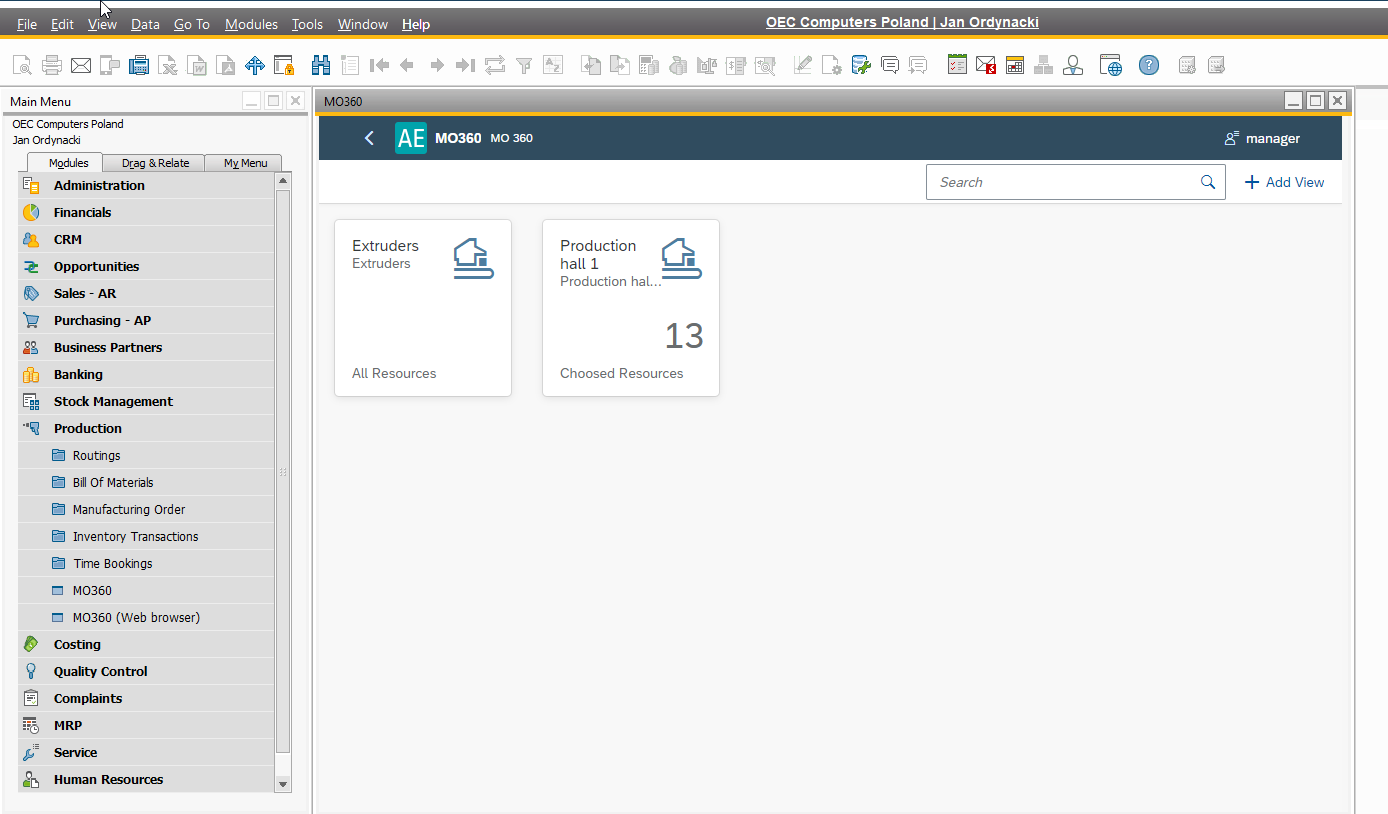
By properly installing and configuring the MO360 plugin, you can unlock a seamless experience for managing manufacturing orders. Implement MO360 to streamline your manufacturing processes and improve operational efficiency.