You are viewing documentation for CompuTec WMS 2.0, which is supported until December 31, 2026. After this date, it will no longer receive regular support or maintenance updates.
We recommend upgrading to CompuTec WMS 3.0, which runs on CompuTec AppEngine 3.0 (.NET 8).
When upgrading, update all required CompuTec components together to ensure compatibility. Read more
Goods Receipt Settings
New Goods Receipt
-
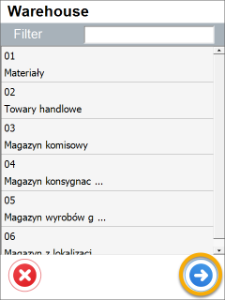
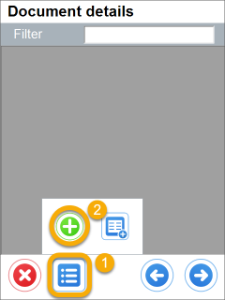
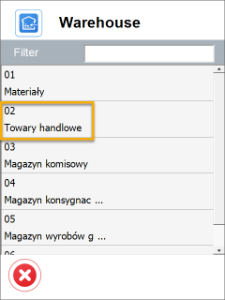
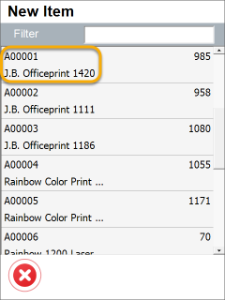
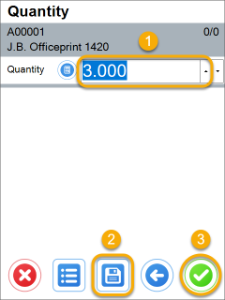
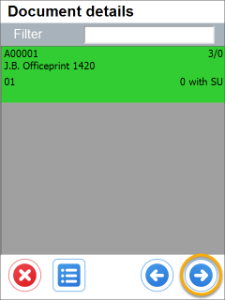
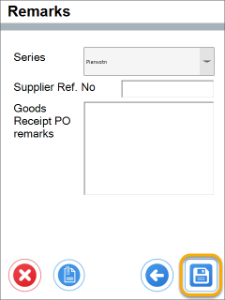
Show Warehouse Selection and no default Warehouse or Bin Location chosen – it is required to choose a Warehouse on document creation or adding Items.
Click here to expand
-
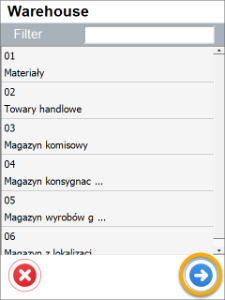
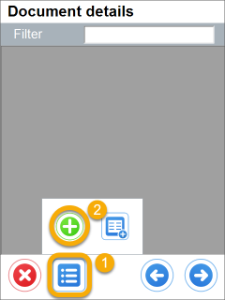
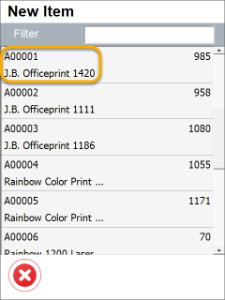
Show Warehouse Selection, default Warehouse and Bin Location are chosen – if Warehouse selection step is skipped, user is not asked about it on adding Items (a default will be added).
Click here to expand
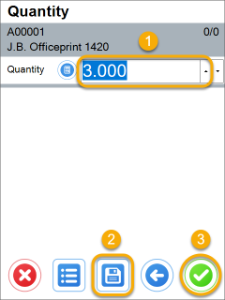
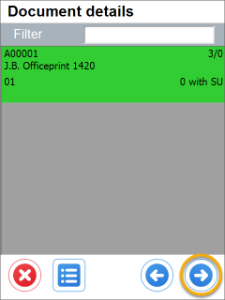
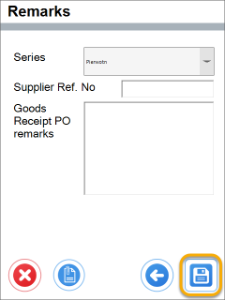
-
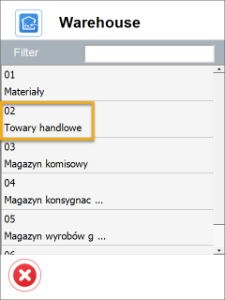
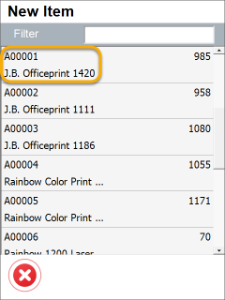
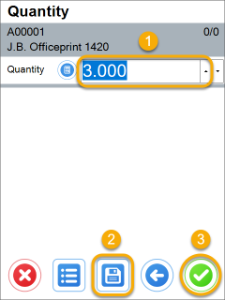
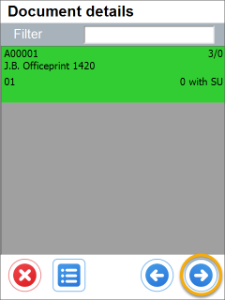
Do not show Warehouse Selection and no default Warehouse and Bin Location chosen – no Warehouse selection on creation of a document, but on adding an Item.
Click here to expand
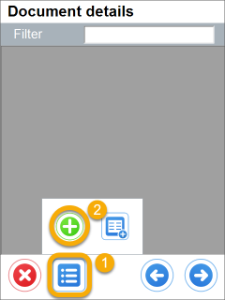
-
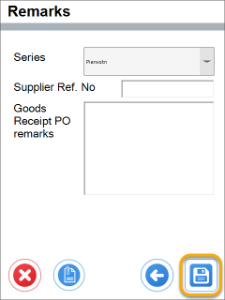
Do not Show Warehouse Selection and default Warehouse or Warehouse and Bin Location are chosen – no Warehouse selection step at all during creation of a document.
Click here to expand
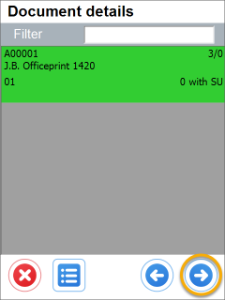
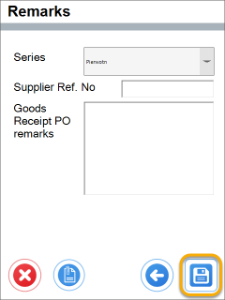
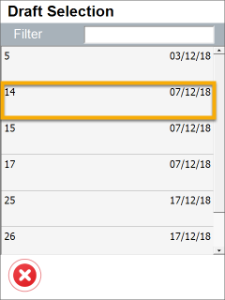
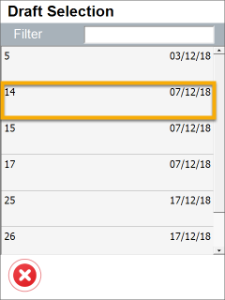
From Draft Goods Receipt
-
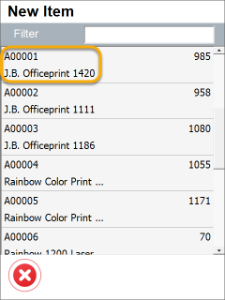
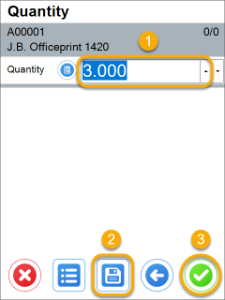
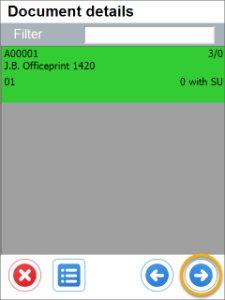
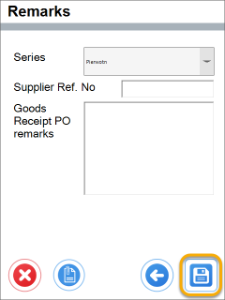
Show Warehouse Selection and no default Warehouse or Bin Location chosen – it is required to choose a Warehouse on document creation or adding Items.
Click here to expand
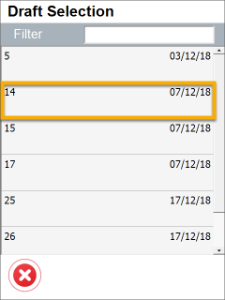
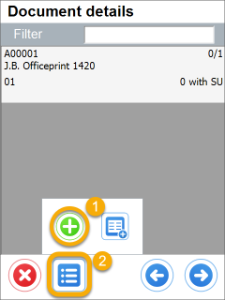
-
Show Warehouse Selection, default Warehouse and Bin Location are chosen – if Warehouse selection step is skipped, user is not asked about it on adding Items (a default will be added).
Click here to expand
-
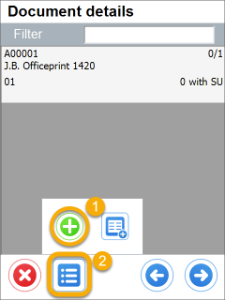
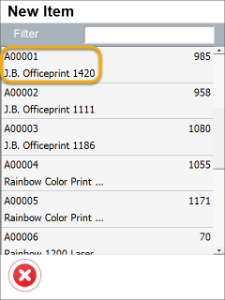
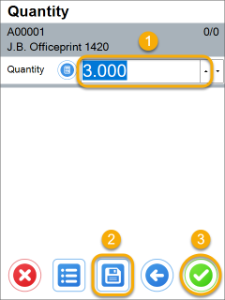
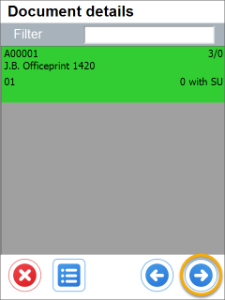
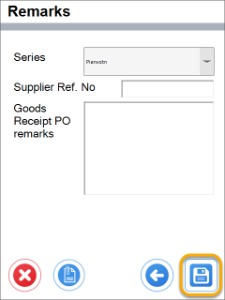
Do not show Warehouse Selection and no default Warehouse and Bin Location chosen – no Warehouse selection on creation of a document, but on adding an Item.
Click here to expand
-
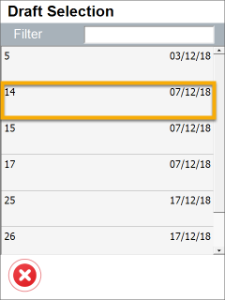
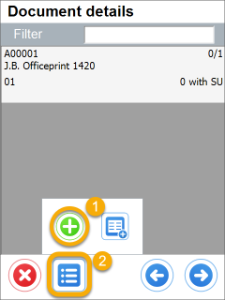
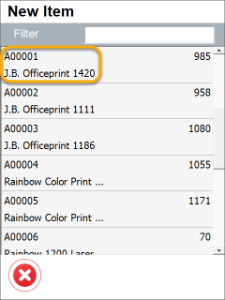
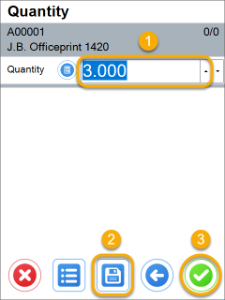
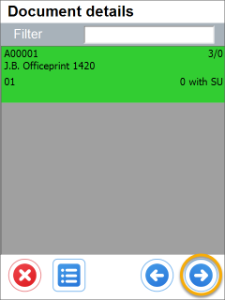
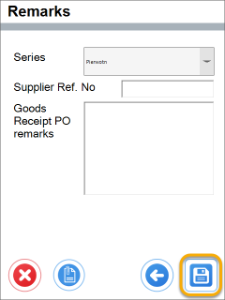
Do not Show Warehouse Selection and default Warehouse or Warehouse and Bin Location are chosen - no Warehouse selection step at all during creation of a document.
Click here to expand