You are viewing documentation for CompuTec WMS 2.0, which is supported until December 31, 2026. After this date, it will no longer receive regular support or maintenance updates.
We recommend upgrading to CompuTec WMS 3.0, which runs on CompuTec AppEngine 3.0 (.NET 8).
When upgrading, update all required CompuTec components together to ensure compatibility. Read more
Project
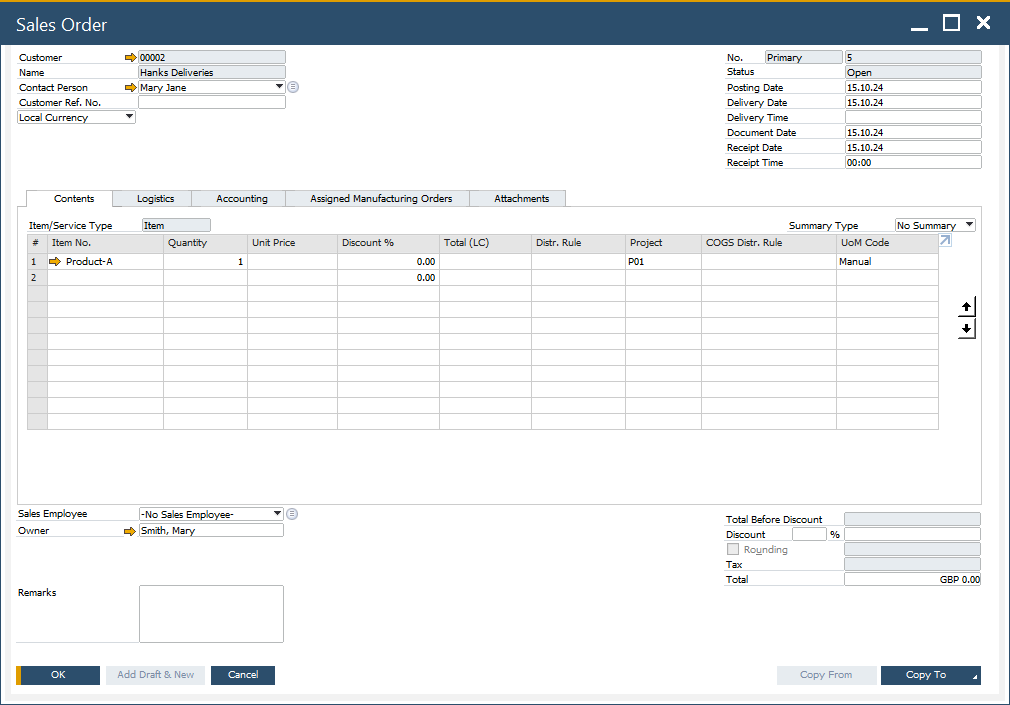
This guide provides detailed information about [SAP Business One Projects]((/docs/processforce/user-guide/costing-material-and-resources/projects) and their configuration on documents created with CompuTec WMS.
The "Enable Dimensions SQL, Proper Line to Project" setting cannot be configured. This setting has a priority over both the default project and any project selected during a transaction.
A default project for a specific transaction type can be defined in the relevant Custom Config tabs (including Goods Receipt PO, Goods Receipt, Delivery, Goods Issue, and Inventory Transfer).
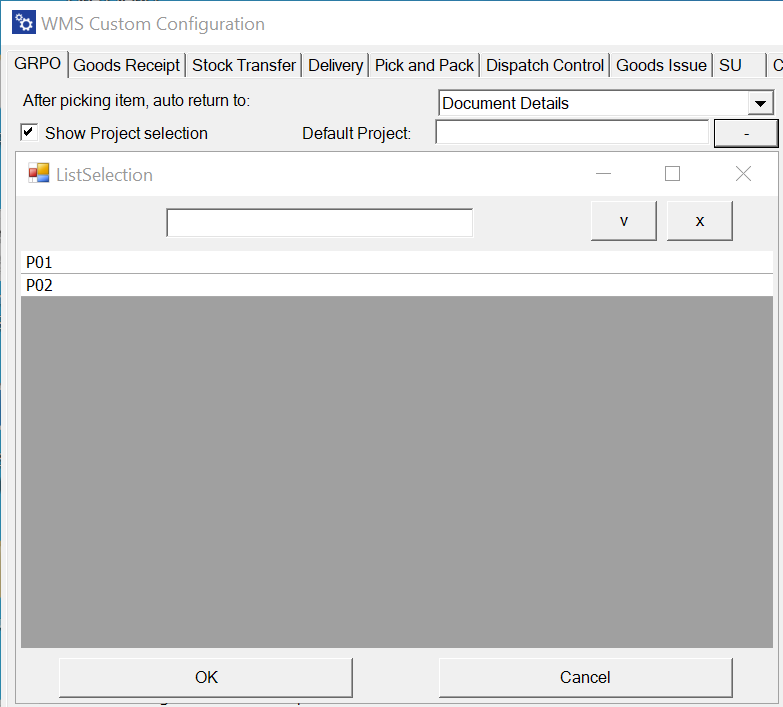
Priority of Assigning Project to a Document Line:
-
Dimensions Option - Project Line: If a project is set at the Project Line level in the Dimensions option, this project will be used for the document line.
-
Project Selection Form: If no Project Line is specified, the system will use a project selected in the Project Selection form during the transaction.
-
Default Project: If neither of the above are set, the default project from the Custom Config for that specific transaction type will be applied.