You are currently viewing documentation for CompuTec AppEngine 3.0 (.NET 8).
If you are working with older environments, you may need the documentation for CompuTec AppEngine 2.0 based on .NET Framework, which is still supported: https://learn.computec.one/docs/appengine/2.0/.
As CompuTec AppEngine 3.0 introduces a new architecture, all CompuTec components must be updated together to ensure full compatibility.
Please review the CompuTec AppEngine 3.0 documentation before starting your installation or upgrade process.
Installation and Configuration
This guide outlines the necessary steps for the installation and configuration to ensure seamless integration and optimal functionality within your SAP Business One environment.
Prerequisites
Before proceeding, ensure that CompuTec ProcessForce and CompuTec License Server are installed and properly configured.
If you need assistance with this setup, please refer to the relevant documentation or click the link.provided for more details.
CompuTec AppEngine and Plugin Installation and Configuration
To install and configure CompuTec AppEngine, follow the step-by-step instructions outlined in the Installation Guide.
CompuTec ProcessForce
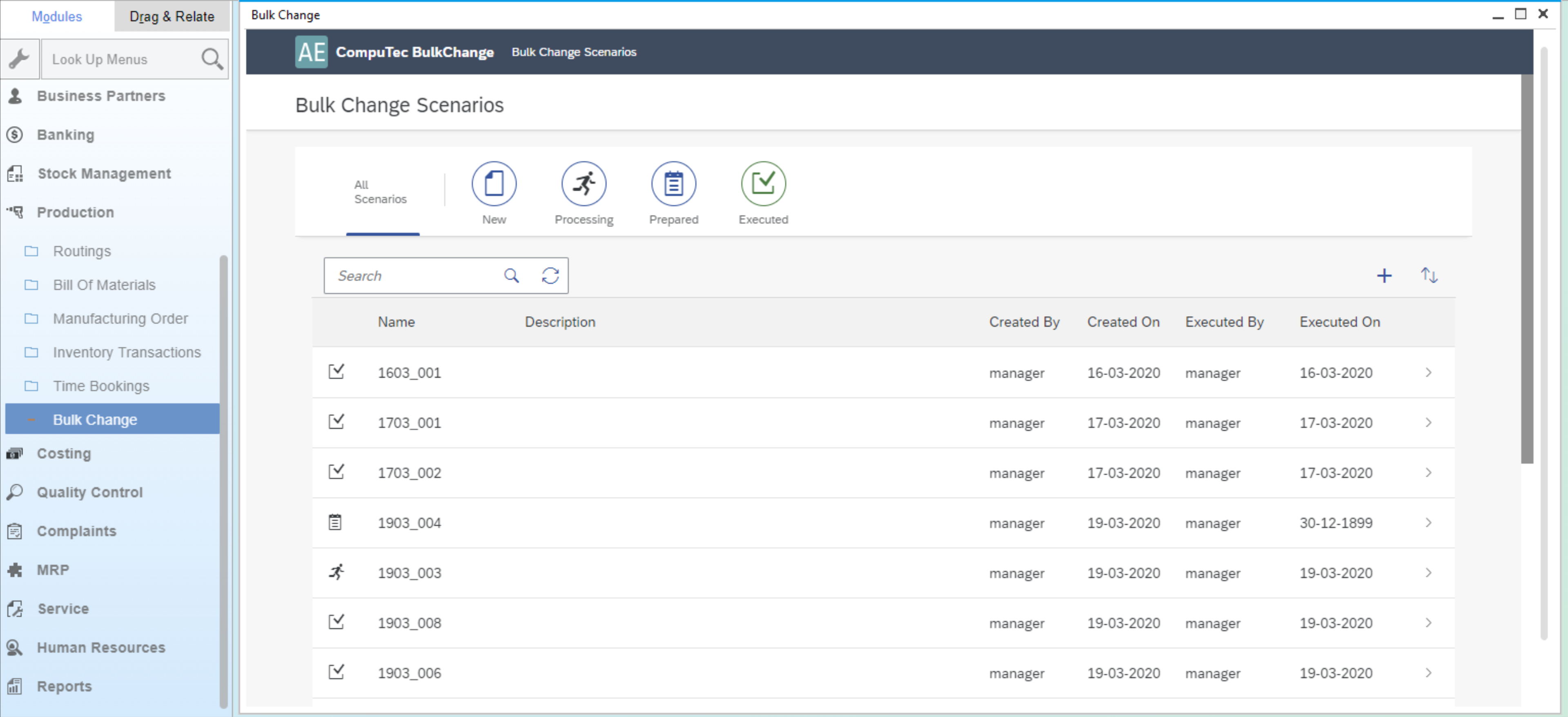
As an optional enhancement, the Bulk Change Plug-in can be activated from within CompuTec ProcessForce.
Should you need further assistance, please refer to the provided links or contact support for additional guidance.