warning
You are viewing documentation for CompuTec WMS 2.0, which is supported until December 31, 2026. After this date, it will no longer receive regular support or maintenance updates.
We recommend upgrading to CompuTec WMS 3.0, which runs on CompuTec AppEngine 3.0 (.NET 8).
When upgrading, update all required CompuTec components together to ensure compatibility. Read more
Stock Transfer from Pick List
Generate warehouse transfer from pick list
-
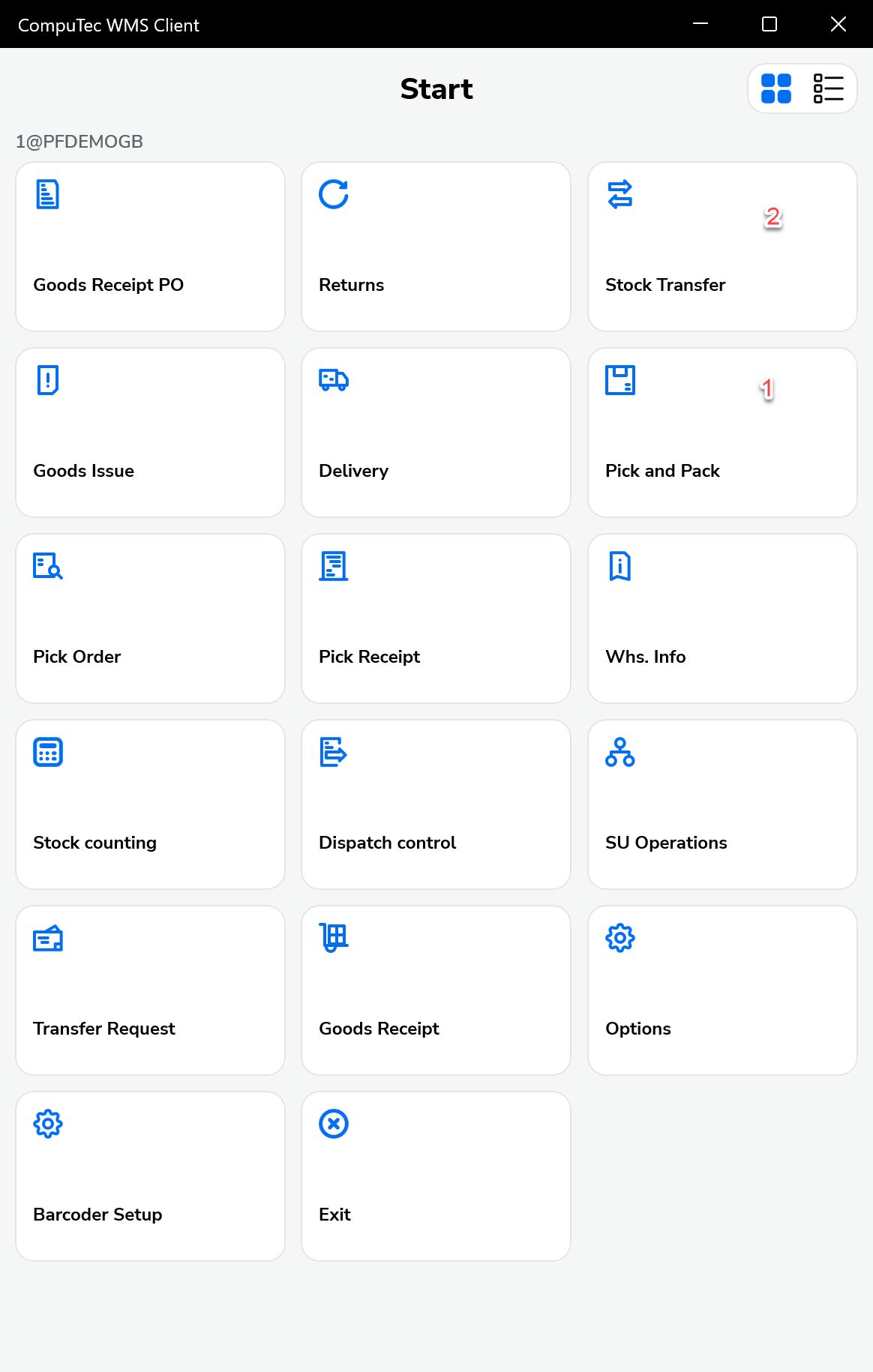
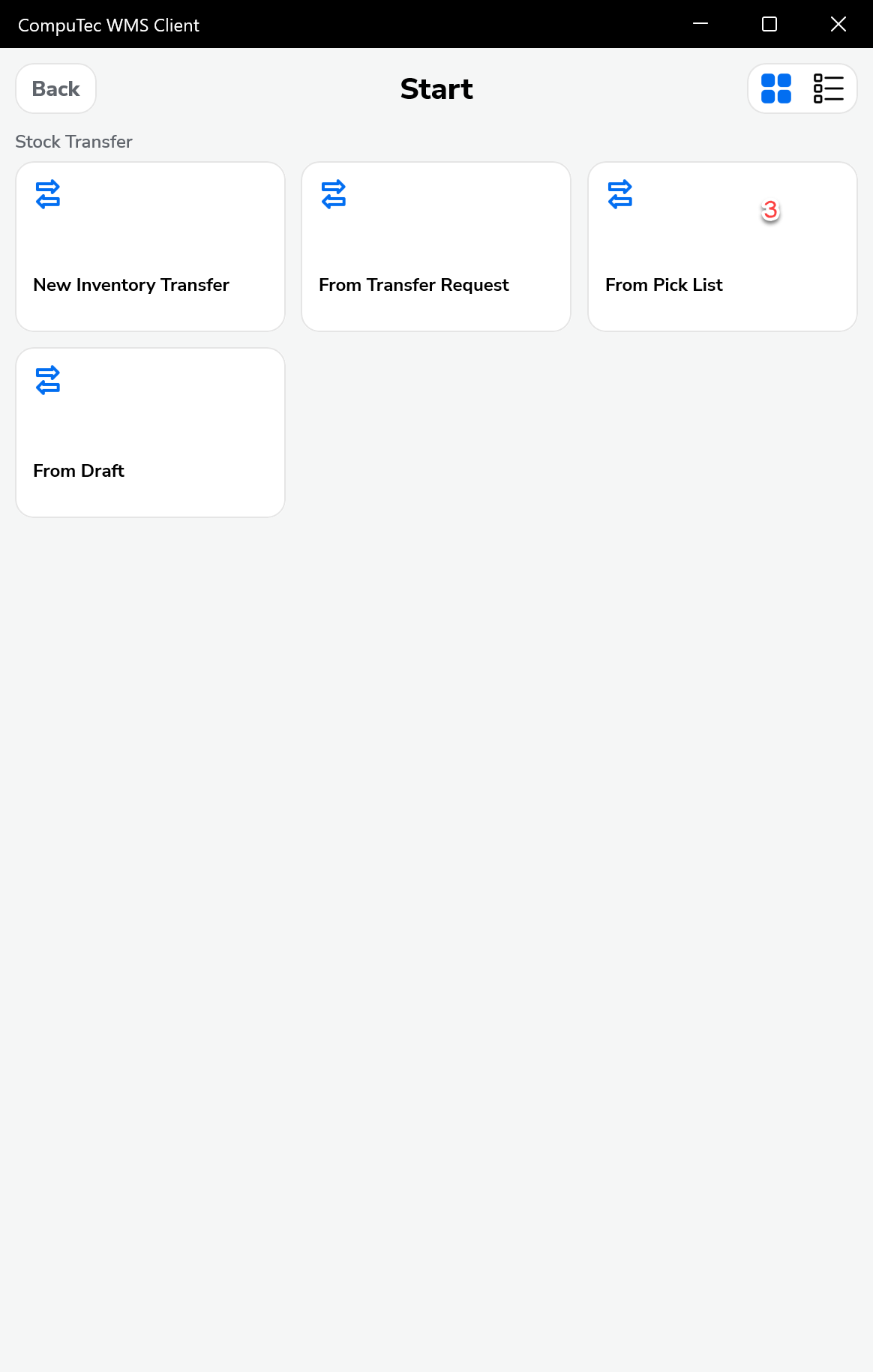
We create pickings from CompuTec WMS > Pick and Pack level and proceed to the Stock Transfer transaction
-
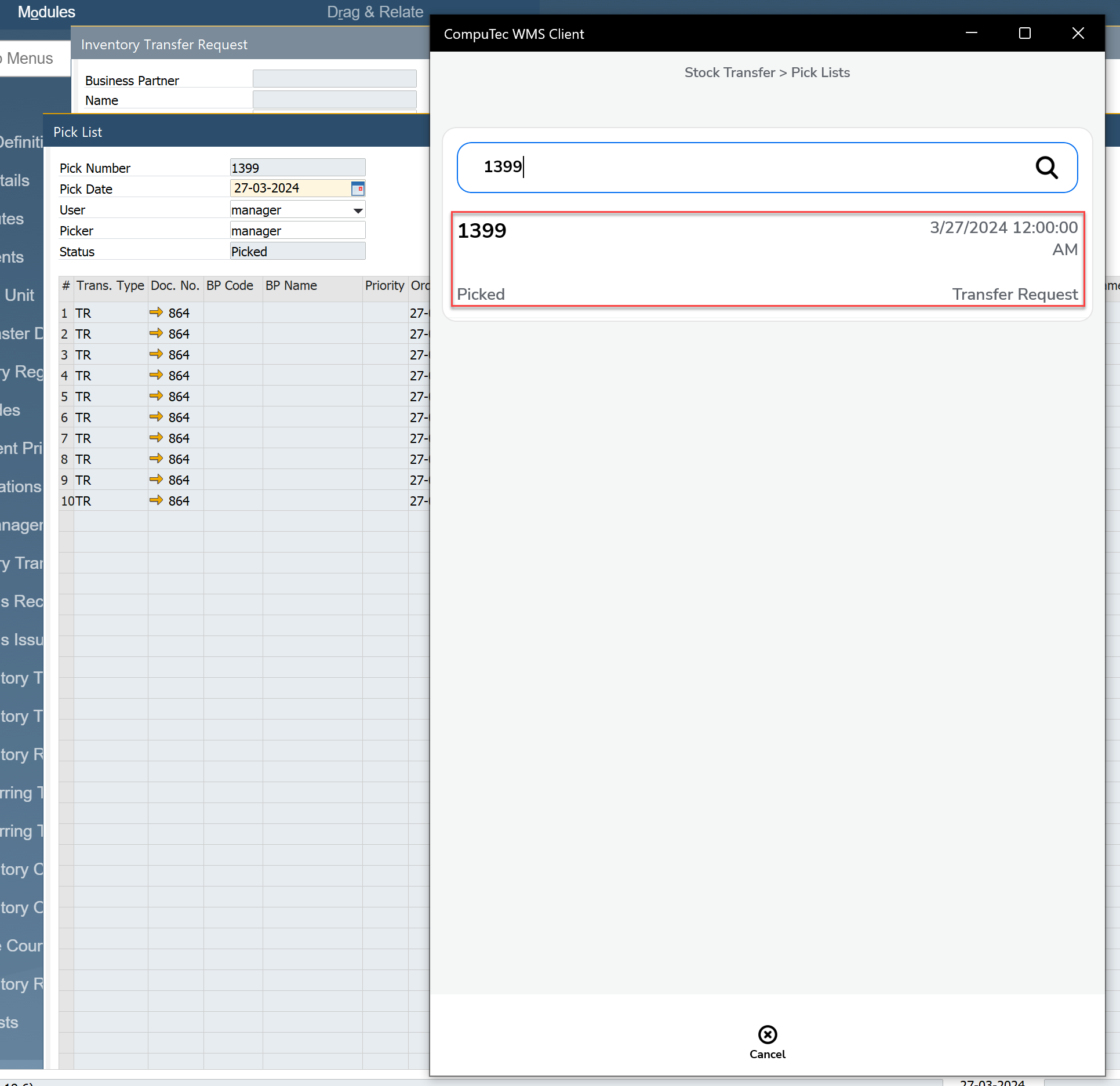
We choose the pick list
-
In the next step, we can proceed to selecting the target warehouse
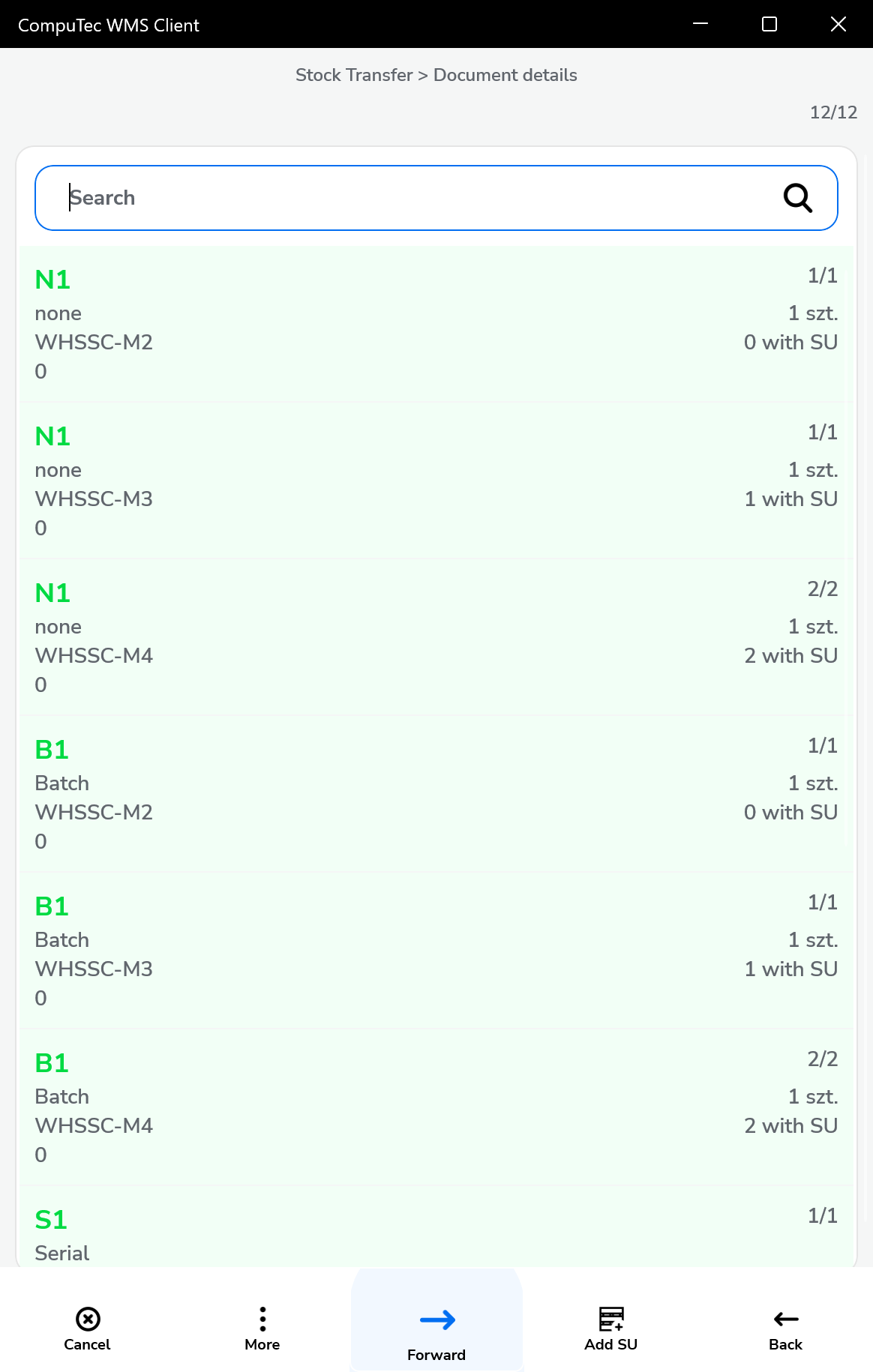
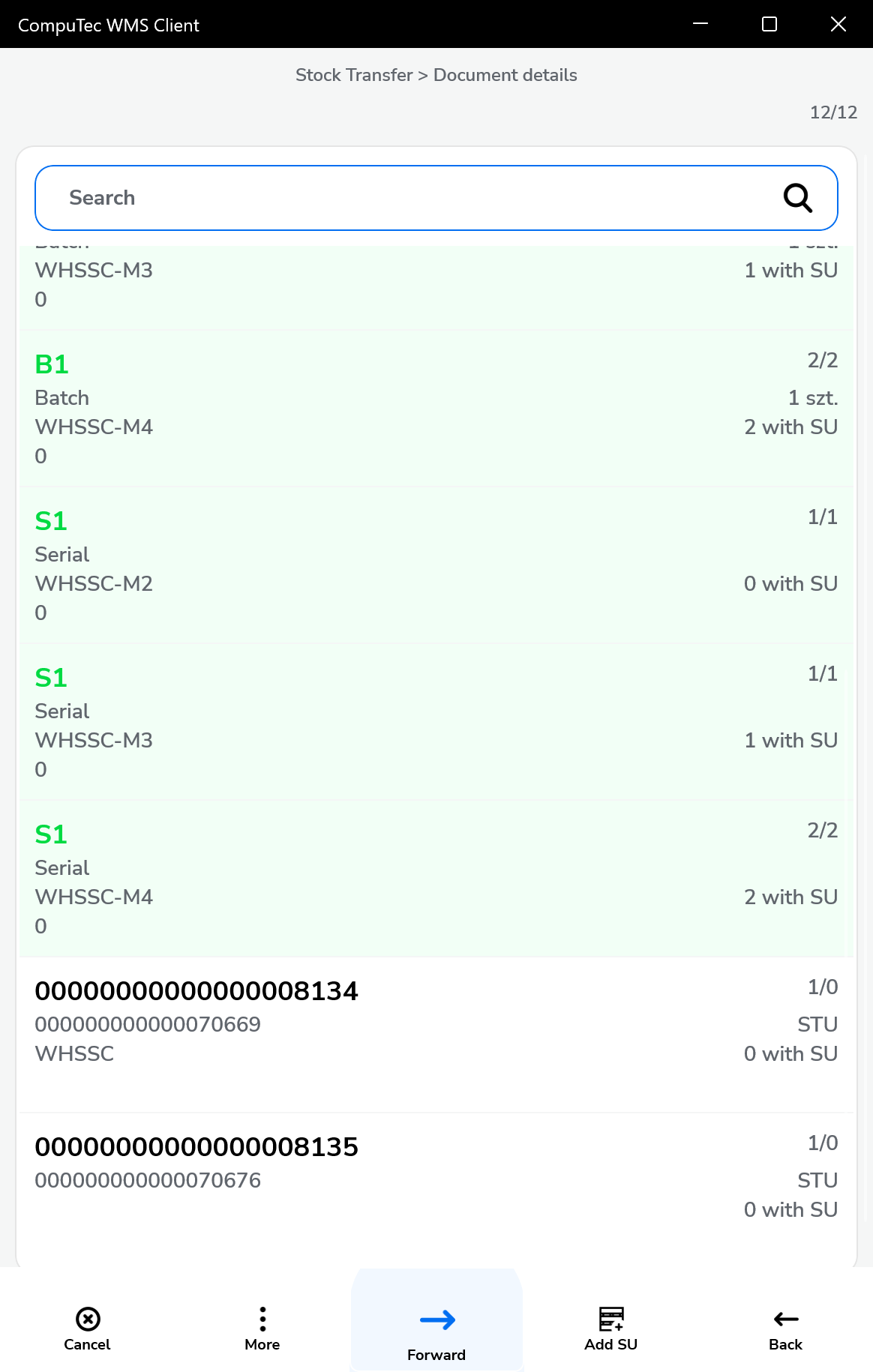
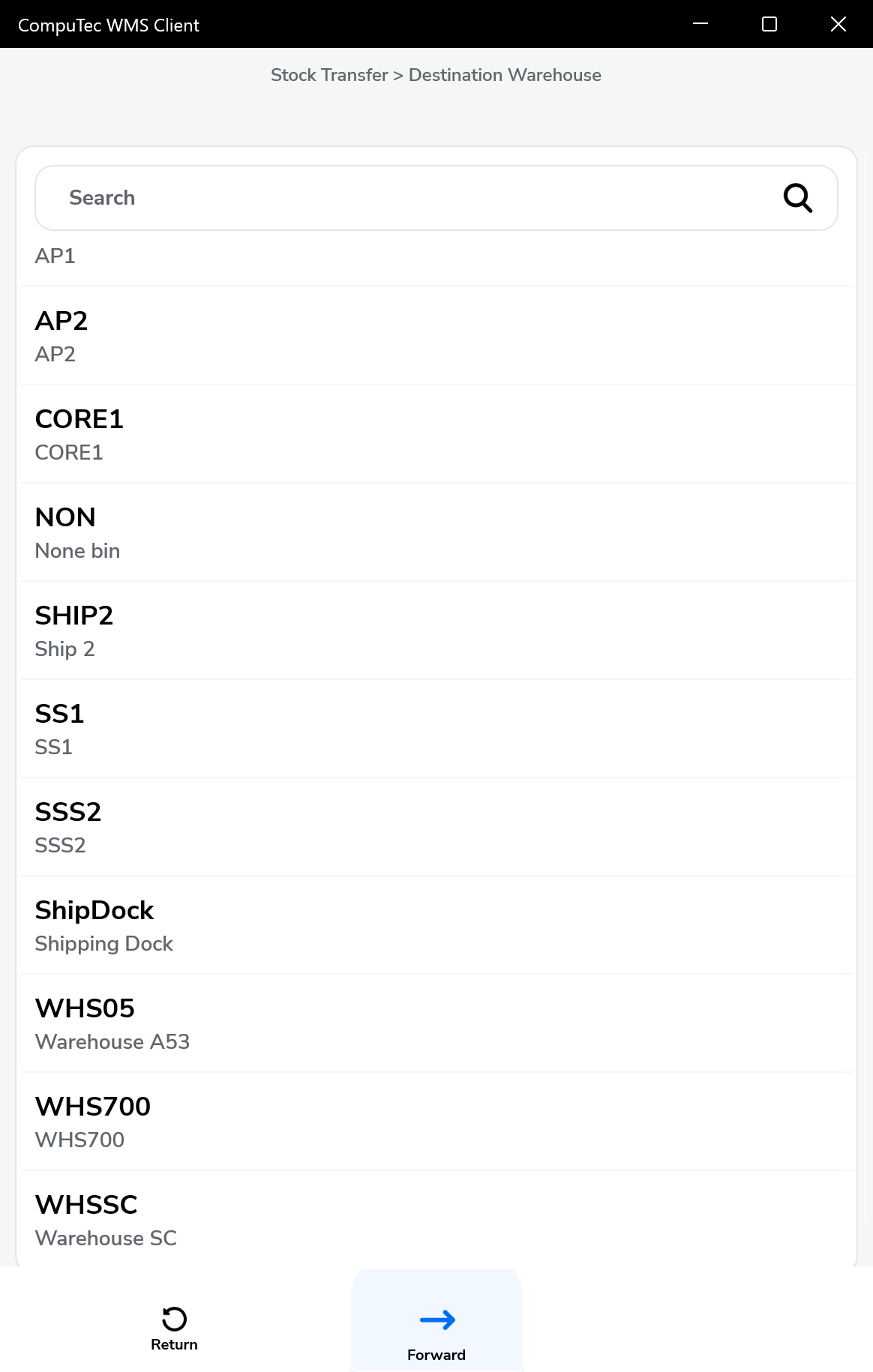
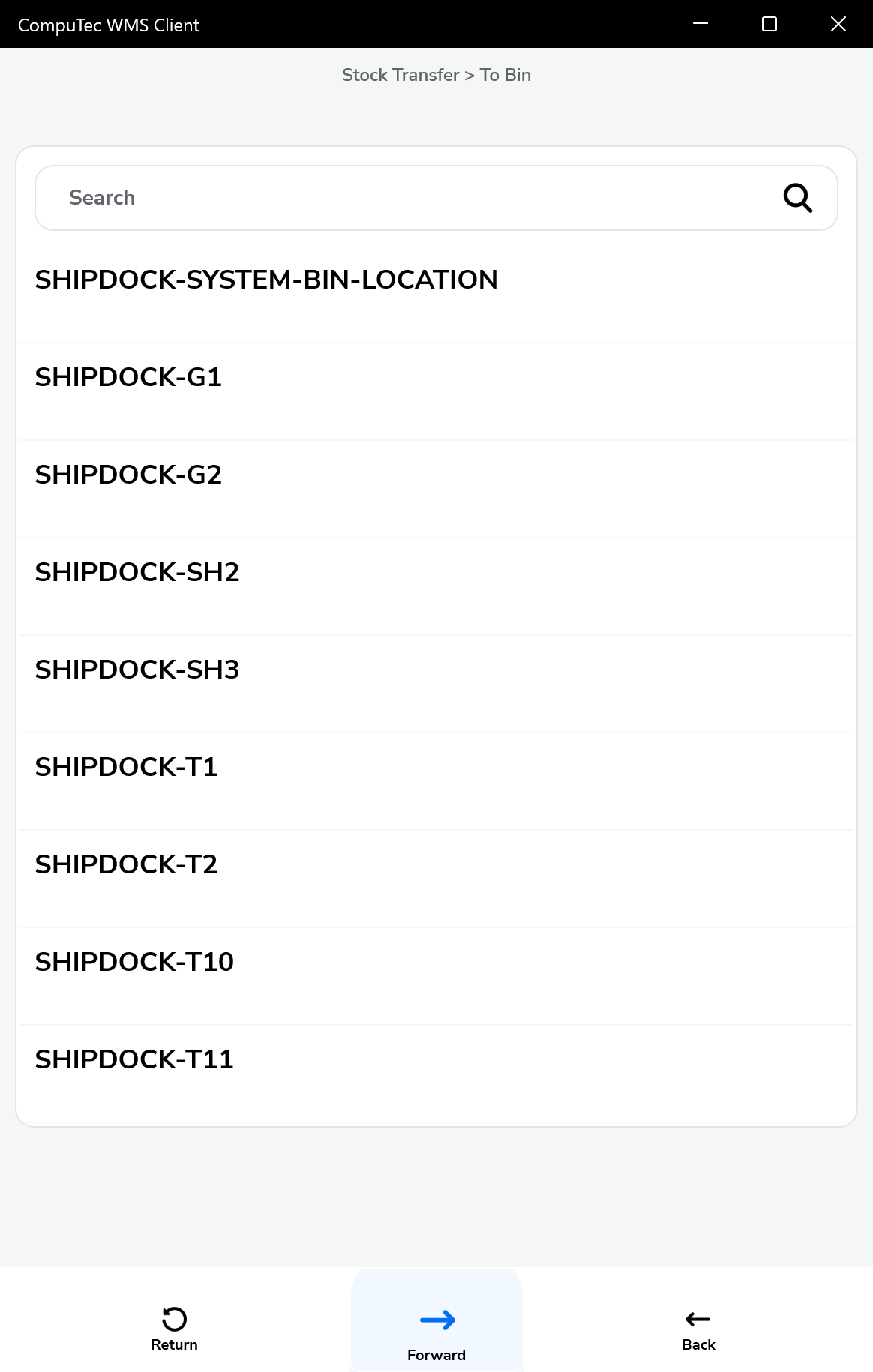
-
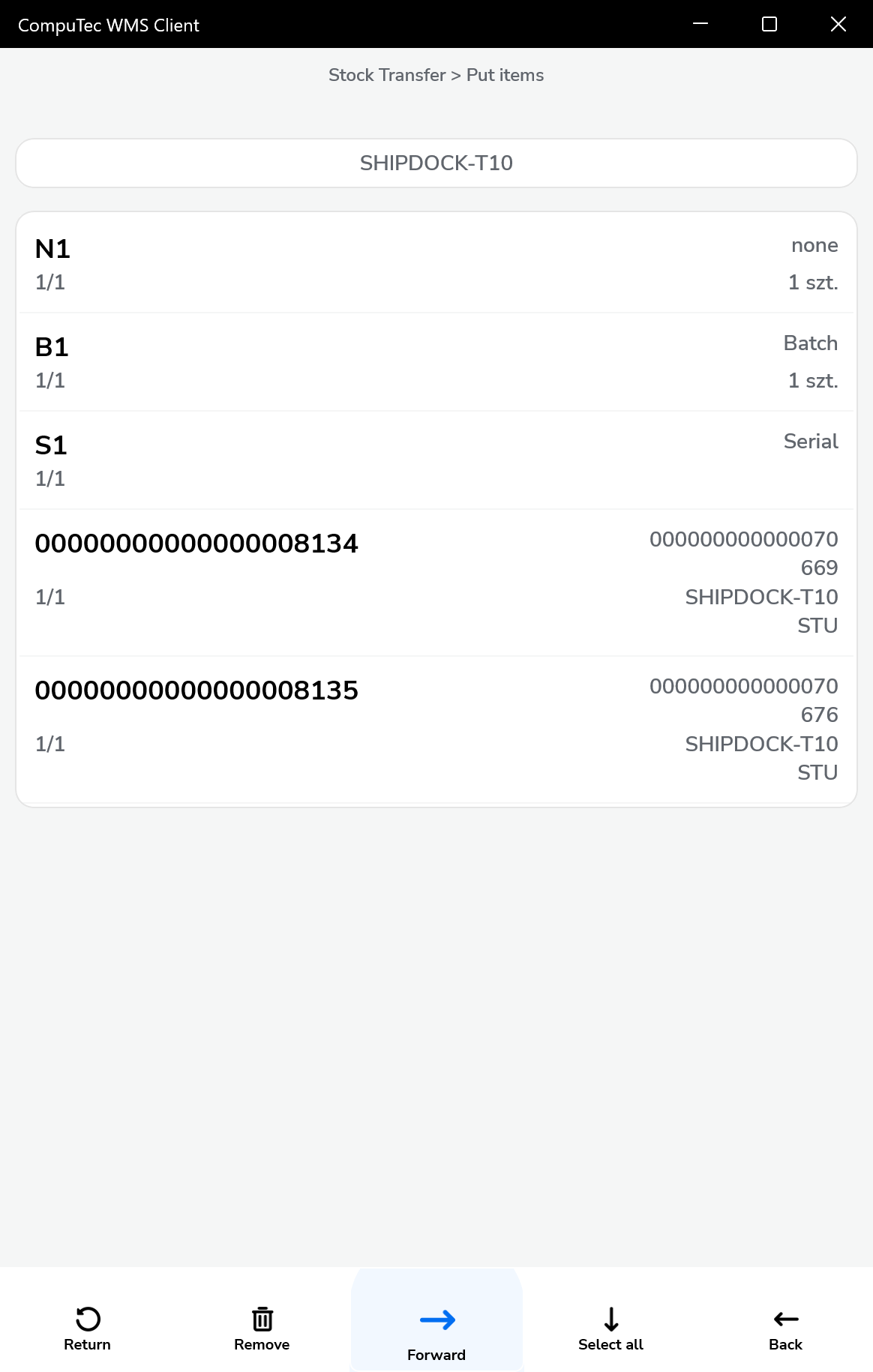
In the put items window we can define the location for each item
-
In the last step, saves the document