You are viewing documentation for CompuTec WMS 3.0, which runs on CompuTec AppEngine 3.0 (.NET 8).
If you use CompuTec WMS 2.0, see the CompuTec WMS 2.0 documentation.
When upgrading to CompuTec WMS 3.0, update all required CompuTec components together to ensure compatibility.
Before installing or upgrading, review the CompuTec WMS Installation Guide and the system requirements.
New Stock Counting Plugin Installation
Here, you can find information about the New Stock Counting plugin installation.
CompuTec WMS Server setting
Please ensure the CompuTec AppEngine server name address is set in the CompuTec WMS Server settings.
CompuTec AppEngine
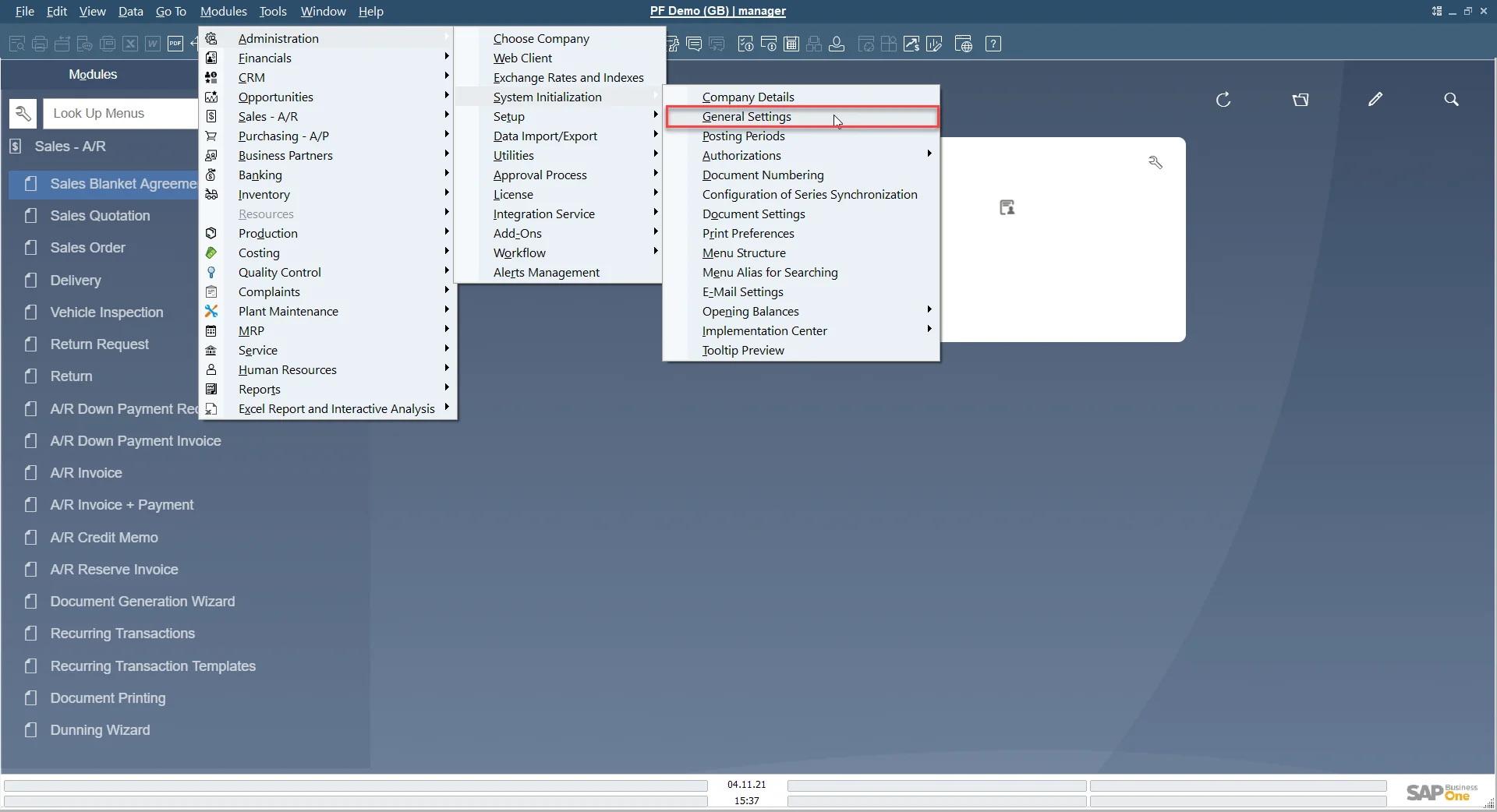
Turn on CompuTec AppEngine on a database with CompuTec ProcessForce:
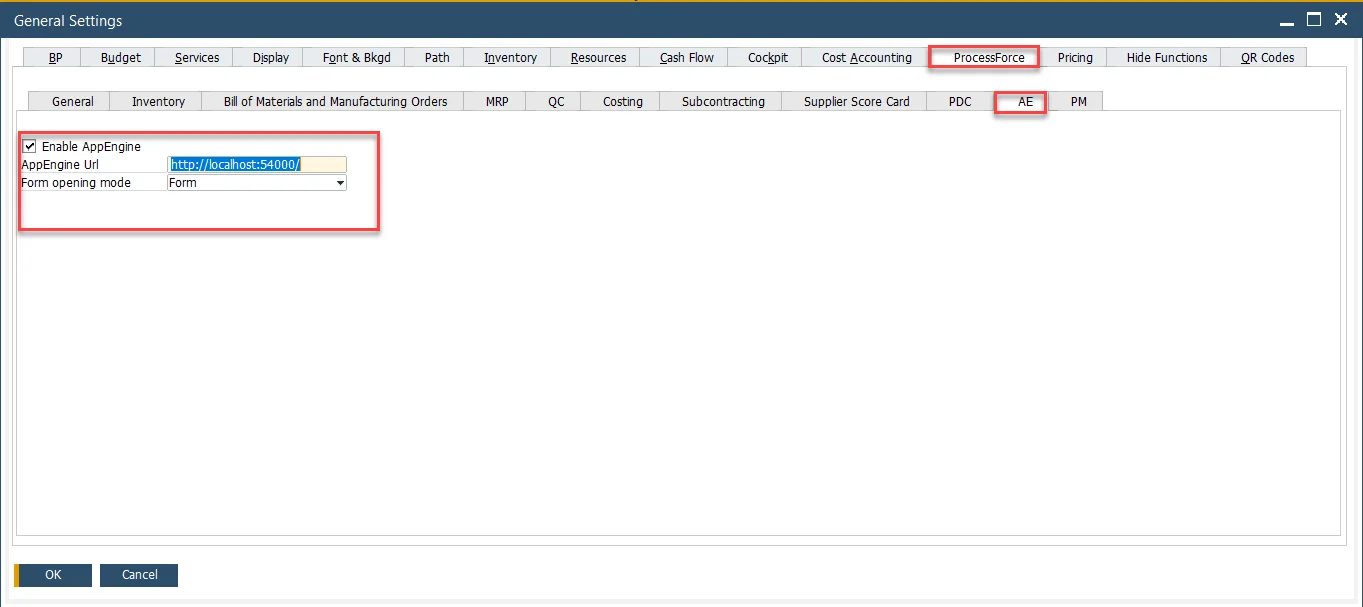
Type in the address and click Save:
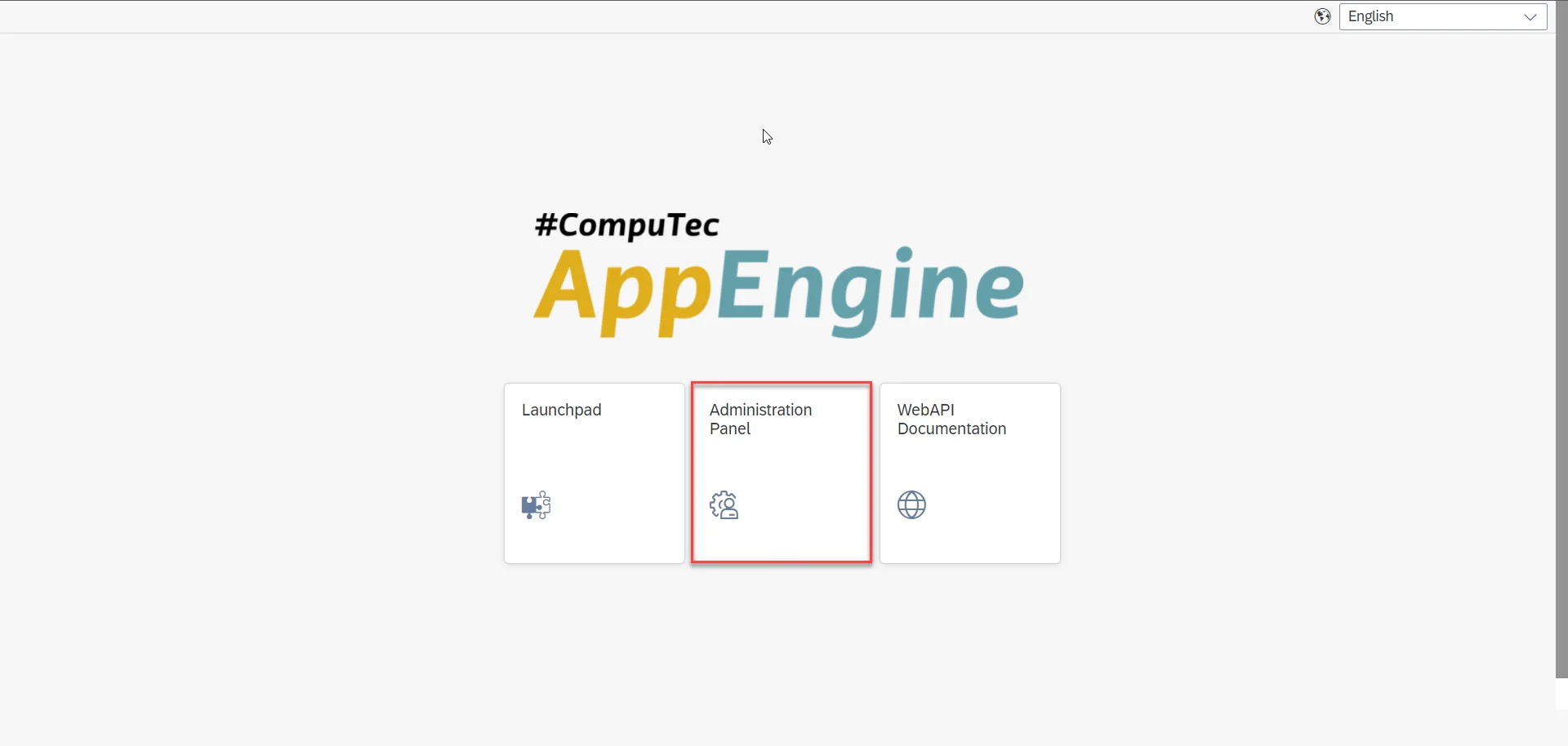
Log in to the CompuTec AppEngine Administration panel using the following address: http://localhost:54000/webcontent/uaa/webapp/Index.html.
Plugin Installation
Go to the Plugins tab and then click the Install Plugin button:
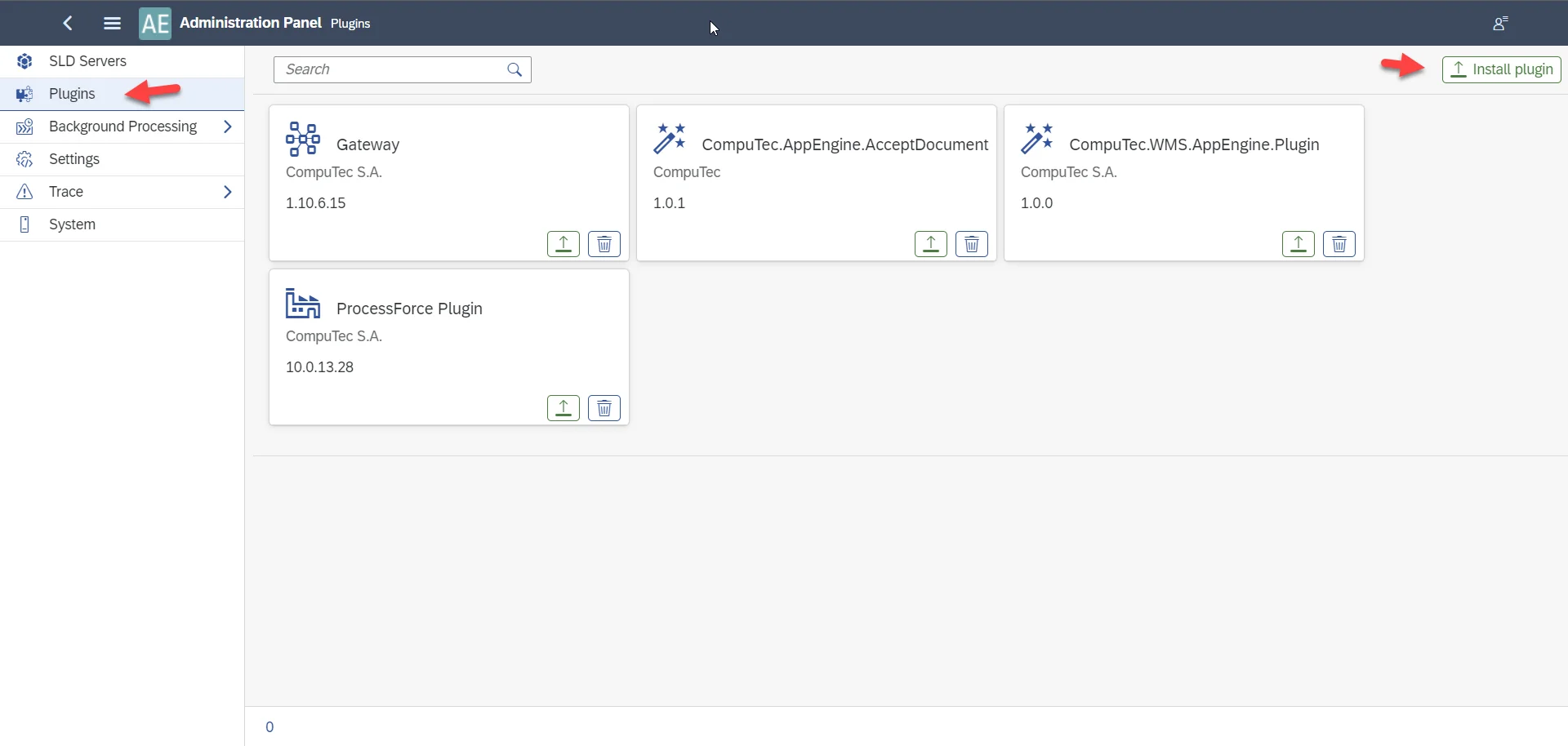
Choose the file:
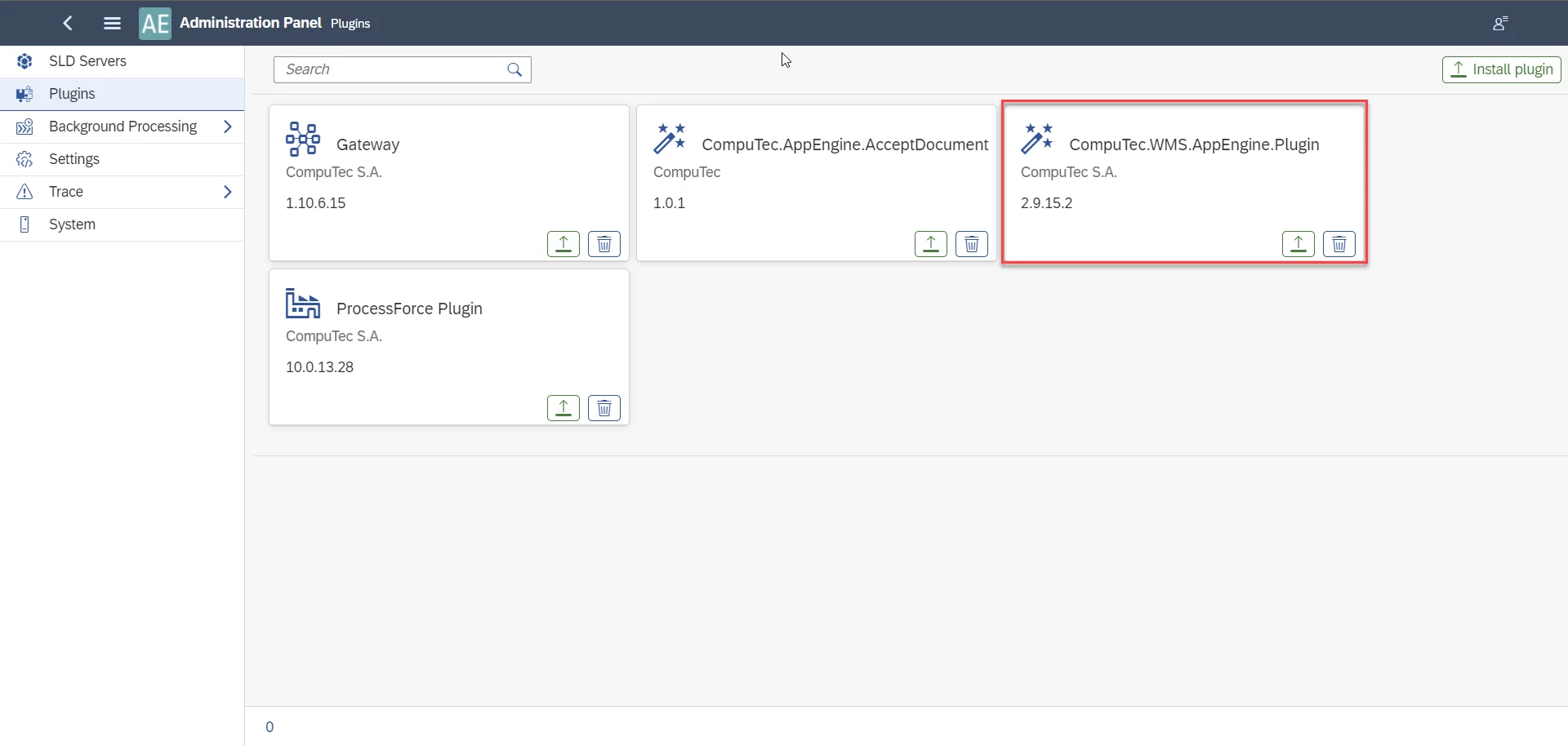
You have to upgrade the plugin upon upgrading CompuTec WMS.

Go to the plugin after the installation:
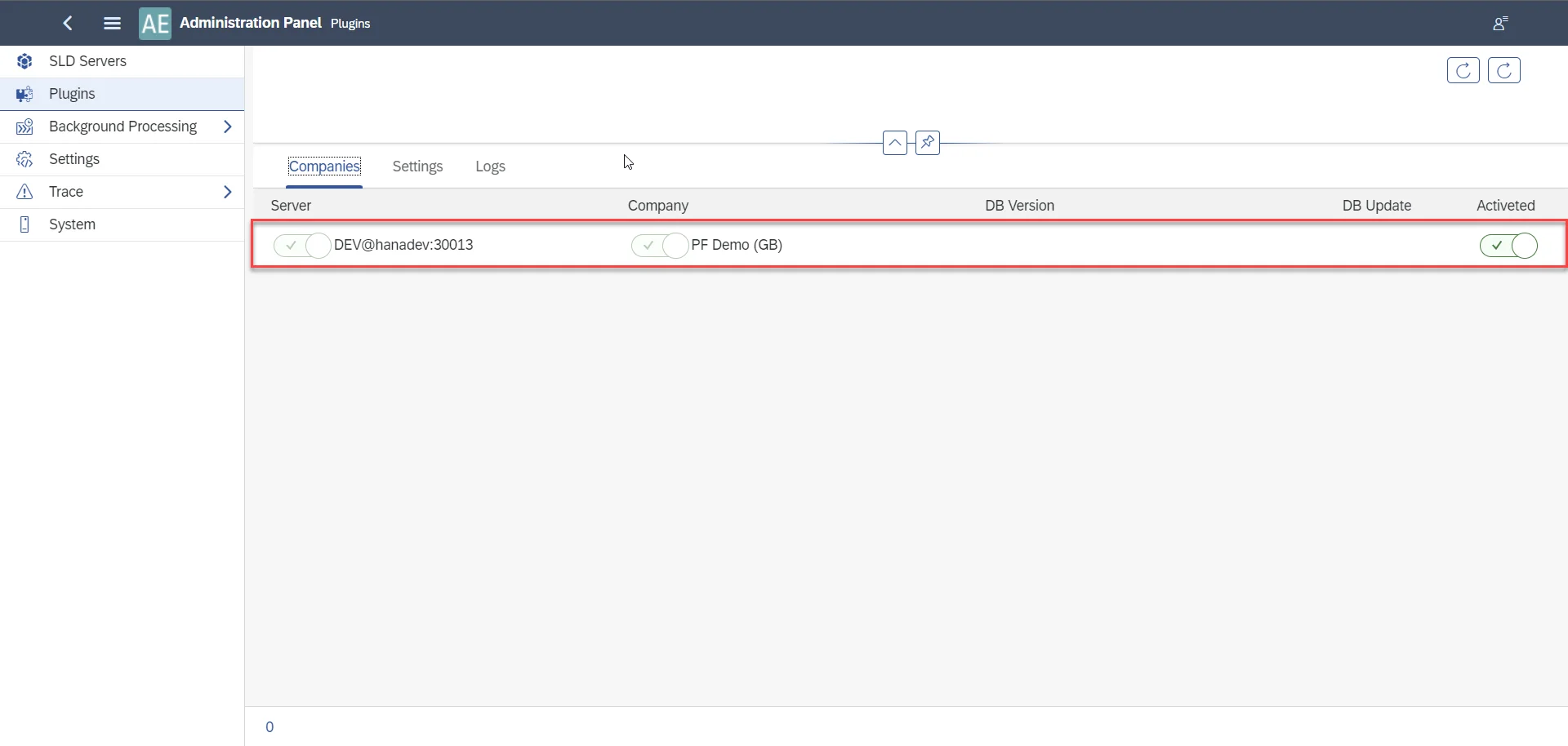
Activate the plugin in the Companies section:
Background Processing
Go to the Background Processing, the Configuration tab:
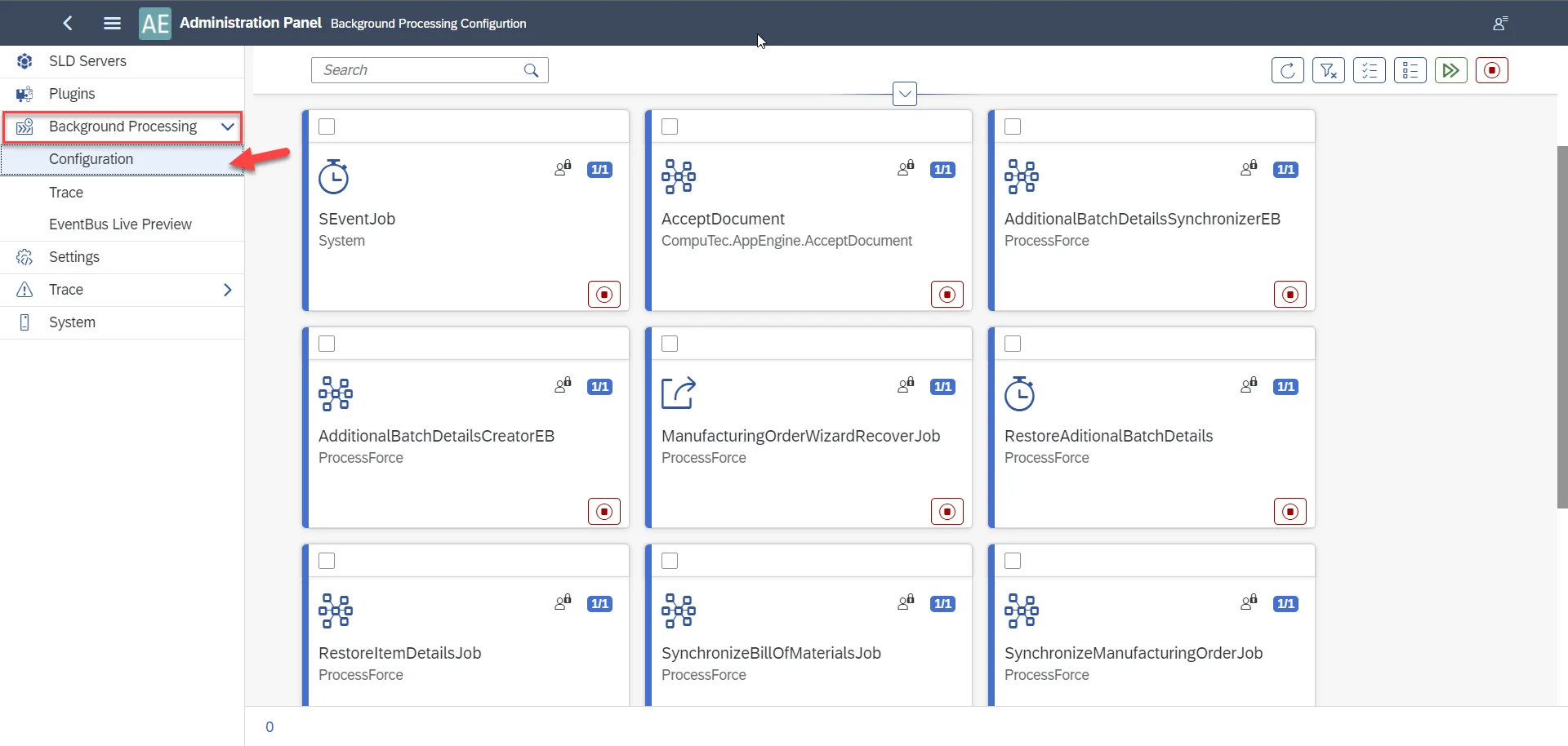
You can use the filter to find the required jobs:
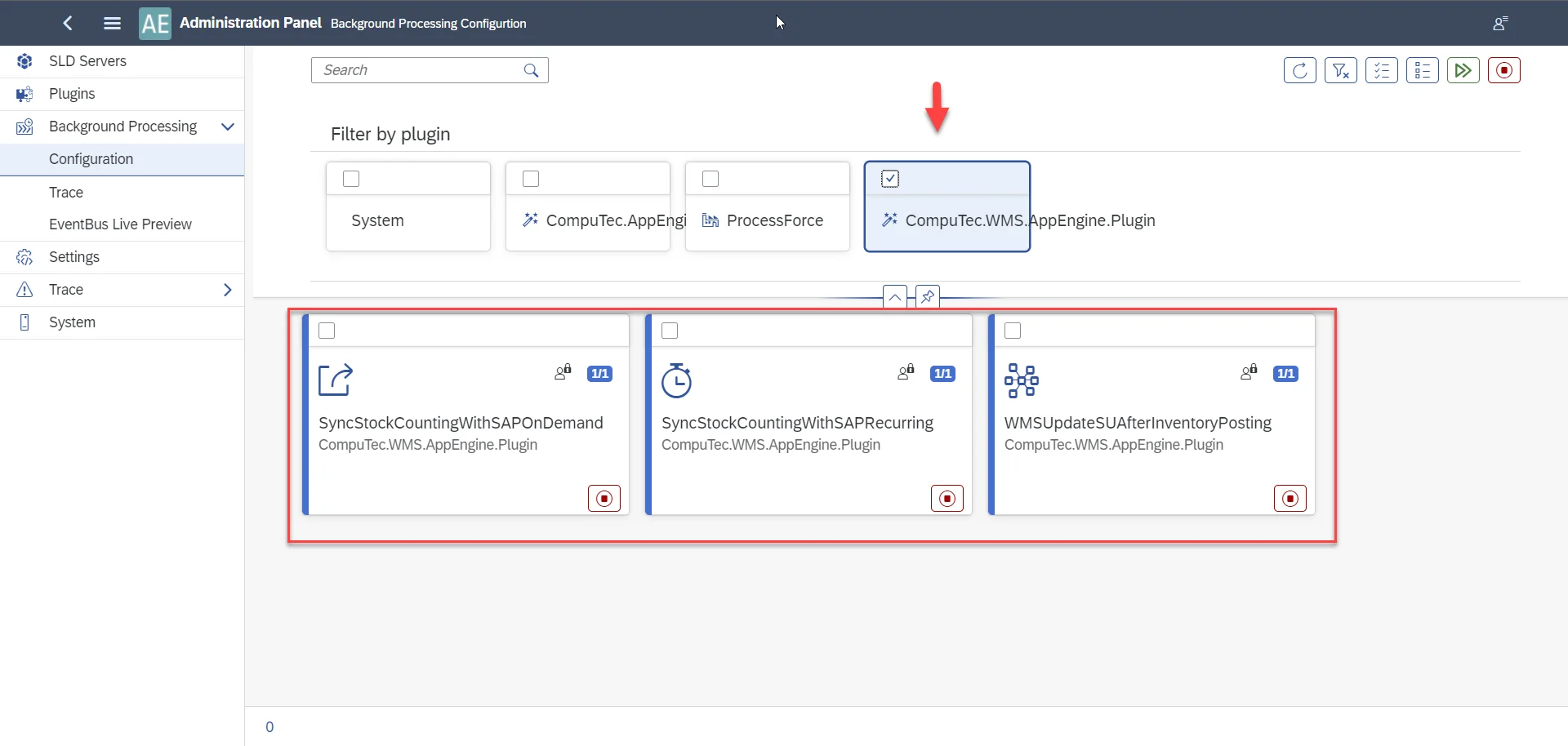
Mark all three of them and click the highlighted icon:
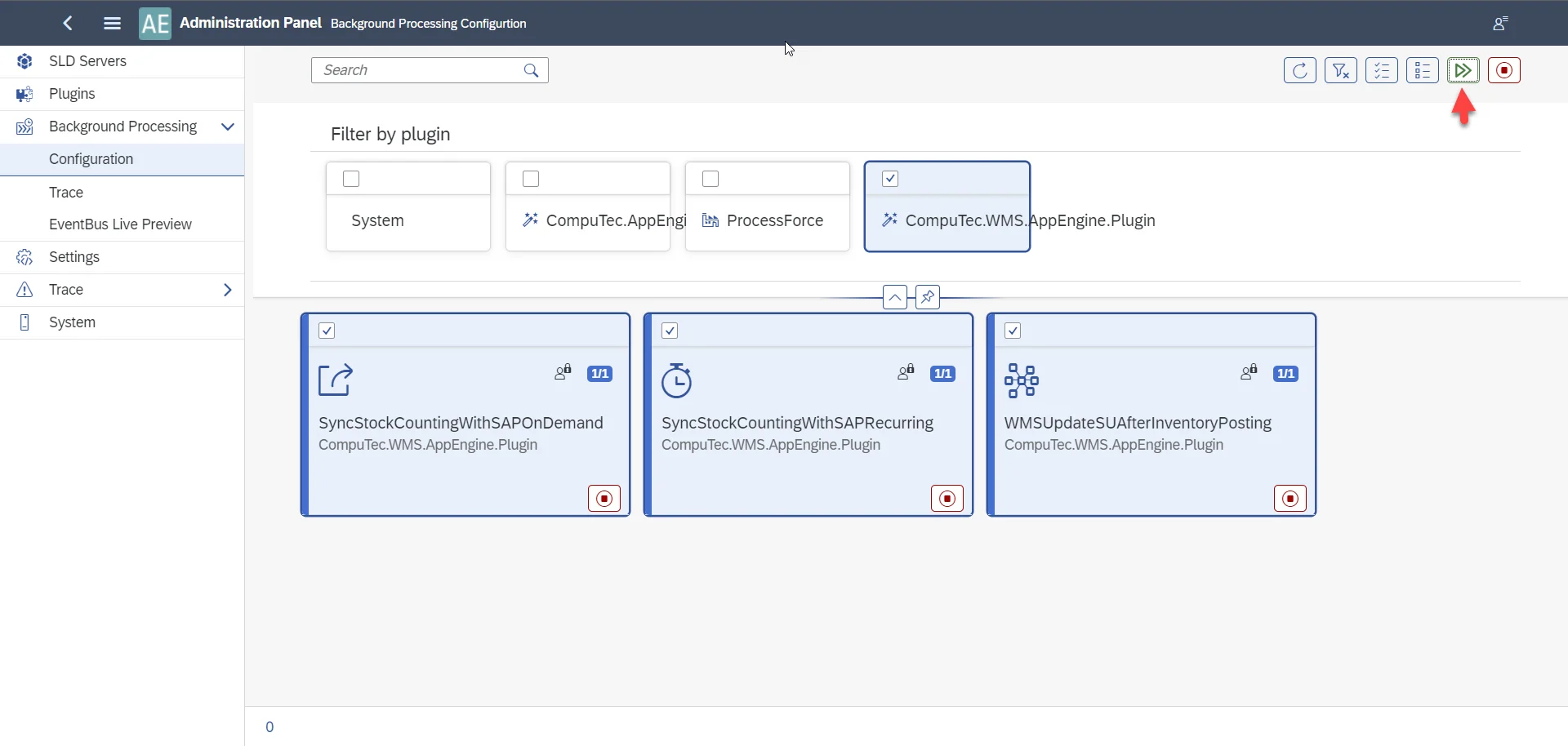
Mark all three of them and click the highlighted icon:
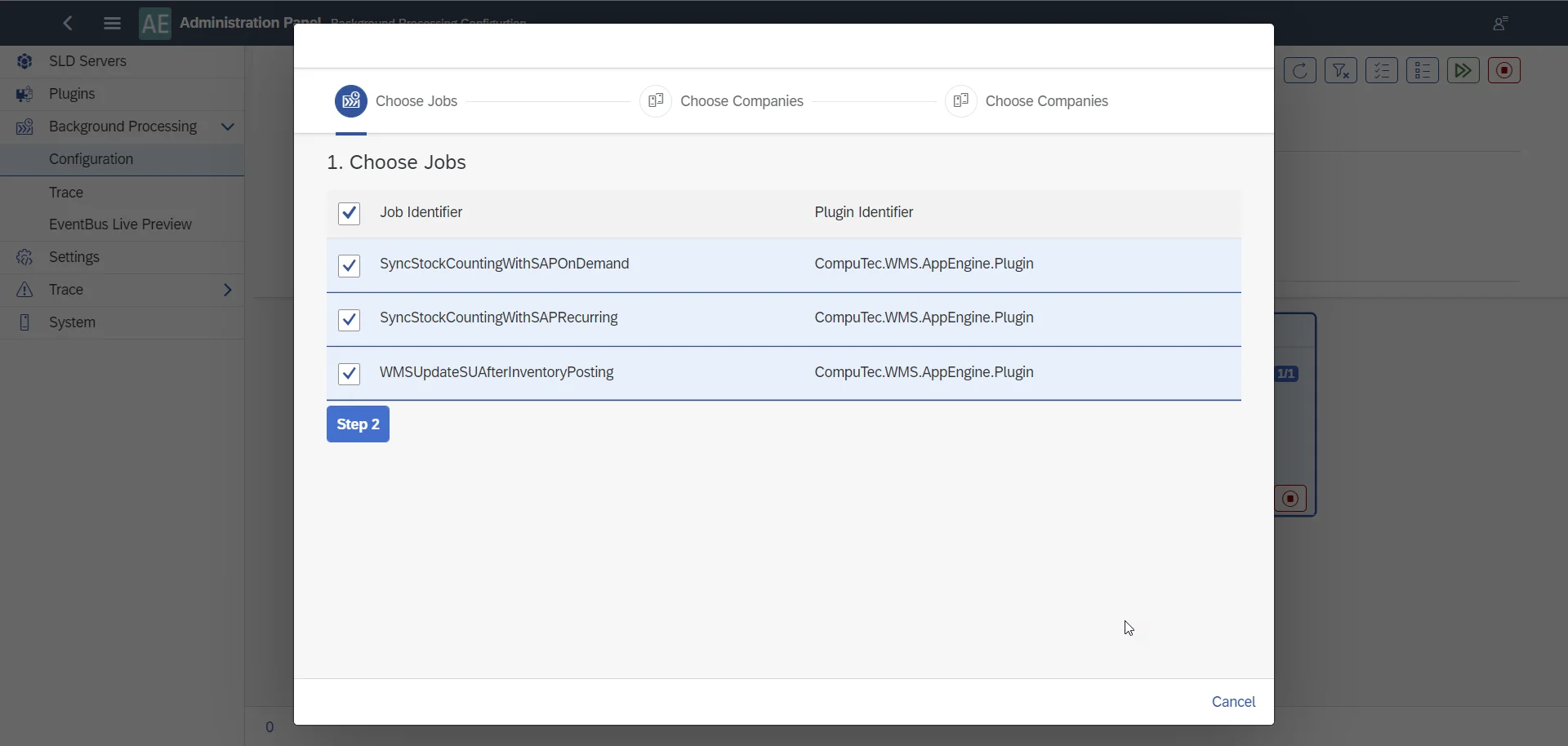
Jobs available in the CompuTec WMS plugin in CompuTec AppEngine
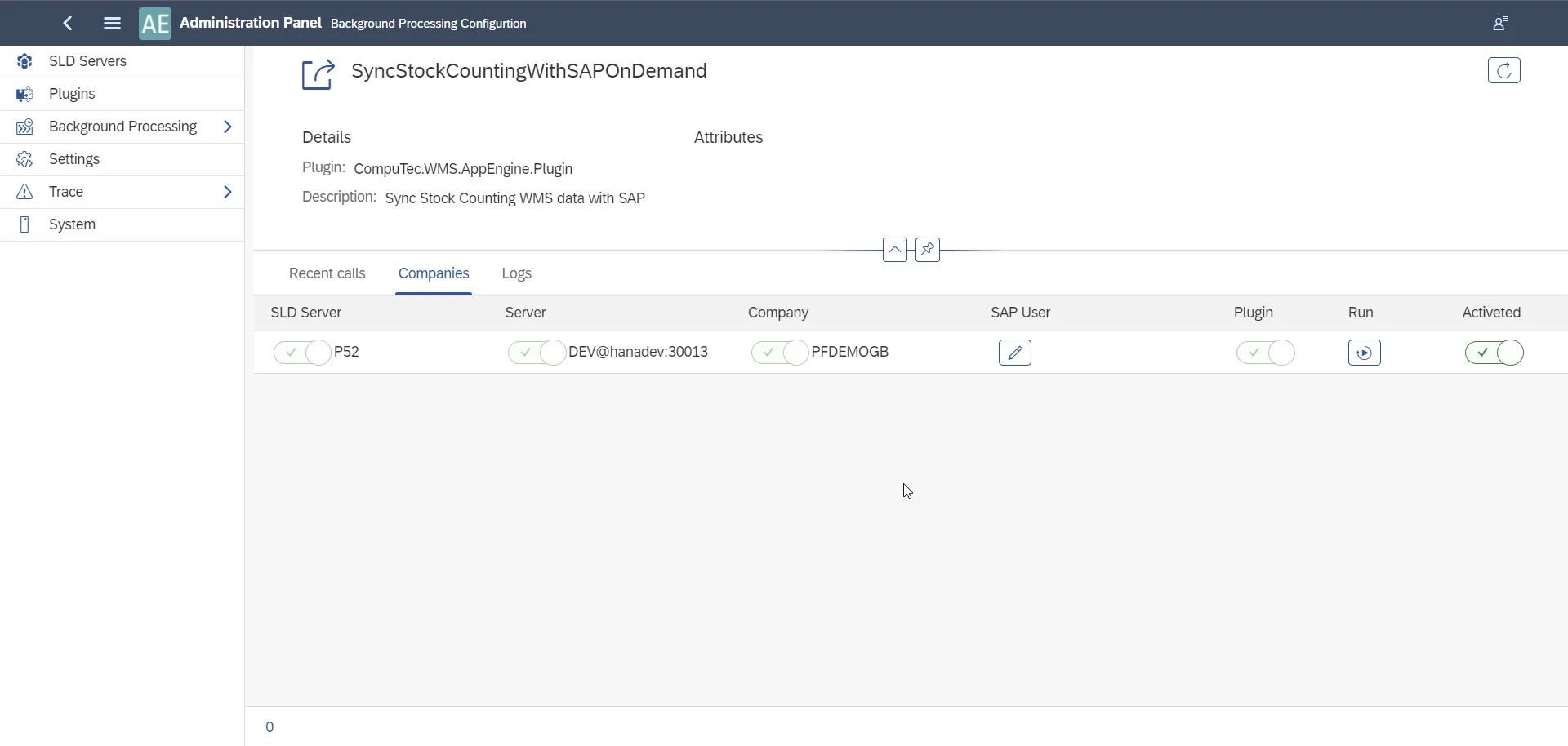
Each of them has to be activated to work correctly.
SyncStockCountingWithSAPOnDemand
This job sends information from the CompuTec client to SAP Business One (the Save icon in CompuTec WMS).
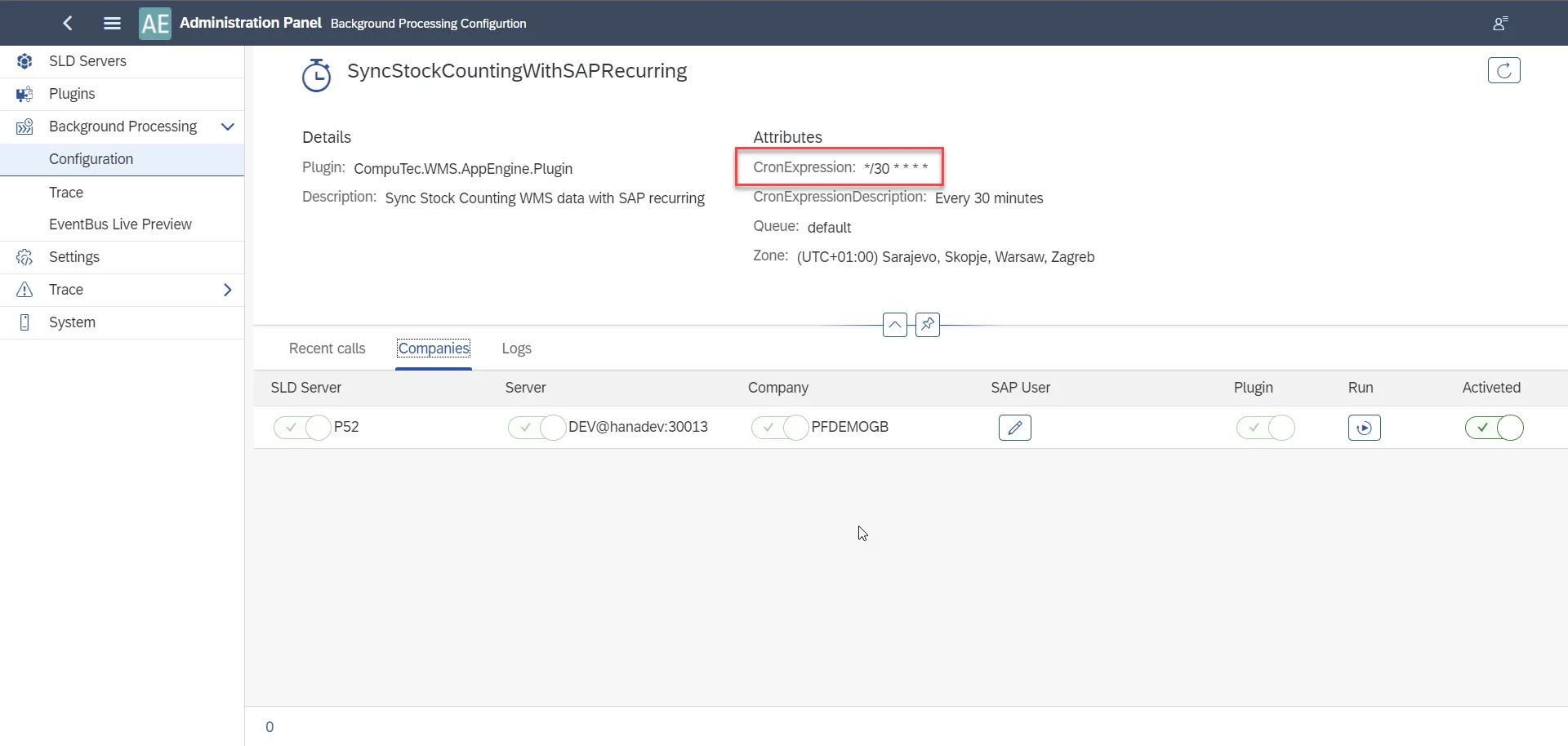
SyncStockCountingWithSAPRecurring
This job automatically sends data from CompuTec WMS to SAP Business One after 30 minutes.
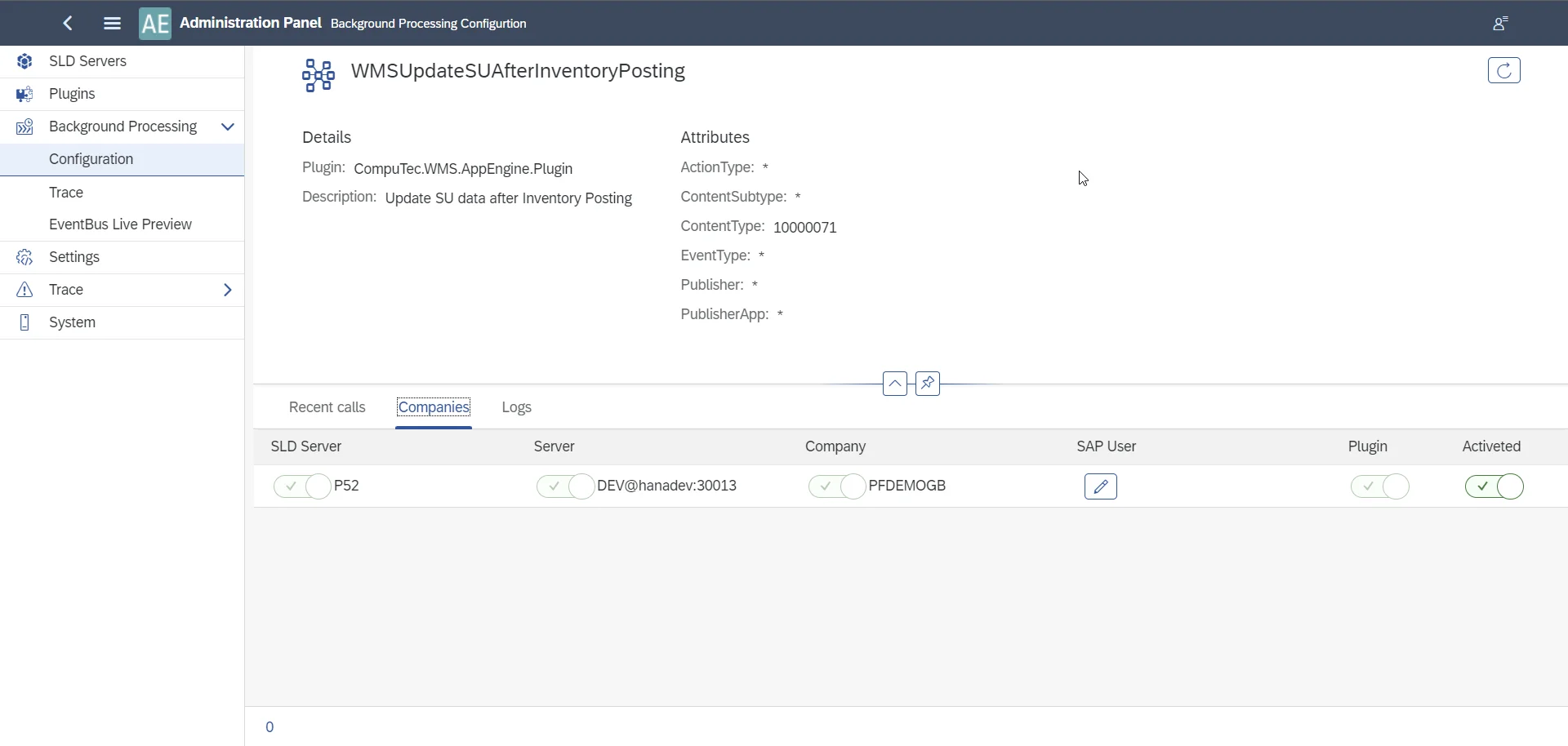
WMSUpdateSUAfterInventoryPosting
This job is responsible for creating Storage Units and their edition during Inventory Posting.
The Result
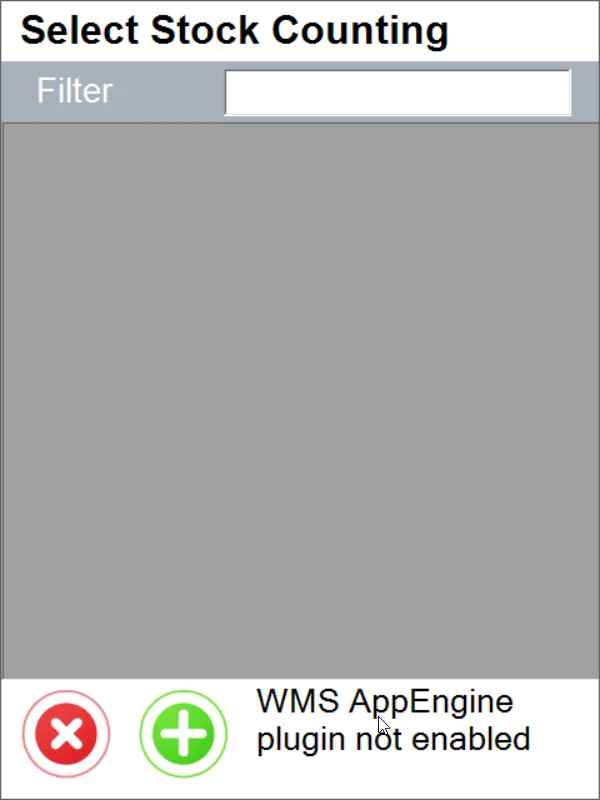
The CompuTec AppEngine plugin is required to use the New Stock Counting either with SAP Business One or CompuTec ProcessForce.
If the plugin is unavailable, there will be information about it in CompuTec WMS.