You are viewing documentation for CompuTec WMS 3.0, which runs on CompuTec AppEngine 3.0 (.NET 8).
If you use CompuTec WMS 2.0, see the CompuTec WMS 2.0 documentation.
When upgrading to CompuTec WMS 3.0, update all required CompuTec components together to ensure compatibility.
Before installing or upgrading, review the CompuTec WMS Installation Guide and the system requirements.
Delivery Settings
New Delivery
-
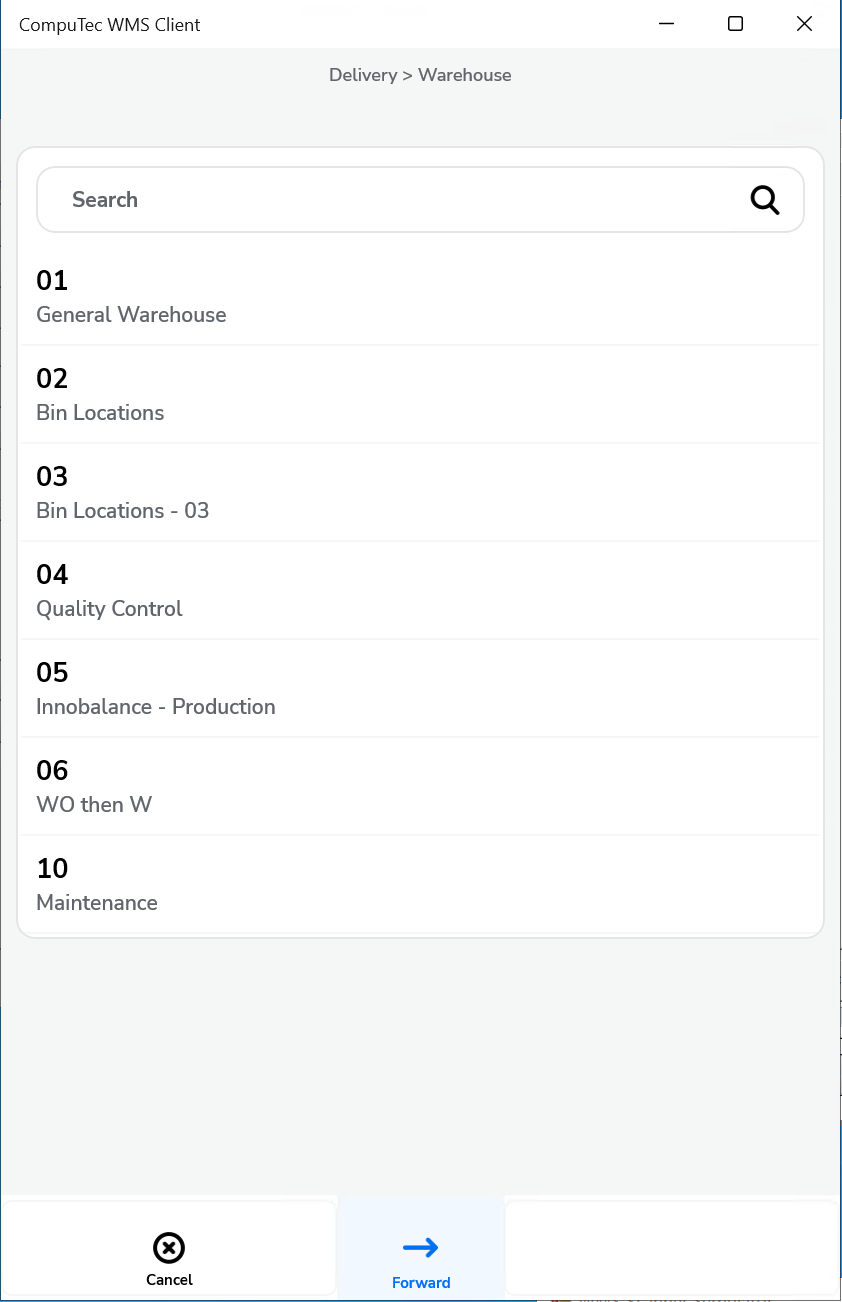
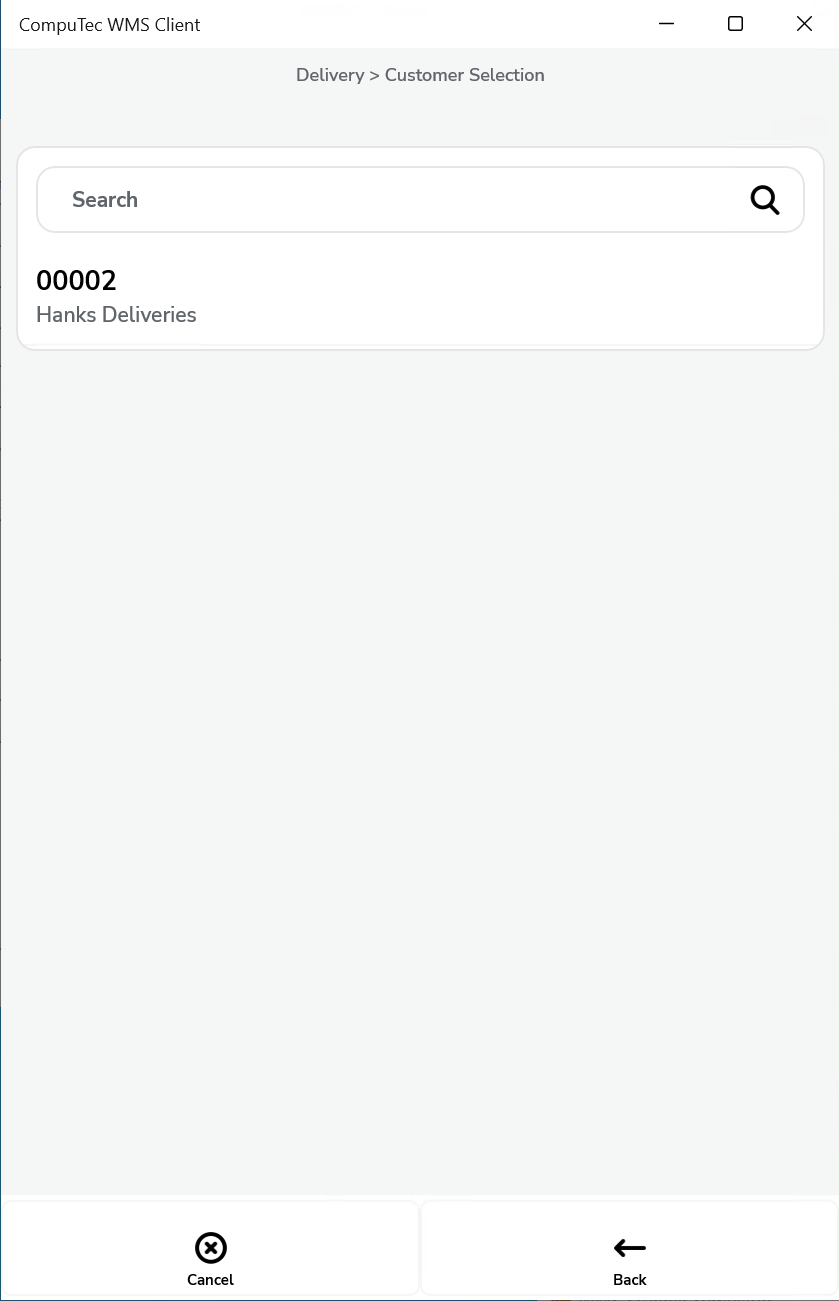
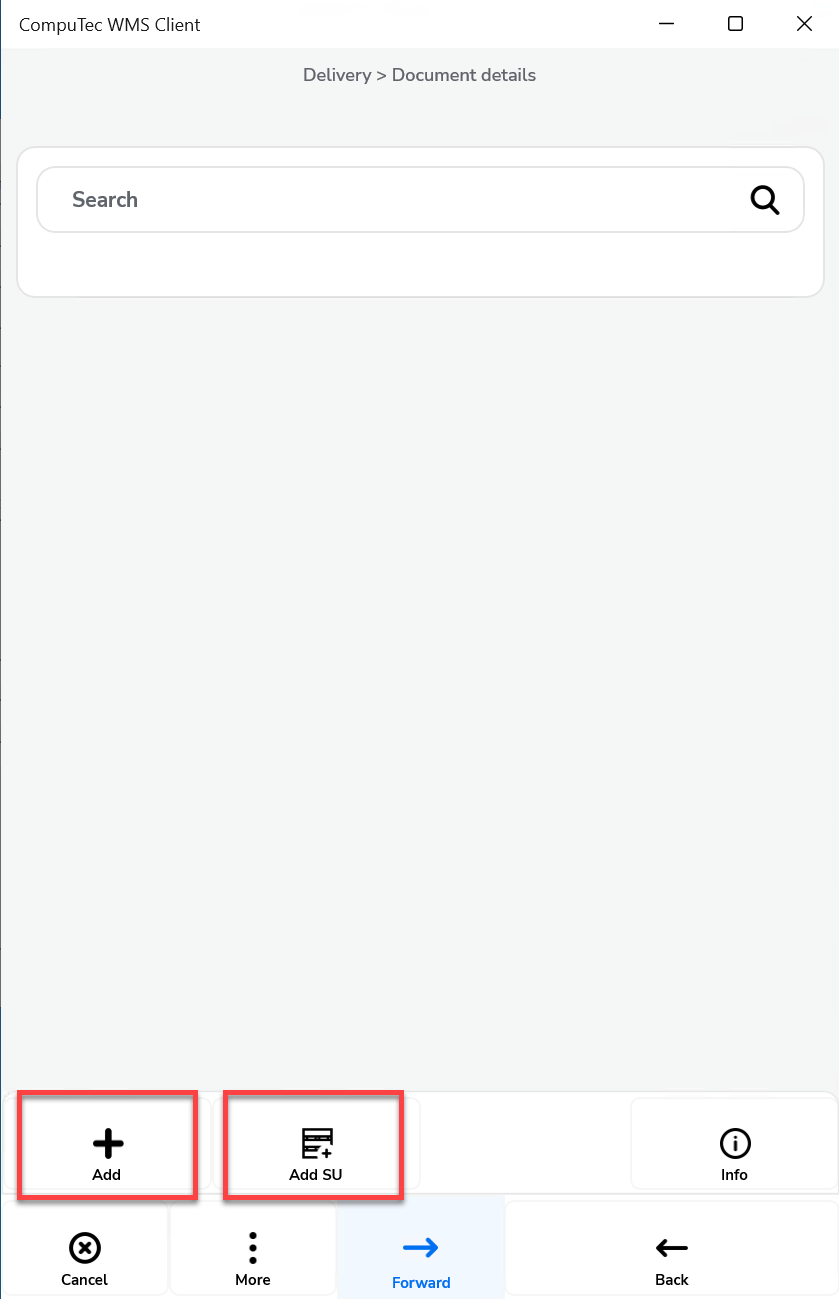
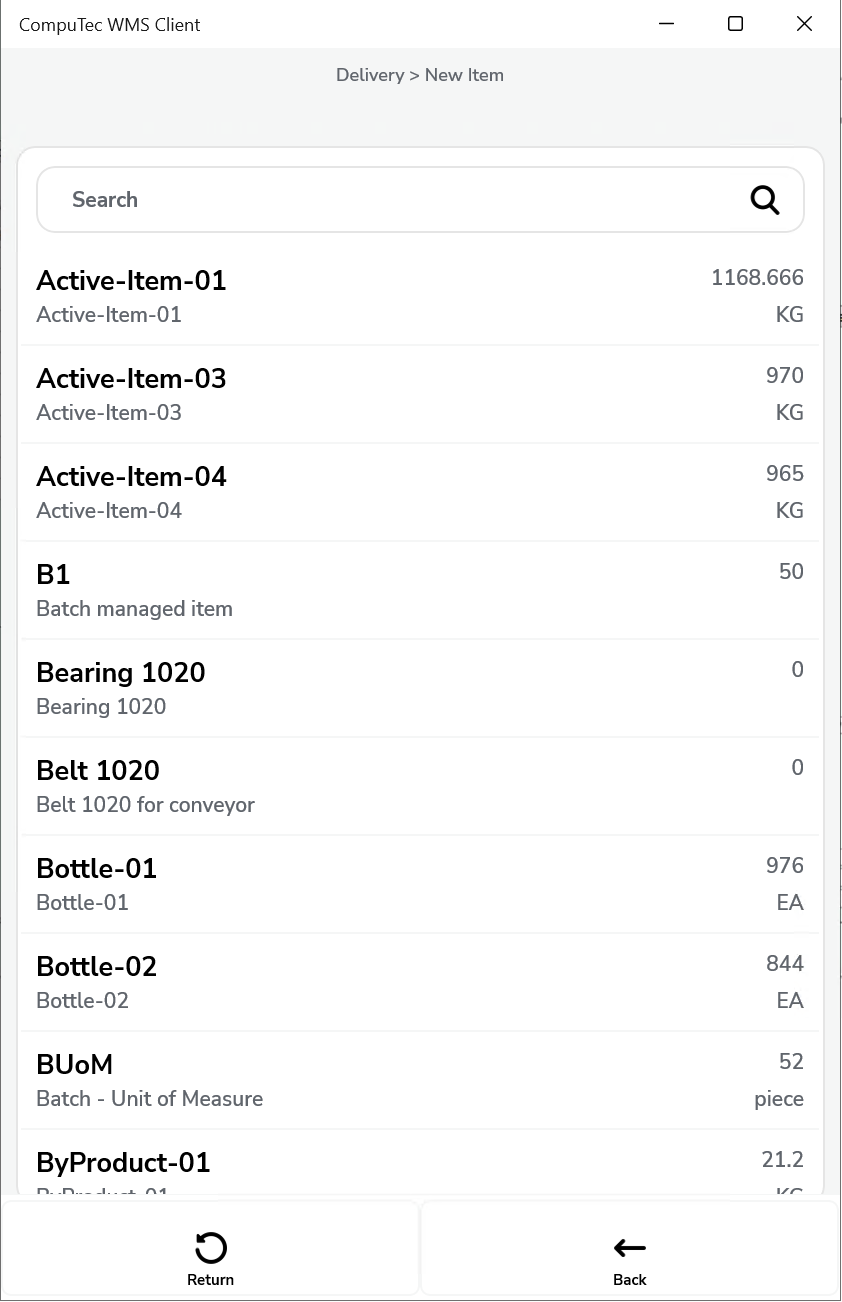
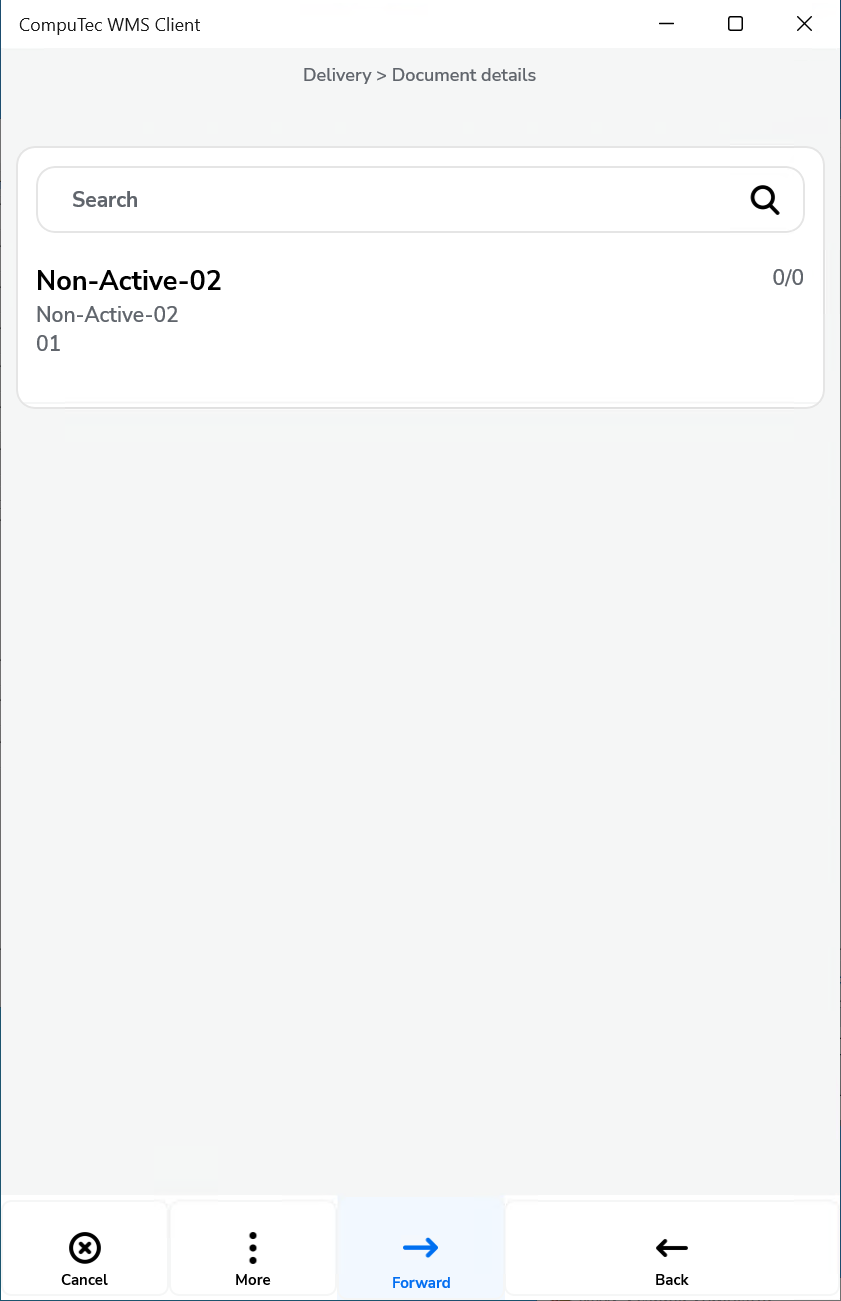
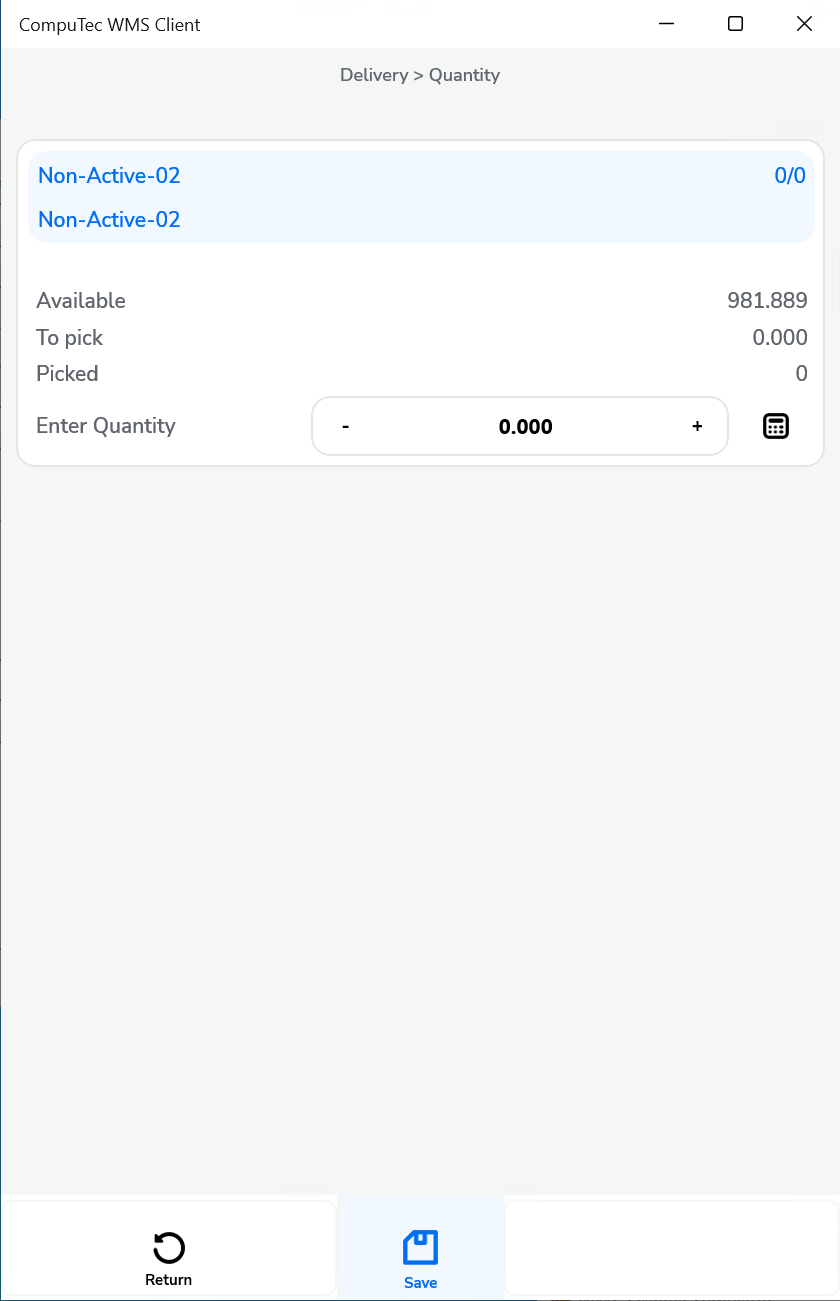
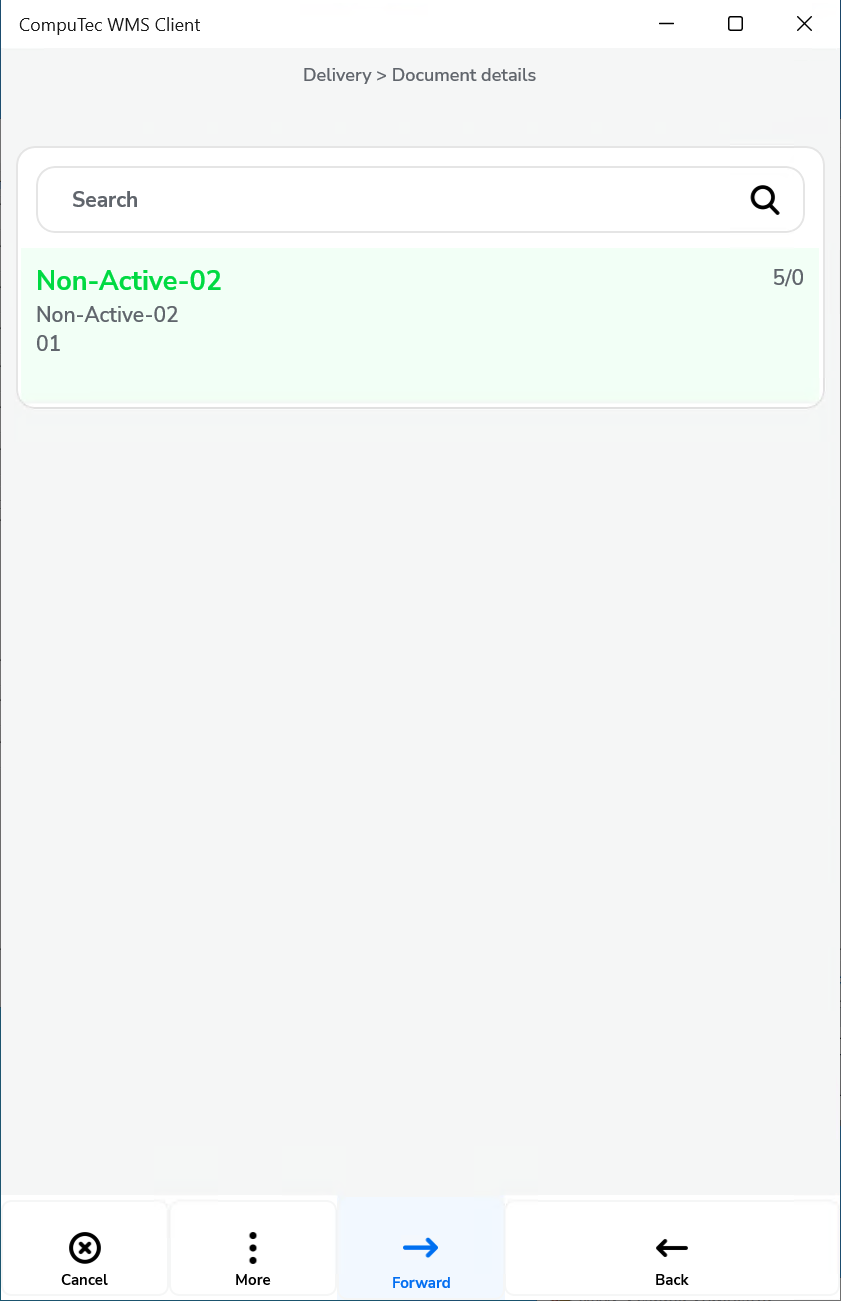
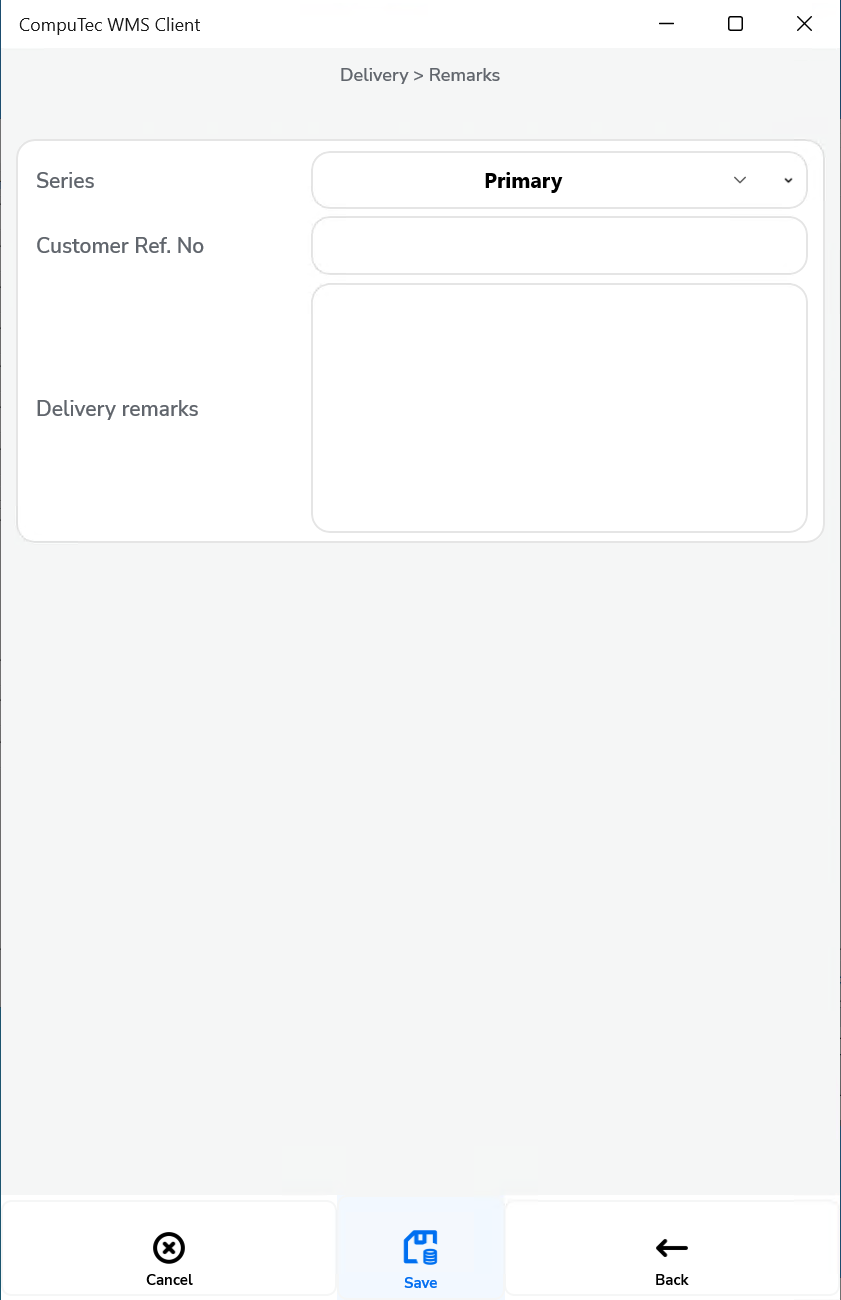
Show Warehouse selection and no default Warehouse chosen – It is required to choose a Warehouse on creation of a document or adding Items.
Click to check the effect on the workflow
-
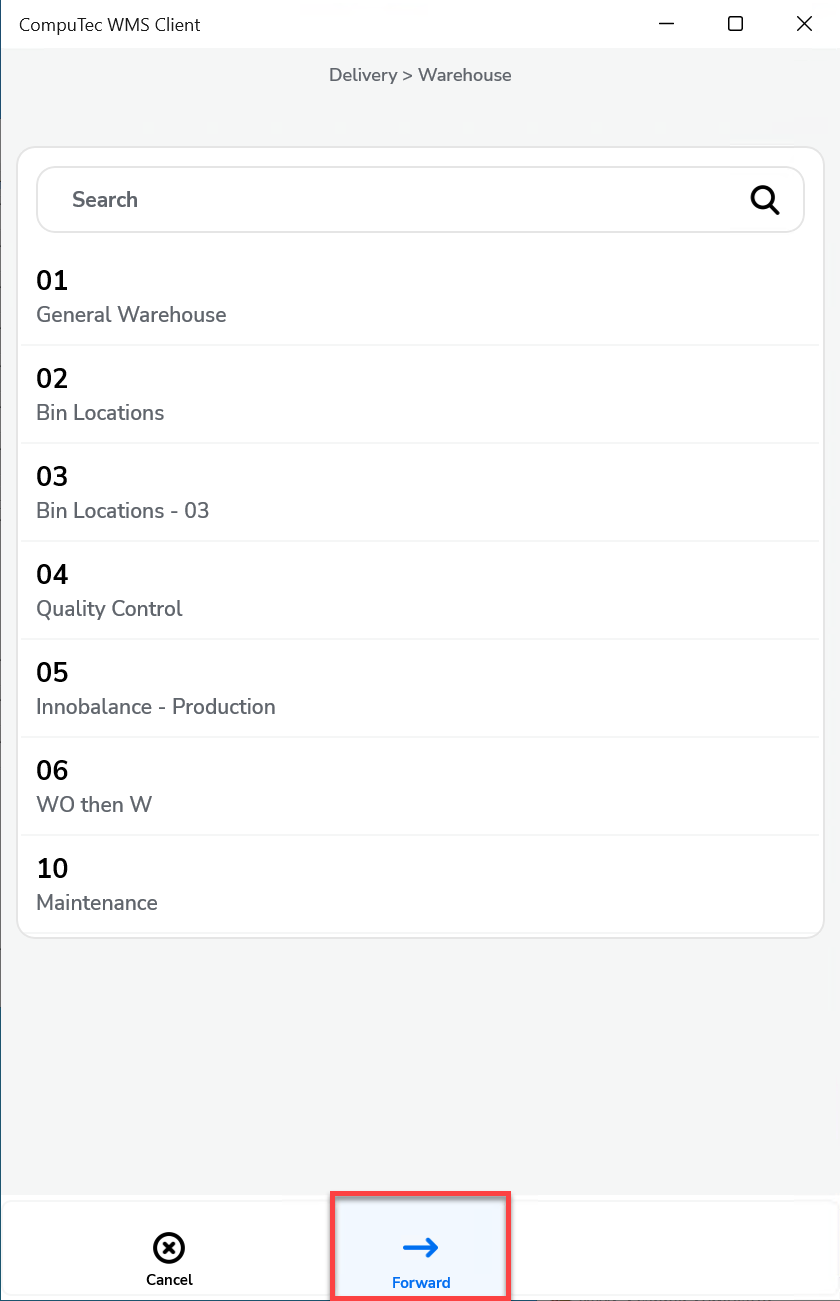
Show Warehouse selection and a default Warehouse chosen – It is required to choose a Warehouse during document creation or adding an Item
Click to check the effect on the workflow
-
Do not show a Warehouse selection and no default Warehouse chosen – It is required to choose a Warehouse on adding an Item.
Click to check the effect on the workflow
-
Do not show a Warehouse and a default Warehouse chosen – only Pick Lists for a Warehouse chosen in settings are displayed; a Warehouse is not chosen during creation of a Delivery document.
Click to check the effect on the workflow
From Pick List
-
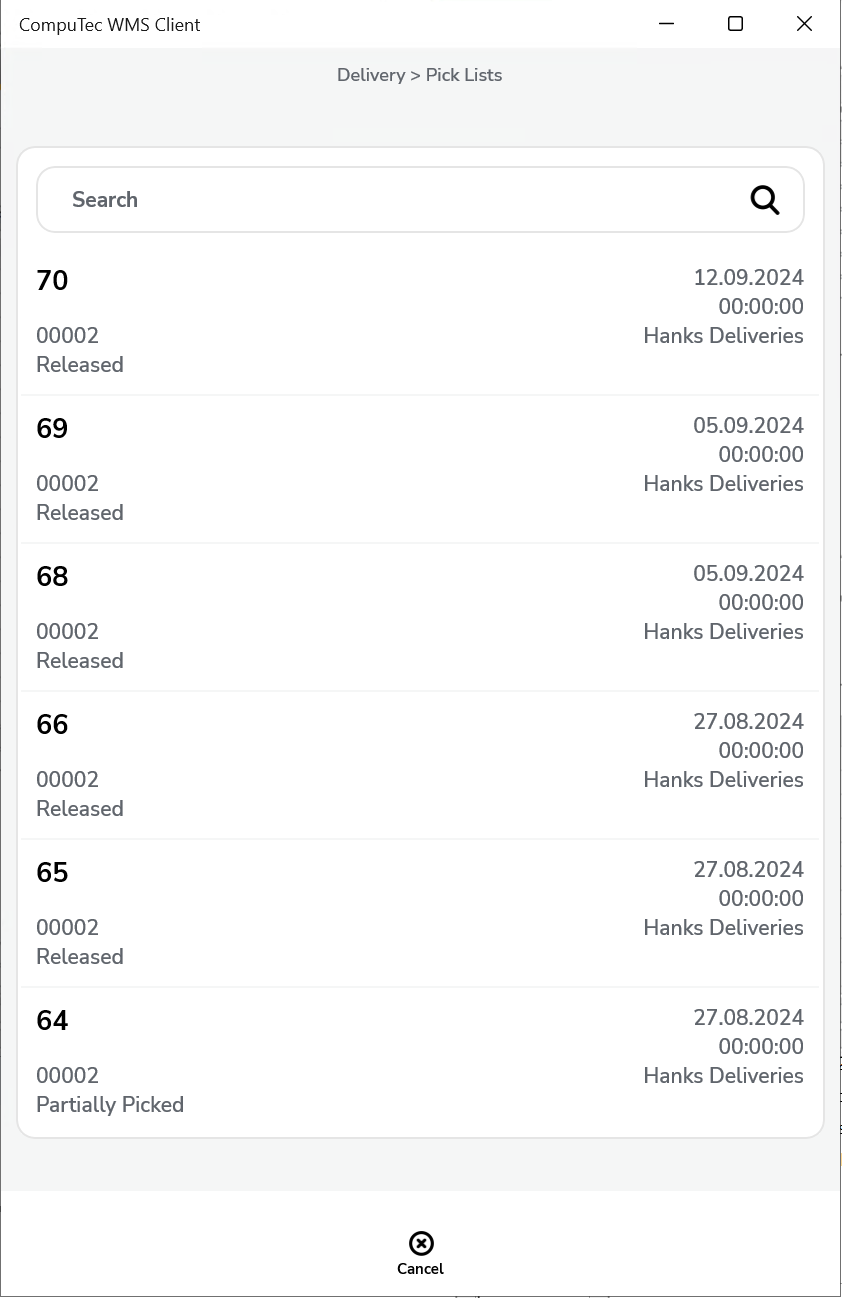
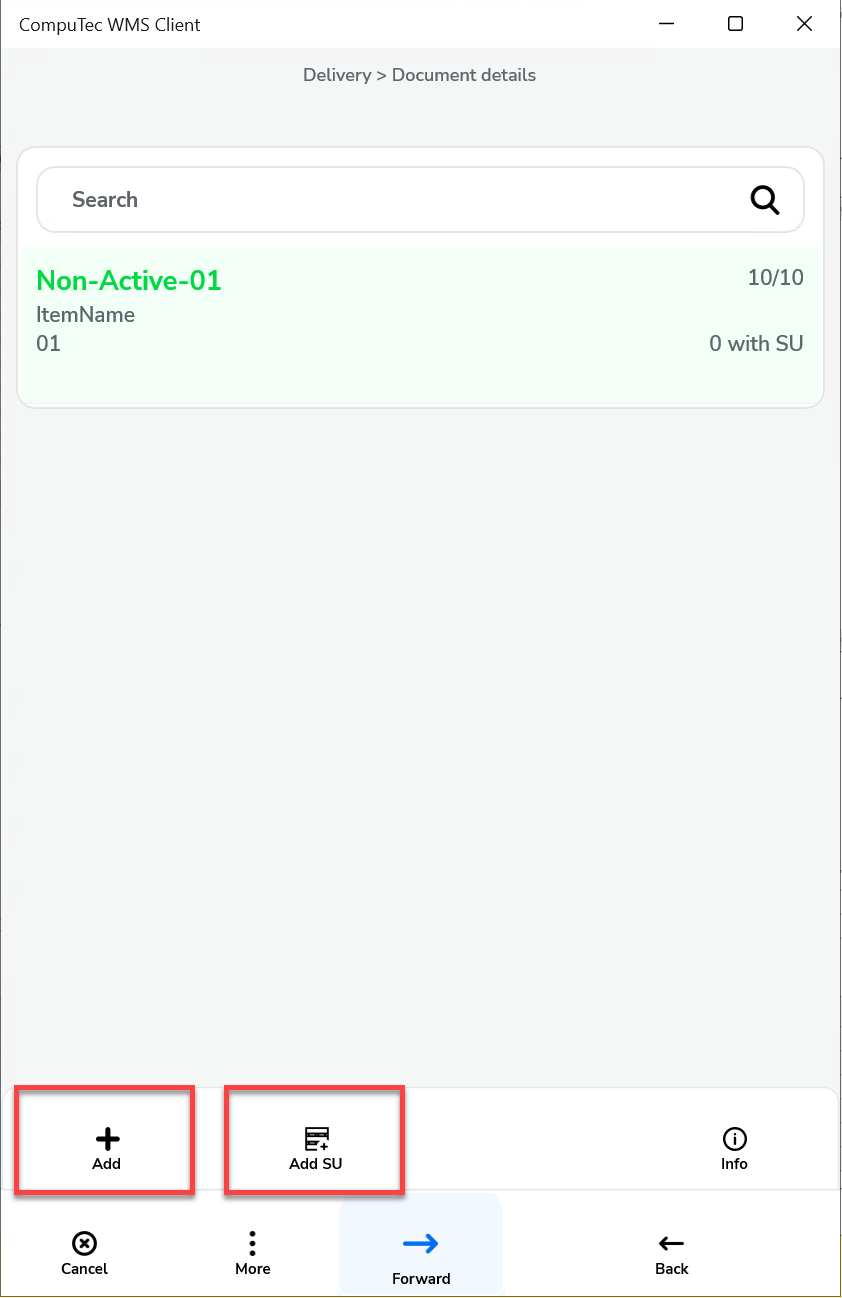
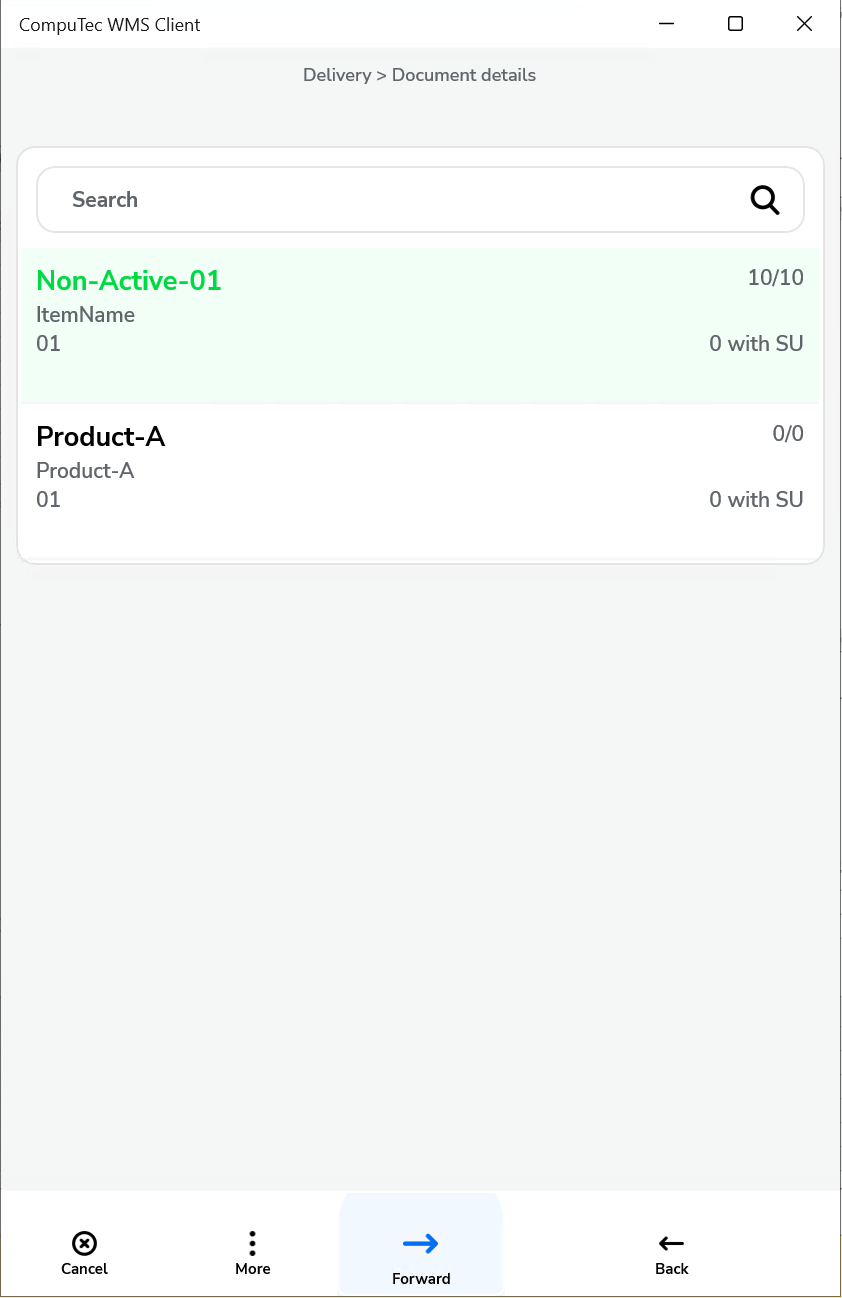
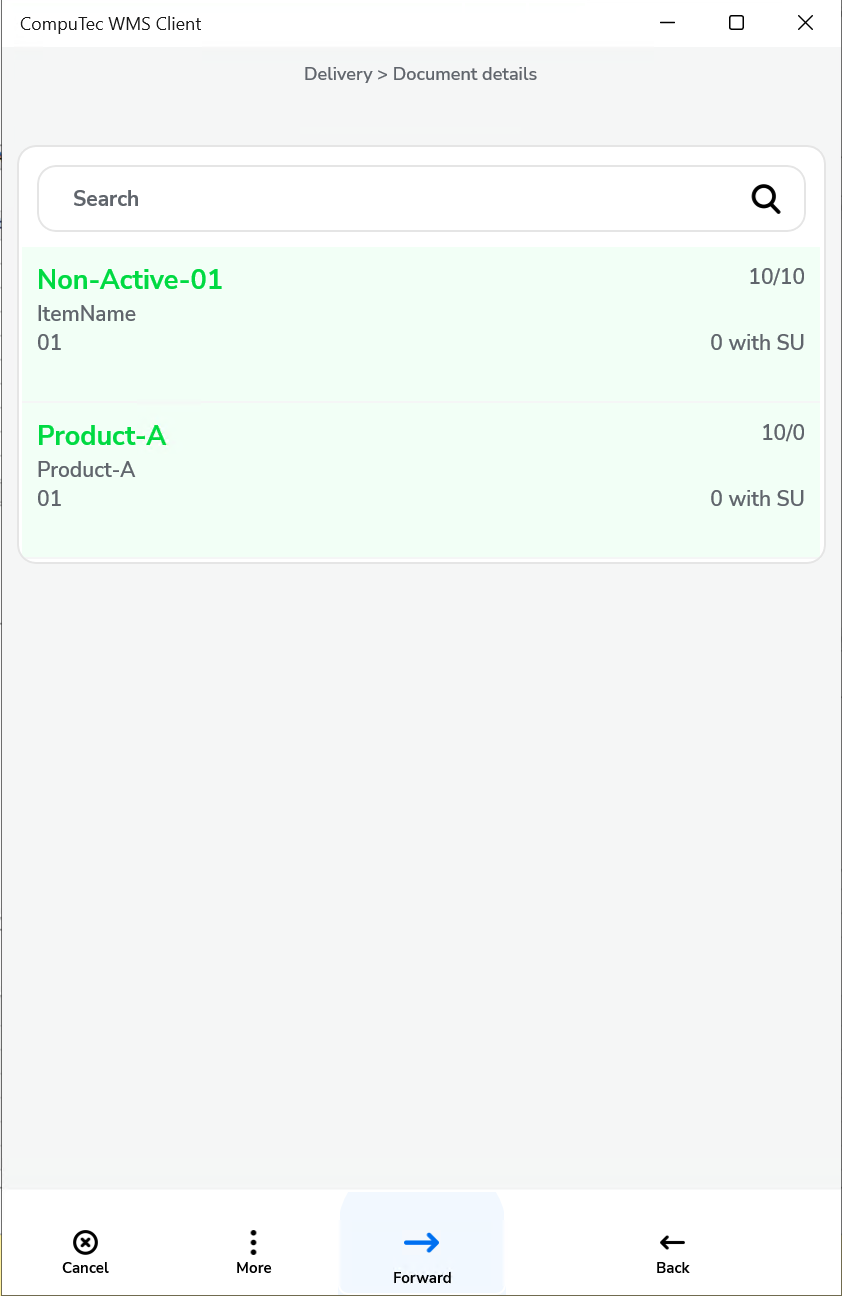
Show Warehouse selection and no default Warehouse chosen – user has to choose a Warehouse on creating a document or adding an Item.
Click to check the effect on the workflow
-
Show Warehouse selection and a default Warehouse chosen – only Pick Lists for a Warehouse set up in settings are displayed; it is required to choose a Warehouse during document creation or adding an Item
Click to check the effect on the workflow
-
Do not show a Warehouse selection and no default Warehouse chosen – it is required to choose a Warehouse on adding an Item.
Click to check the effect on the workflow
-
Do not show a Warehouse and a default Warehouse chosen – only Pick Lists for a Warehouse chosen in settings are displayed; a Warehouse is not chosen during creation of a Delivery document.
Click to check the effect on the workflow
From Sales Order
-
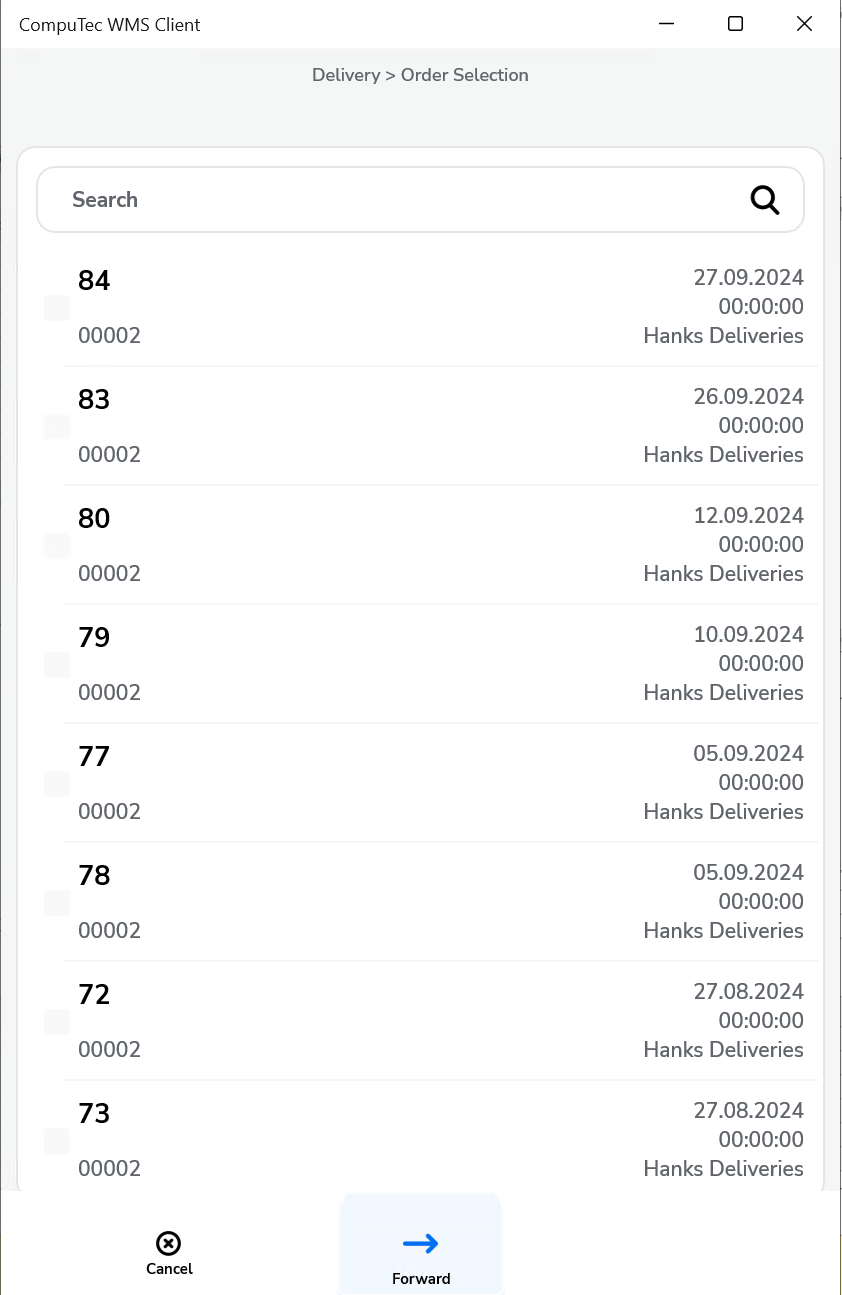
Show Warehouse selection and no default Warehouse chosen – it is required to choose a Warehouse during creation of a document or adding an Item.
Click to check the effect on the workflow
-
Show Warehouse selection and a default Warehouse chosen – only documents for a Warehouse chosen in settings are displayed; it is required to choose a Warehouse on adding Items.
Click to check the effect on the workflow
-
Do not show Warehouse selection and no default Warehouse chosen – it is required to choose a Warehouse on adding Items.
Click to check the effect on the workflow
-
Do not show Warehouse selection and a default Warehouse is chosen – only documents for a Warehouse chosen in settings are displayed; during creation of Delivery document a Warehouse is not chosen at all.
Click to check the effect on the workflow
From Draft Delivery
A Warehouse is already defined in a Draft document.
From A/R Reserve Invoice
-
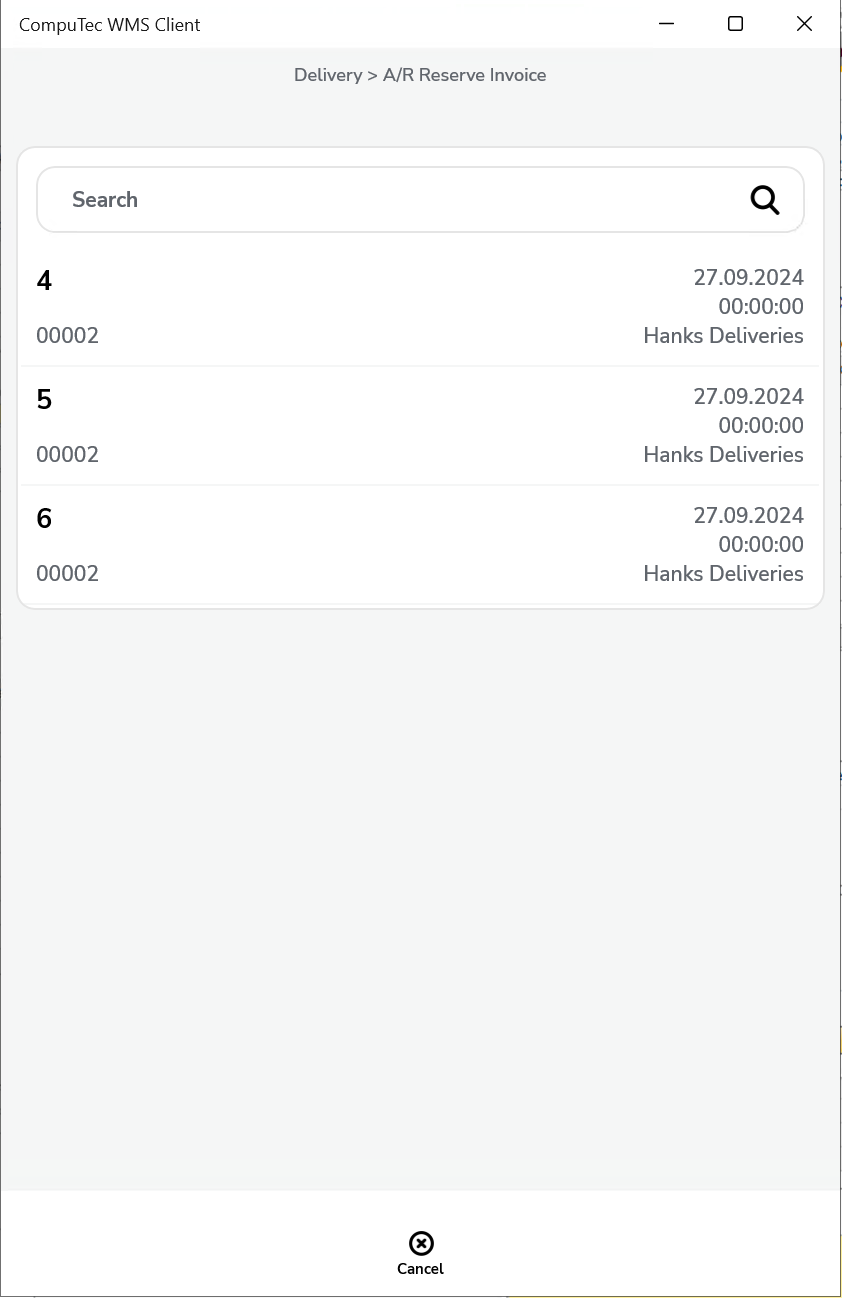
Show Warehouse selection and no default Warehouse chosen – it is required to choose a Warehouse on adding Items. Items that are not present in this Warehouse are highlighted red.
Click to check the effect on the workflow
-
Show Warehouse selection and a default Warehouse chosen – only documents for a Warehouse chosen in settings are displayed, it is required to choose a Warehouse on adding Items.
Click to check the effect on the workflow
-
Do not show Warehouse selection and no default Warehouse chosen – it is required to choose a Warehouse on adding Items.
Click to check the effect on the workflow
-
Show Warehouse selection and a default Warehouse chosen – only documents for a Warehouse chosen in settings are displayed; during creation of Delivery document a Warehouse is not chosen at all.
Click to check the effect on the workflow