informacja
You are viewing documentation for CompuTec WMS 3.0, which runs on CompuTec AppEngine 3.0 (.NET 8).
If you use CompuTec WMS 2.0, see the CompuTec WMS 2.0 documentation.
When upgrading to CompuTec WMS 3.0, update all required CompuTec components together to ensure compatibility.
Before installing or upgrading, review the CompuTec WMS Installation Guide and the system requirements.
Stock Transfer from Pick List
Generate warehouse transfer from pick list
-
We create pickings from CompuTec WMS > Pick and Pack level and proceed to the Stock Transfer transaction
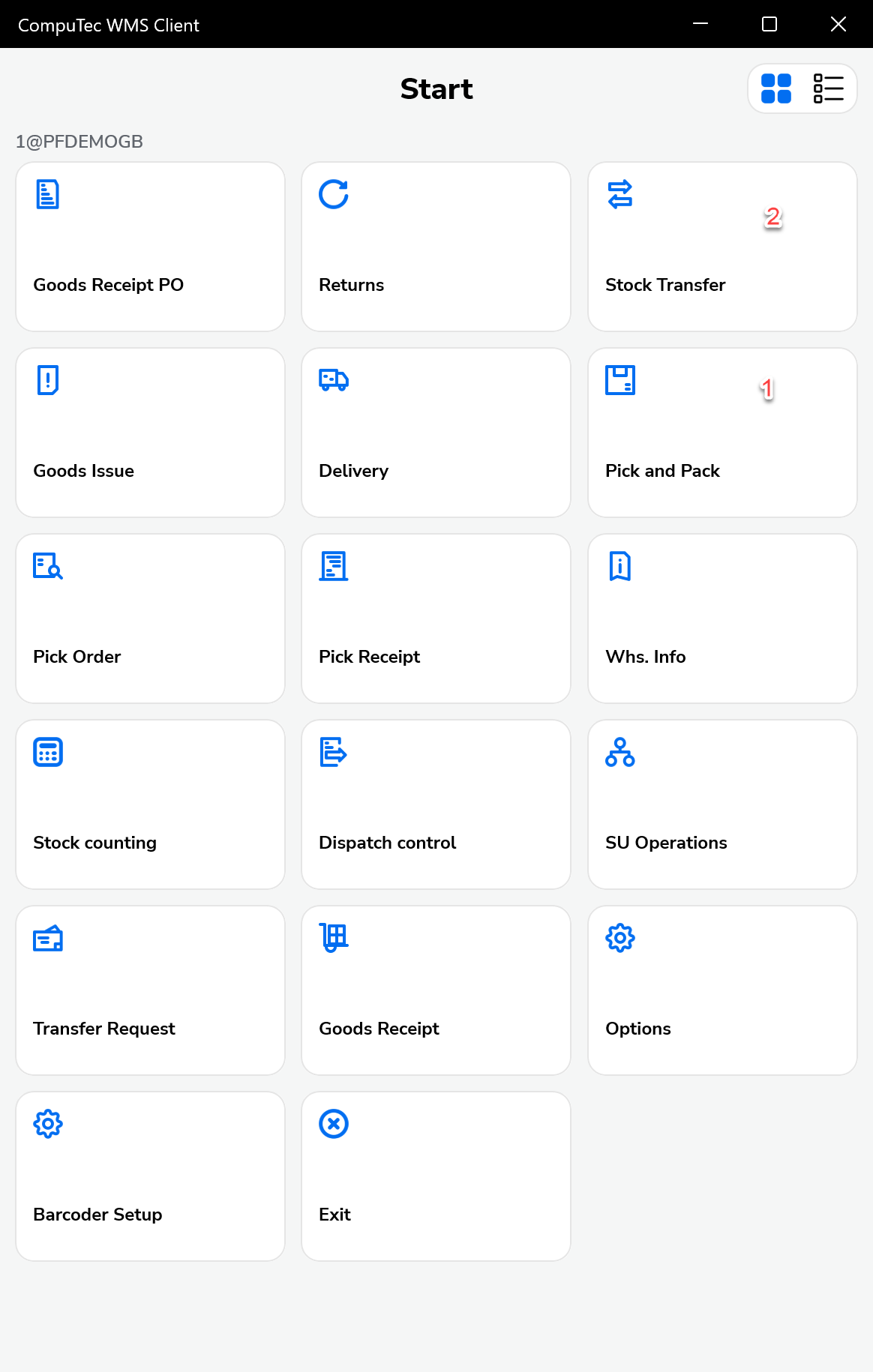
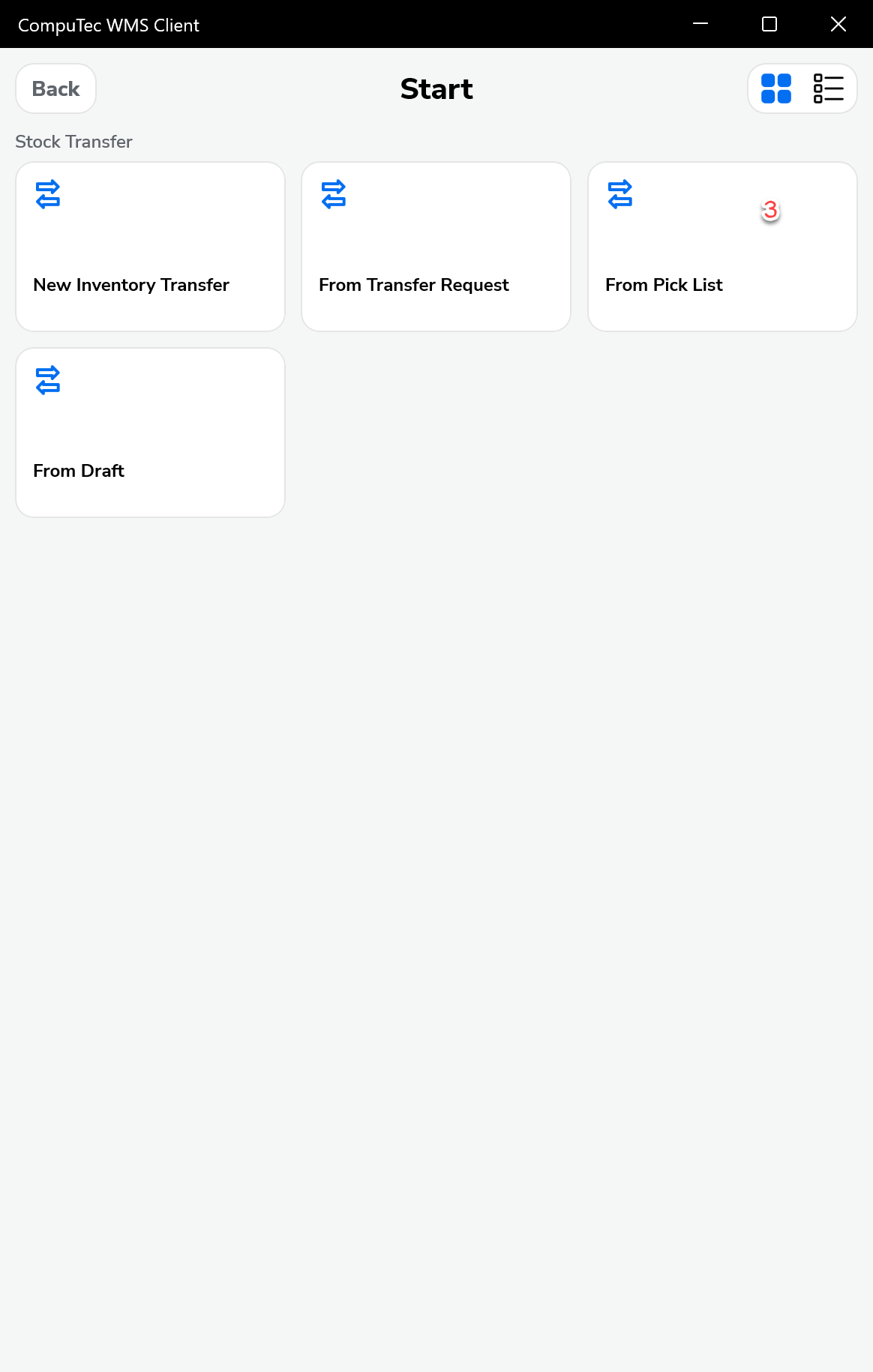
-
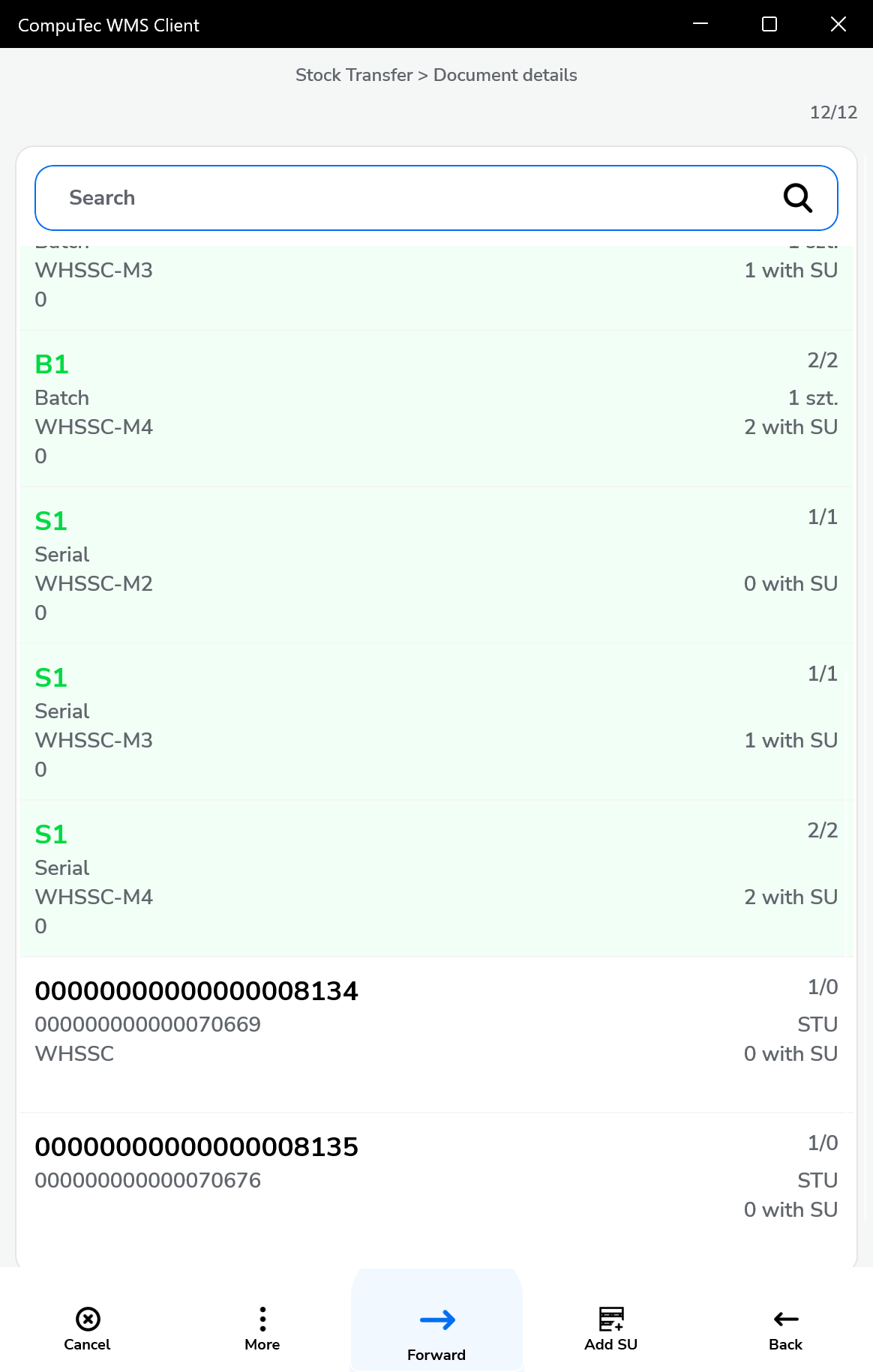
We choose the pick list
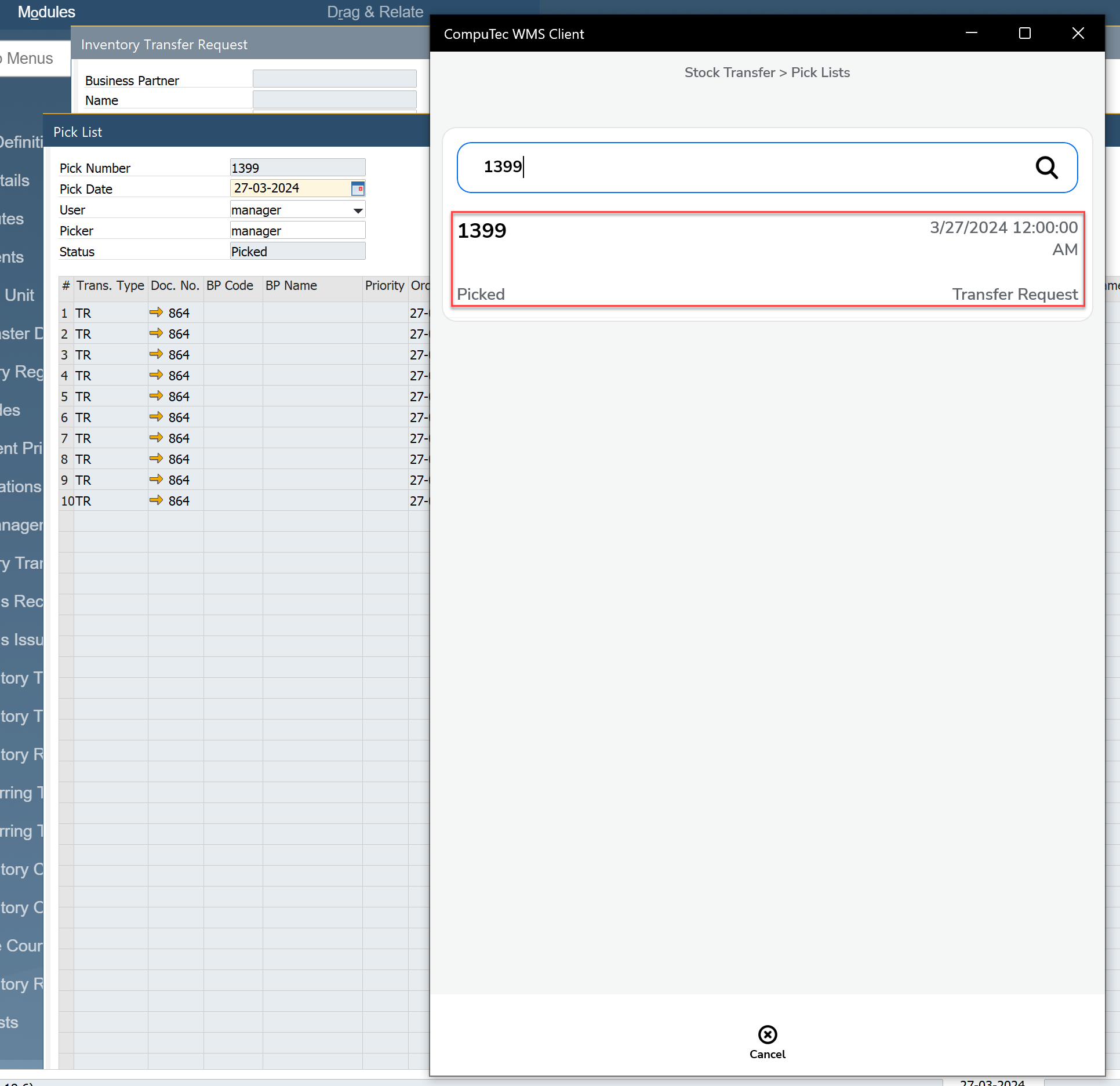
-
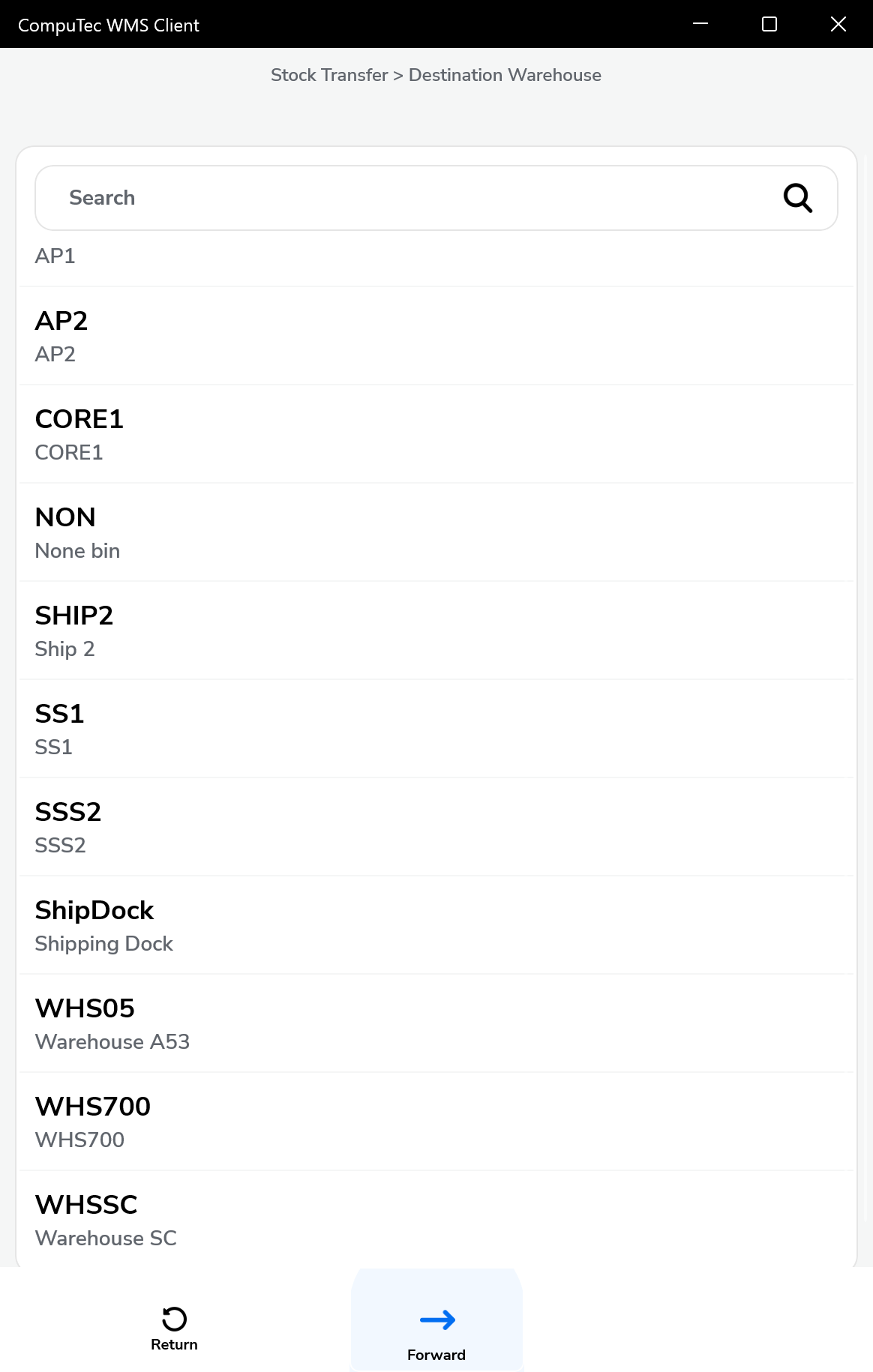
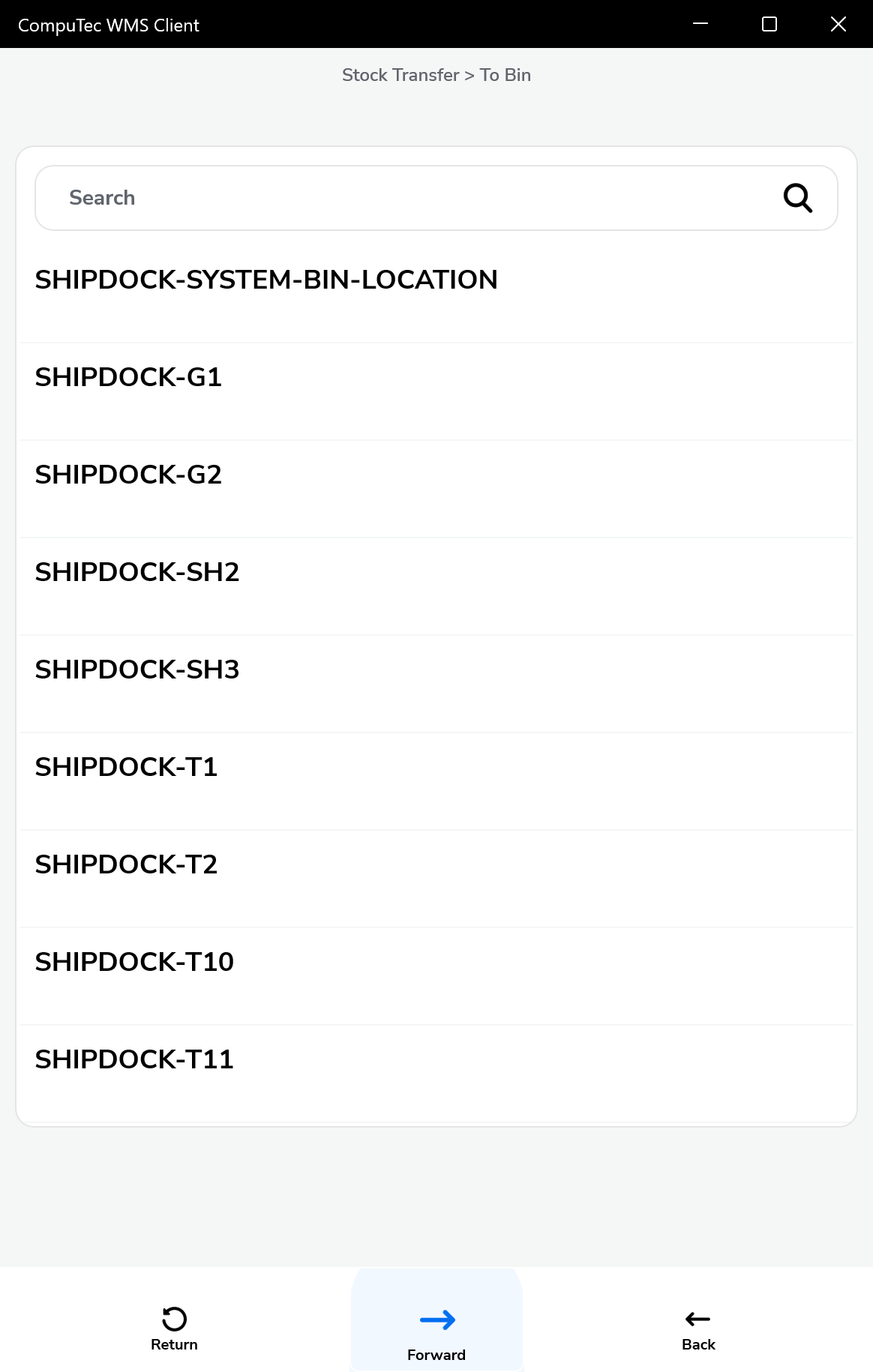
In the next step, we can proceed to selecting the target warehouse
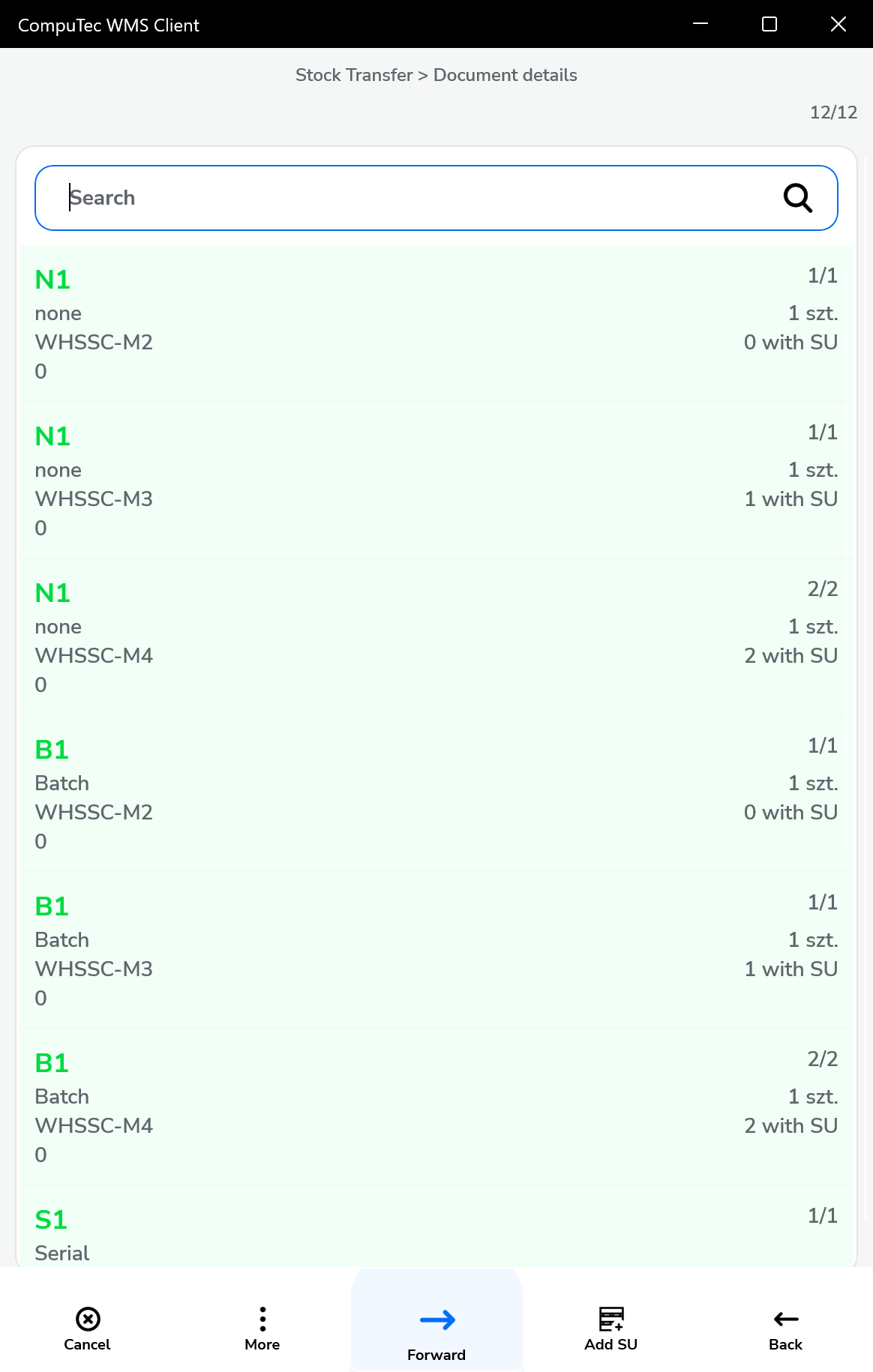
-
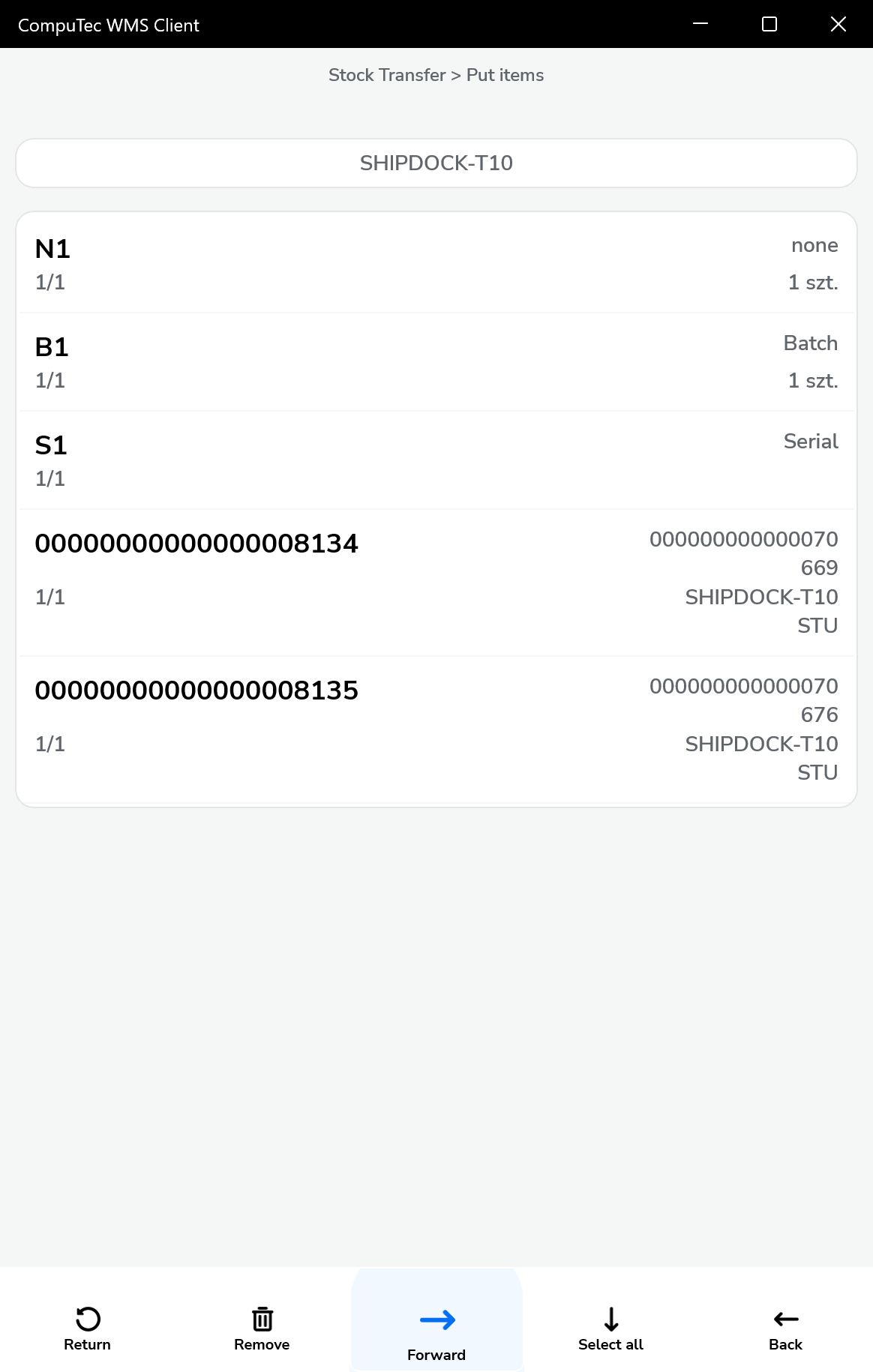
In the put items window we can define the location for each item
-
In the last step, saves the document
