You are viewing documentation for CompuTec WMS 3.0, which runs on CompuTec AppEngine 3.0 (.NET 8).
If you use CompuTec WMS 2.0, see the CompuTec WMS 2.0 documentation.
When upgrading to CompuTec WMS 3.0, update all required CompuTec components together to ensure compatibility.
Before installing or upgrading, review the CompuTec WMS Installation Guide and the system requirements.
CompuTec WMS Scanning Simulator
Use the CompuTec WMS Scanning Simulator to test barcode scanning behavior without access to a live CompuTec WMS system. You can enter item names, single barcodes, or multi-part barcodes.
The simulator supports GS1 and Odette barcode standards. For more information, see Barcode Scanning.
Download and run the simulator
The simulator is a standalone tool and does not require installation.
- Download the CompuTec WMS Scanning Simulator.
- Run the downloaded file.
Only one user can use the simulator at a time, including through Remote Desktop.
Test scanning
Item name or single barcode
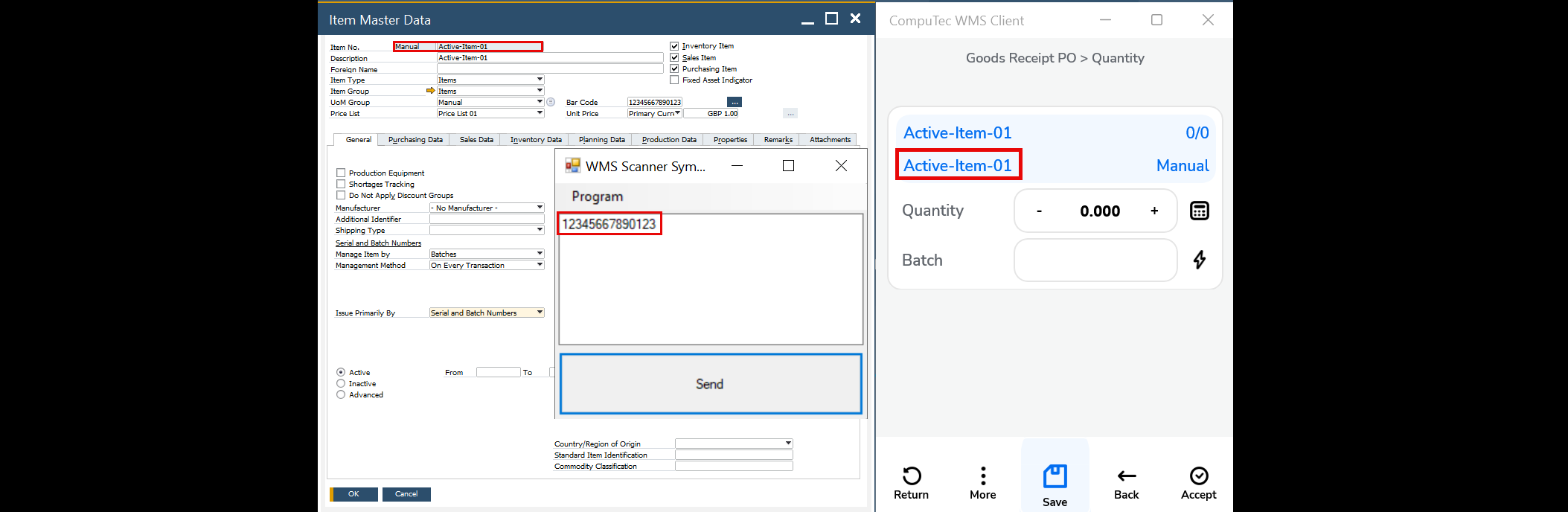
Enter an item name or barcode in the simulator to simulate a scan.
Multi-part barcode
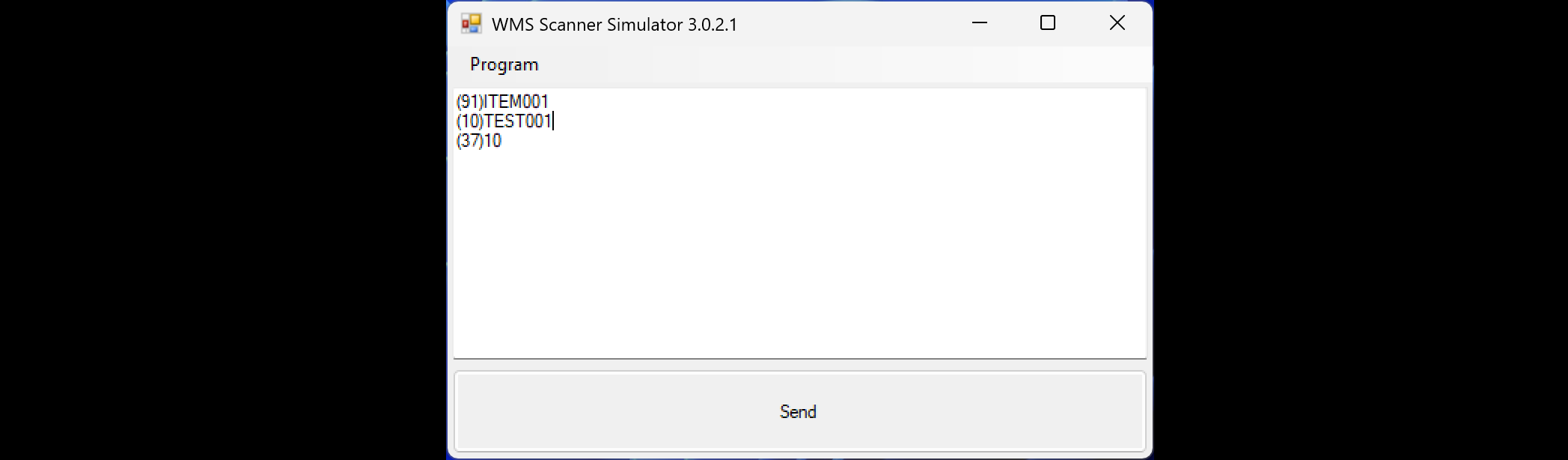
Enter each part of the barcode on a separate line to simulate scanning the parts one after another.