You are currently viewing documentation for CompuTec ProcessForce 3.0, which is a plugin installed and managed through CompuTec AppEngine 3.0, built on .NET 8. If you are working with older environments, you may need the documentation for CompuTec ProcessForce 2.0: https://learn.computec.one/docs/processforce/2.0/.
Please note that CompuTec ProcessForce 2.0 will be supported only until December 31, 2026. After this date, the product will no longer receive regular support or maintenance updates. Read more
CompuTec AppEngine 3.0 introduces a new architecture, and all CompuTec components, including the CompuTec ProcessForce 3.0 plugin, must be updated together to ensure full compatibility.
Before starting your installation or upgrade process, we strongly recommend reviewing the CompuTec AppEngine 3.0 and CompuTec ProcessForce 3.0 documentation.
Downtime
The downtime function allows recording downtime for a specific resource with additional data, e.g., time constraints, status, downtime reason, employees connected to the particular resource downtime: a reporter, a technician, or a person responsible for closing downtime.
Production → Time Booking → Downtime
Downtime Creation
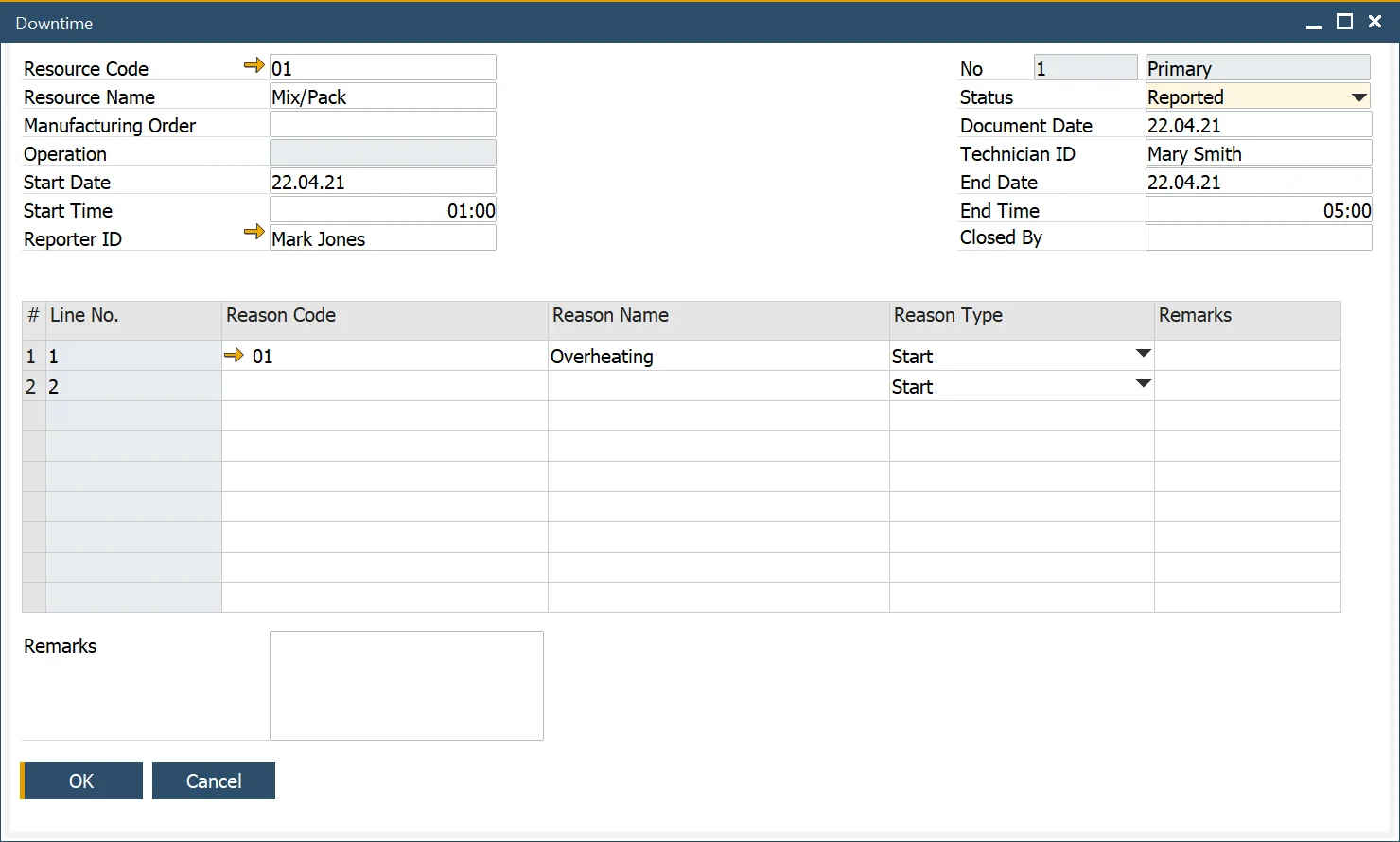
In the Downtime form header, you can define the following:
- Resource data: Code and Name
- Manufacturing Order and Operation: the specific order and task related to the downtime
- Start and end date and time: duration of the downtime
- Employees connected to the downtime:
- Reporter: who logs the downtime.
- Technician: the person responsible for the defect removal. Click here to find out more.
- Employee who can check and end downtime
- Document Series
- Status:
- Reported: downtime has been logged.
- In Progress - issue resolution is underway.
- Waiting - awaiting further action.
- Fixed - downtime has been resolved.
Users must select a Downtime Reason from the predefined list.
Downtime Reason
To configure downtime reasons, navigate to:
Administration → Setup → Production → Downtime Reason
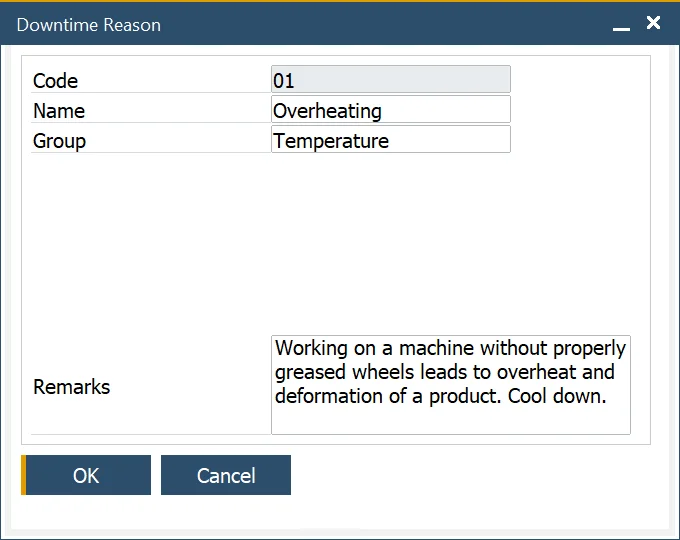
You can define Code, Name, and Remarks for a Down Time Reason. A predefined group can be chosen from a list.
Downtime Reason Group
To categorize downtime reasons, navigate to:
Administration → Setup → Service → Down Time Groups
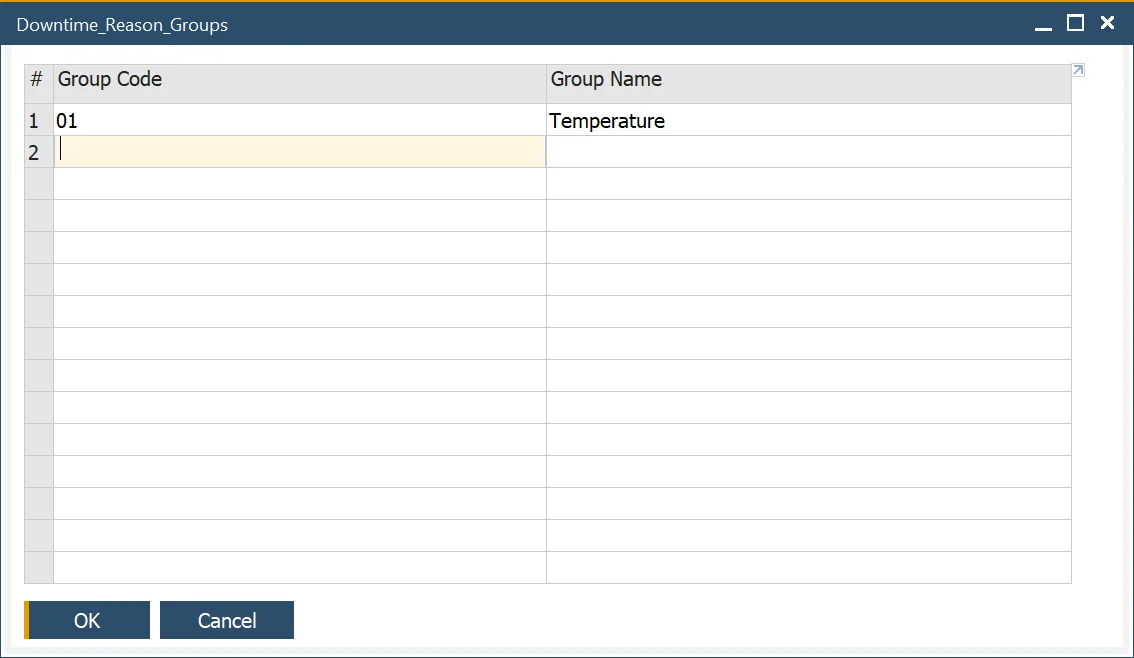
Downtime Groups help in organizing and streamlining downtime tracking.