You are viewing documentation for CompuTec WMS 3.0, which runs on CompuTec AppEngine 3.0 (.NET 8).
If you use CompuTec WMS 2.0, see the CompuTec WMS 2.0 documentation.
When upgrading to CompuTec WMS 3.0, update all required CompuTec components together to ensure compatibility.
Before installing or upgrading, review the CompuTec WMS Installation Guide and the system requirements.
CompuTec Gateway Service Installation
This document provides a step-by-step guide on how to install CompuTec Gateway service.
Important! For the program to work properly, configure your firewall to make the 54001 port available.
-
To install CompuTec Gateway Service, download and run its installation file - you can find it here
-
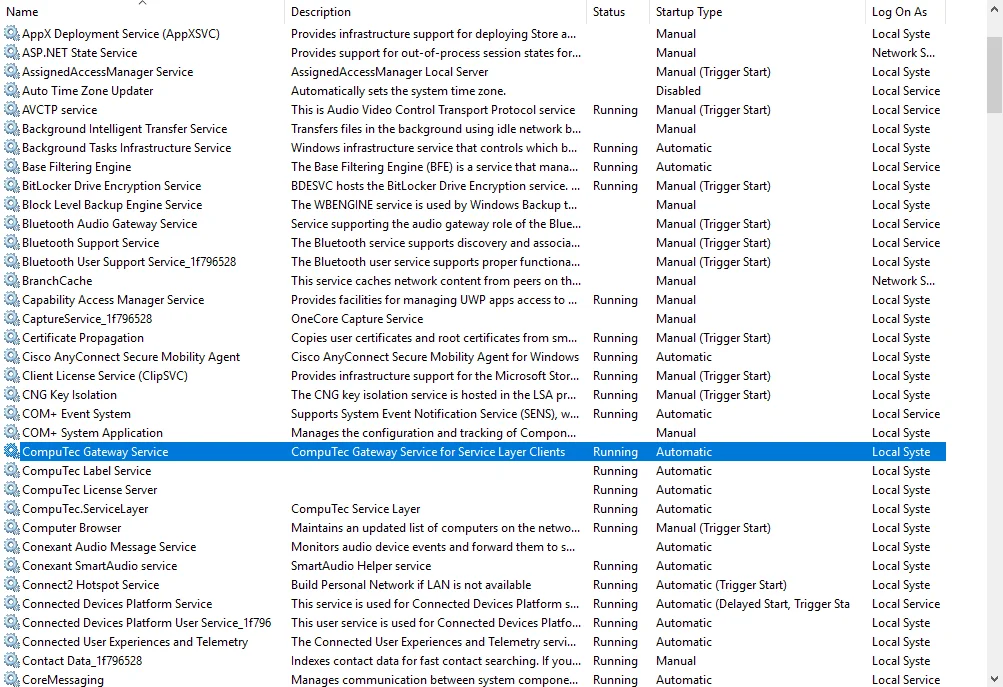
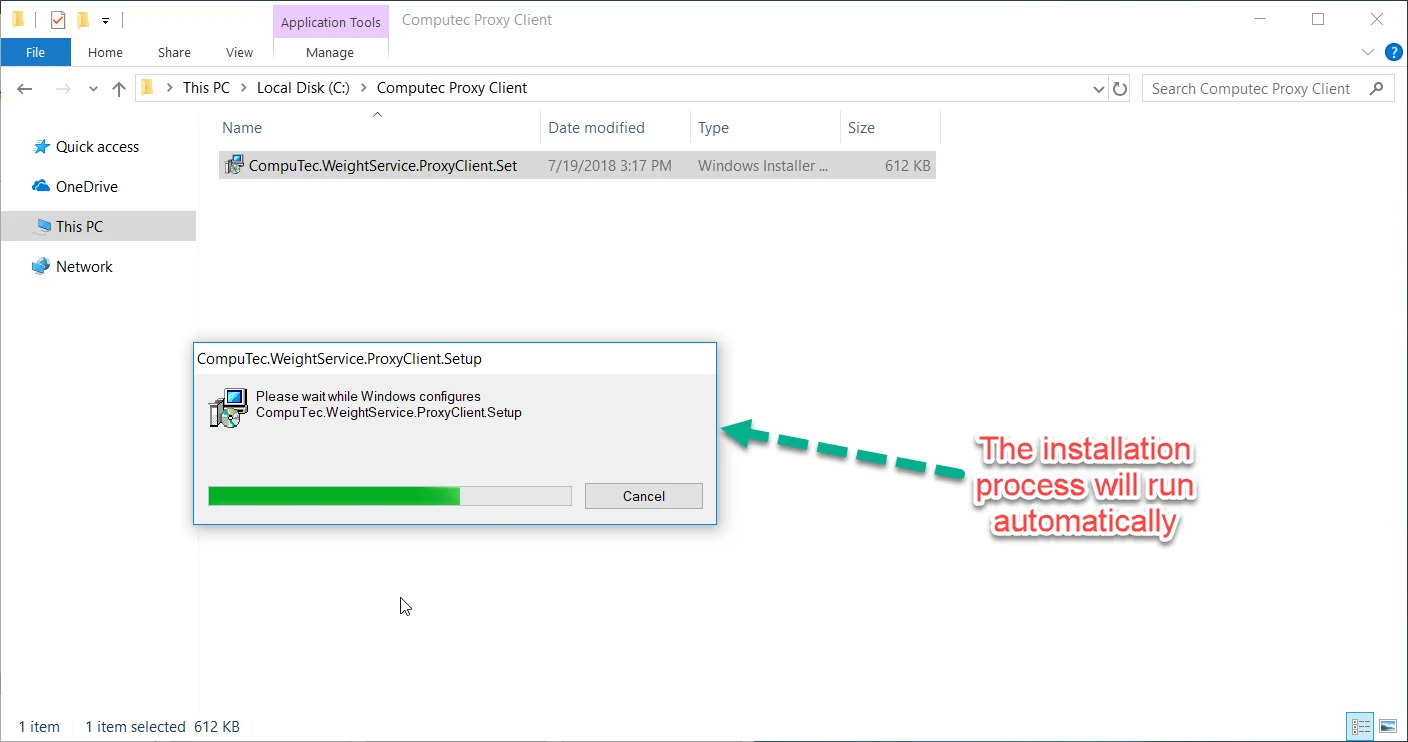
Run the installation file CompuTec Gateway Service. When the installation is complete, the Gateway Service service will start automatically.
-
The CompuTec Gateway Service was successfully started and connected to Service Layer. Now you can go to the Weight Configuration Manager.