You are viewing documentation for CompuTec WMS 3.0, which runs on CompuTec AppEngine 3.0 (.NET 8).
If you use CompuTec WMS 2.0, see the CompuTec WMS 2.0 documentation.
When upgrading to CompuTec WMS 3.0, update all required CompuTec components together to ensure compatibility.
Before installing or upgrading, review the CompuTec WMS Installation Guide and the system requirements.
Enable Row Color Customization
Row Color Customization allows you to apply custom background and text colors to document rows based on SQL query results. This helps users quickly identify specific items or document lines during warehouse operations.
You can define conditions using SQL and assign different colors when those conditions are met.
Before you start
Before configuring this feature, ensure that:
- You have permission to modify the WMS Custom Configuration.
- The SQL query returns the required result format.
- The WMS Server is restarted after saving the configuration.
Configure row color customization
To configure row color customization, follow these steps:
-
Open WMS Custom Configuration.
-
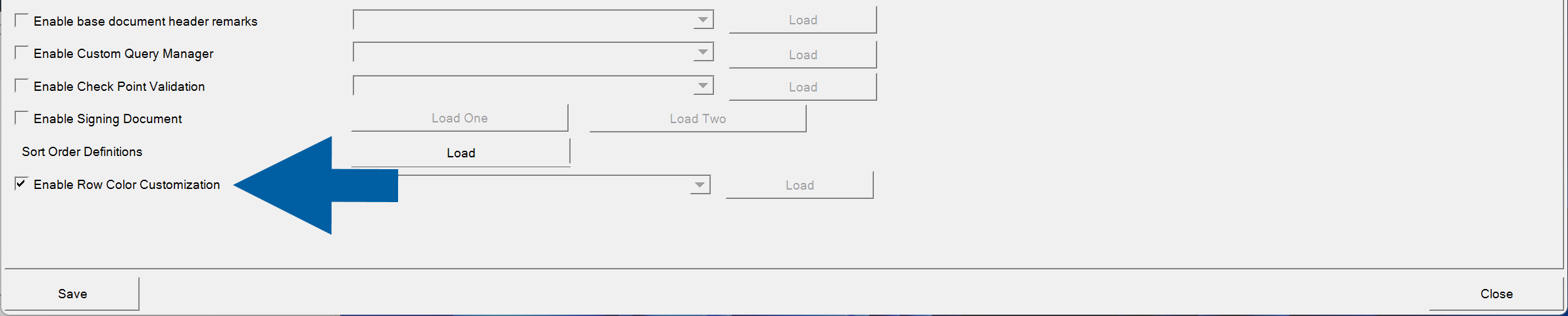
Select Enable Row Color Customization.
-
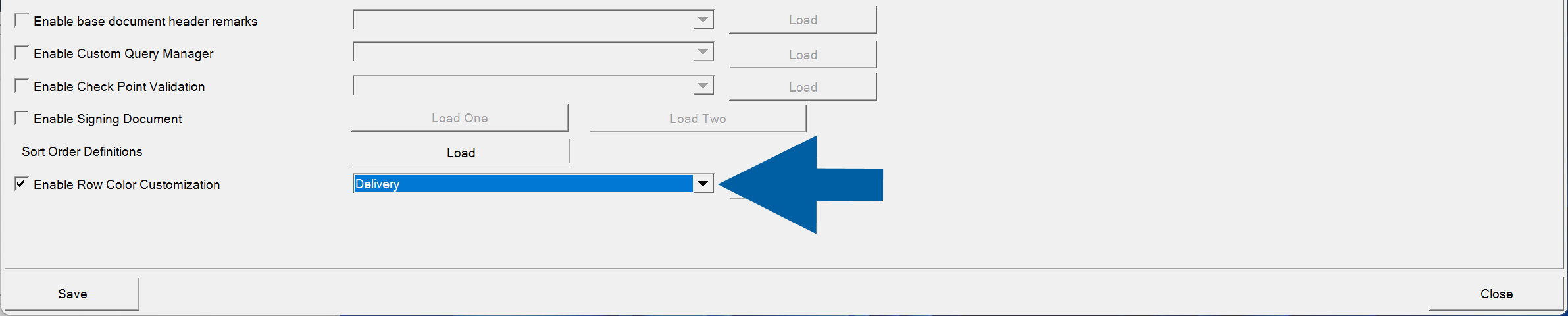
Select the transaction for which you want to configure row colors.
-
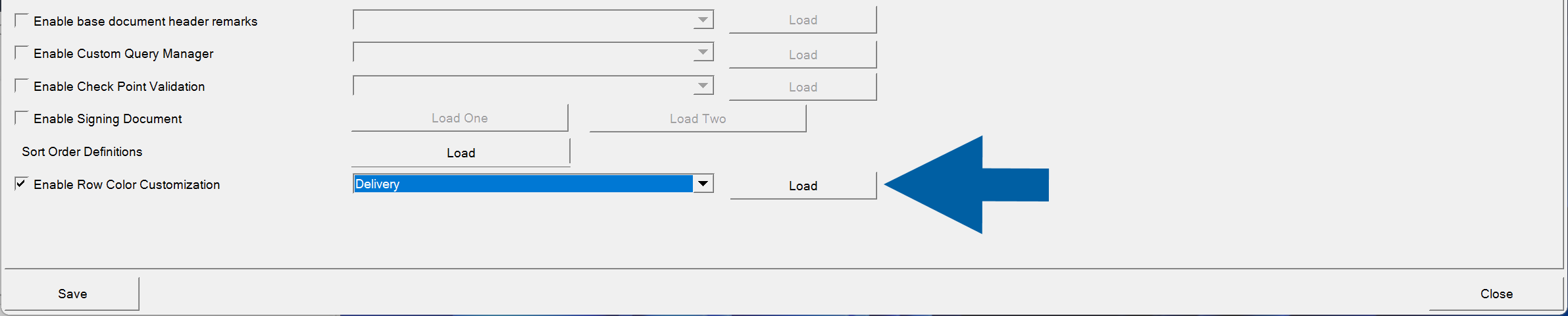
Click Load.
-
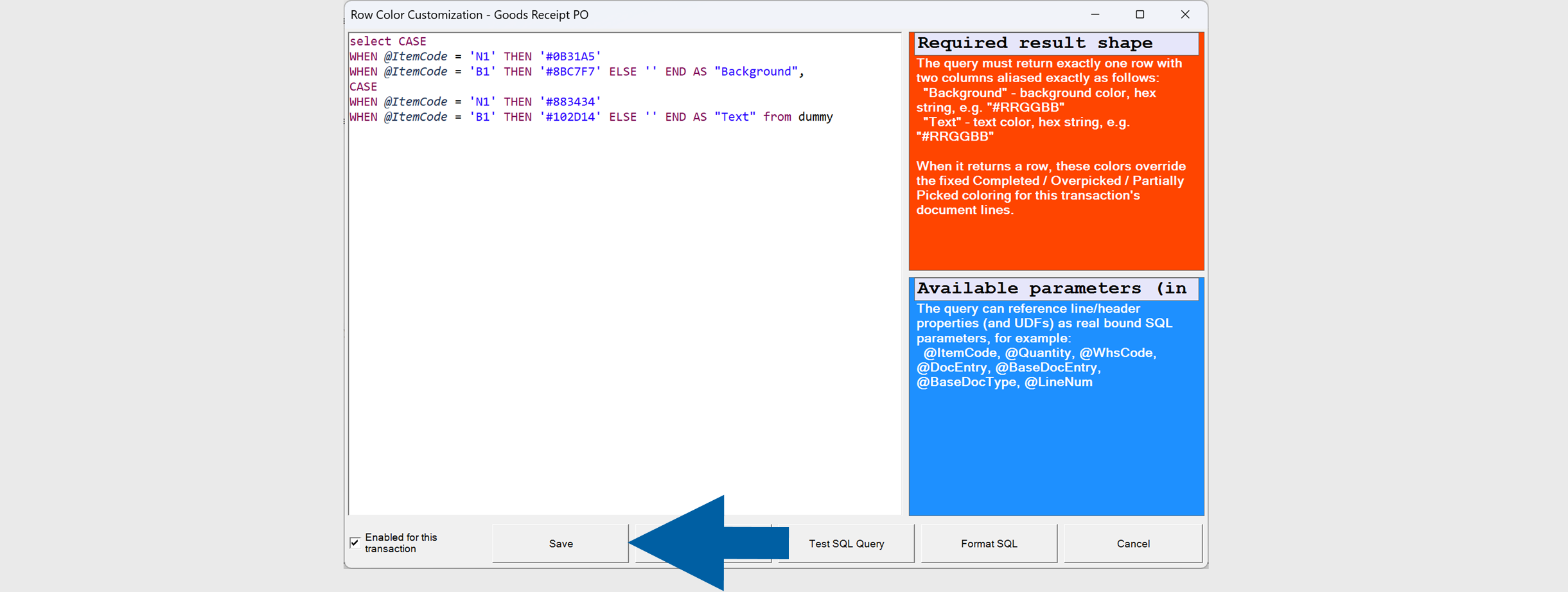
Enter your SQL query, amd click Save.
 note
noteThe query must return exactly one row with the following two columns:
Column Description BackgroundBackground color in hexadecimal format (for example, #RRGGBB).TextText color in hexadecimal format (for example, #RRGGBB). -
Restart the WMS Server.
-
Done! You've configured row color cutomization.
Example
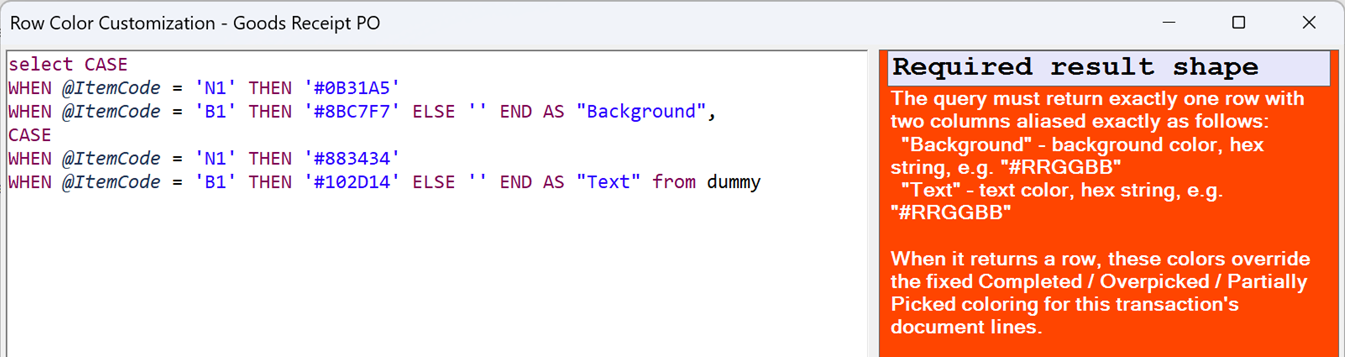
The following query changes the row colors based on the item code:
SELECT
CASE
    WHEN @ItemCode = 'N1' THEN '#0B31A5'
    WHEN @ItemCode = 'B1' THEN '#8BC7F7'
    ELSE ''
END AS "Background",
CASE
    WHEN @ItemCode = 'N1' THEN '#883434'
    WHEN @ItemCode = 'B1' THEN '#102D14'
    ELSE ''
END AS "Text"
FROM DUMMY;
Result
When the SQL query returns a row, CompuTec WMS applies the returned colors to the corresponding document line.
If the query does not return color values, the standard row colors configured for the transaction are used.

Additional information
- The SQL query can reference transaction parameters, including document header fields, line fields, and User-Defined Fields (UDFs).
- Available parameters are displayed in the SQL editor.
- The feature is configured separately for each transaction.
- Color values must be specified as hexadecimal color codes (for example,
#0B31A5or#FFFFFF). - Restarting the WMS Server is required for configuration changes to take effect.